Page 35
SECONDARY FUNCTIONS
RELATIVE HUMIDITY SET POINT
This setting regulates room humidity only
when a humidity sensor is connected to the
ECS. The humidity setting affects Fan 1 only.
When humidity in the room exceeds the
relative humidity set point, Fan 1 minimum
speed increases gradually and proportionally.
If relative humidity rises in the 10% range
above the humidity set point, minimum speed
also increases proportionally up to the value
set by secondary function (3). The humidity
level is adjusted in 1% increments from a
minimum setting of 30% to a maximum setting
of 80%.
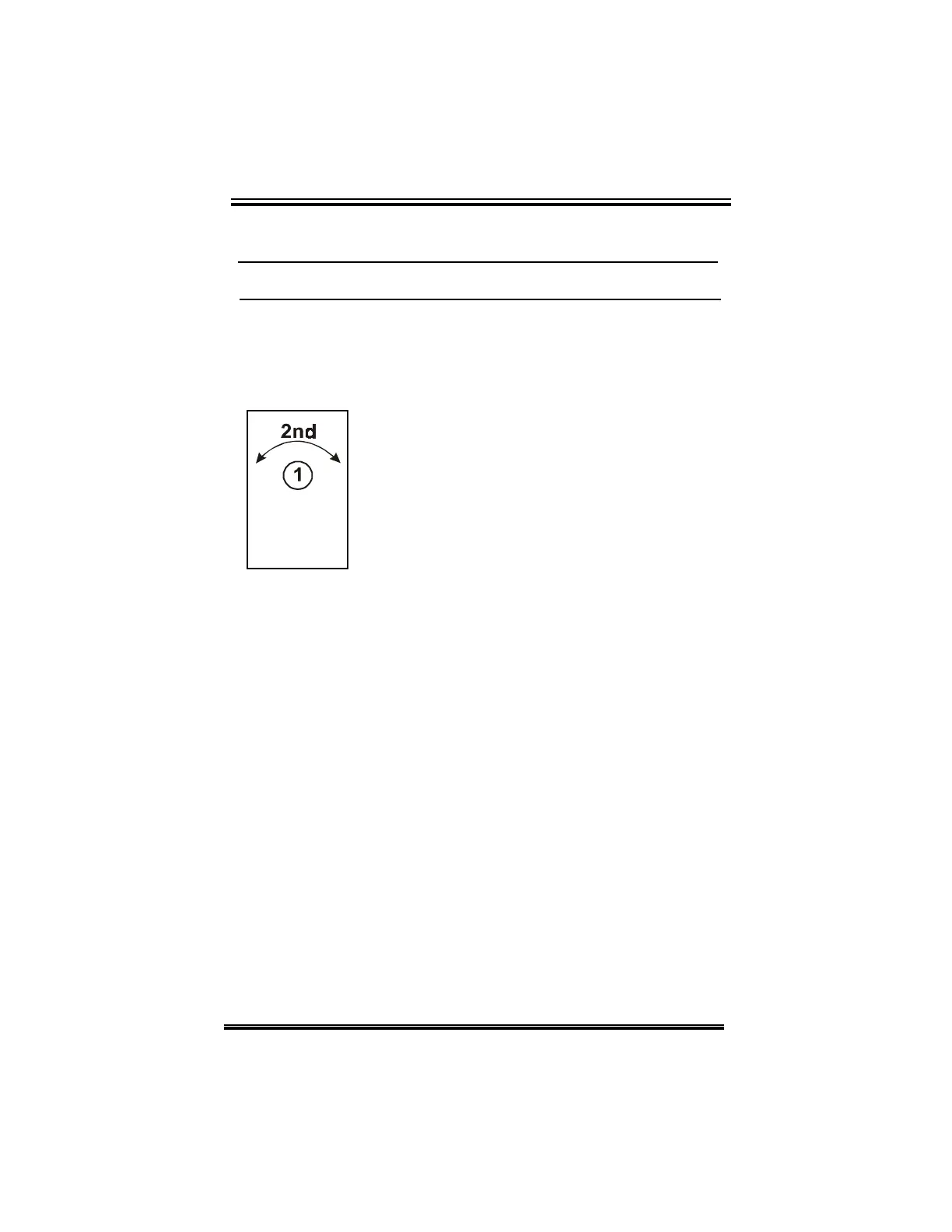
Adjusting the relative humidity level:
•
rotate the selector dial to position (12),
•
rapidly rotate the adjuster dial back and forth
to enter secondary function mode,
•rotate the selector dial to position (1),
•
rotate the adjuster dial counterclockwise to
decrease the humidity set point, clockwise to
increase it.
The humidity setting is displayed on the ECS.
RH
CHAPTER 3 - USER’S GUIDE


 To Next Page