Page 31
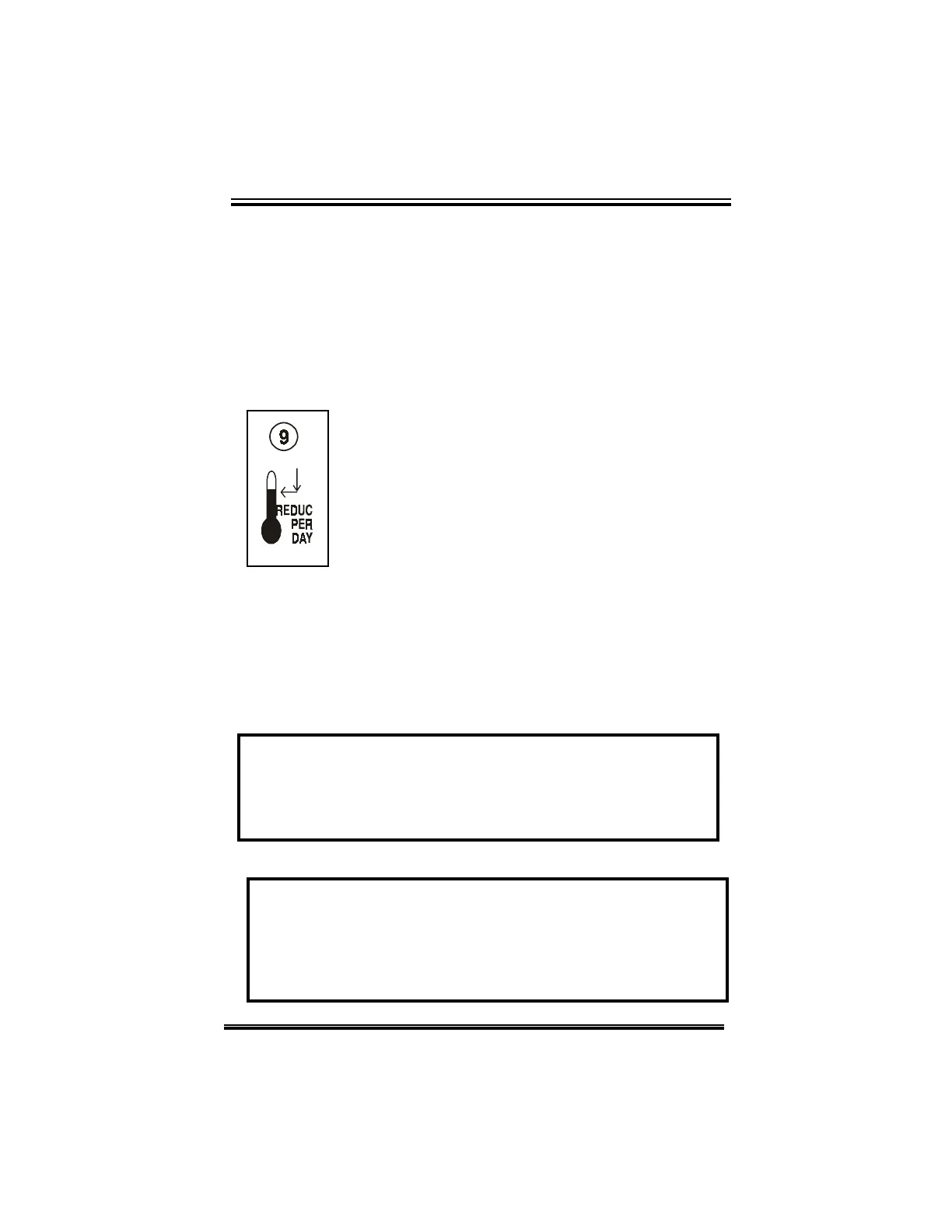
REDUCTION PER DAY
The reduction per day (ramping) function
automatically reduces the main set point by
the set value every 24 hours.
The reduction setting is adjusted in 0.01
degree decrements from a minimum setting
of OFF, -0.01°C (-0.01°F) to a maximum
setting of -0.50°C (-0.99°F).
The main set point must be greater than
the minimum ramping.
Adjusting the reduction per day:
•
rotate the selector dial to position (9),
•rotate the adjuster dial counterclockwise to
decrease the reduction value, clockwise to
increase it.
The reduction setting is displayed on the ECS.
NOTE: When ramping is activated or enabled, the main
set point temperature cannot be manually adjusted.
Ramping automatically turns OFF when the minimum
temperature limit is reached!
Example: The main set point temperature is set to 70°F
and ramping is adjusted to -0.05°F. The following day the
main set point temperature drops to 69.95°F followed by
69.90°F on the next. Although the main set point real
value decreases, the display will be changed after 10
days. The main set point will then be 69.5°F.
CHAPTER 3 - USER’S GUIDE


 To Next Page