3. Before Installing the System
vatech A9 (Model: PHT-30CSS) Installation Manual 35
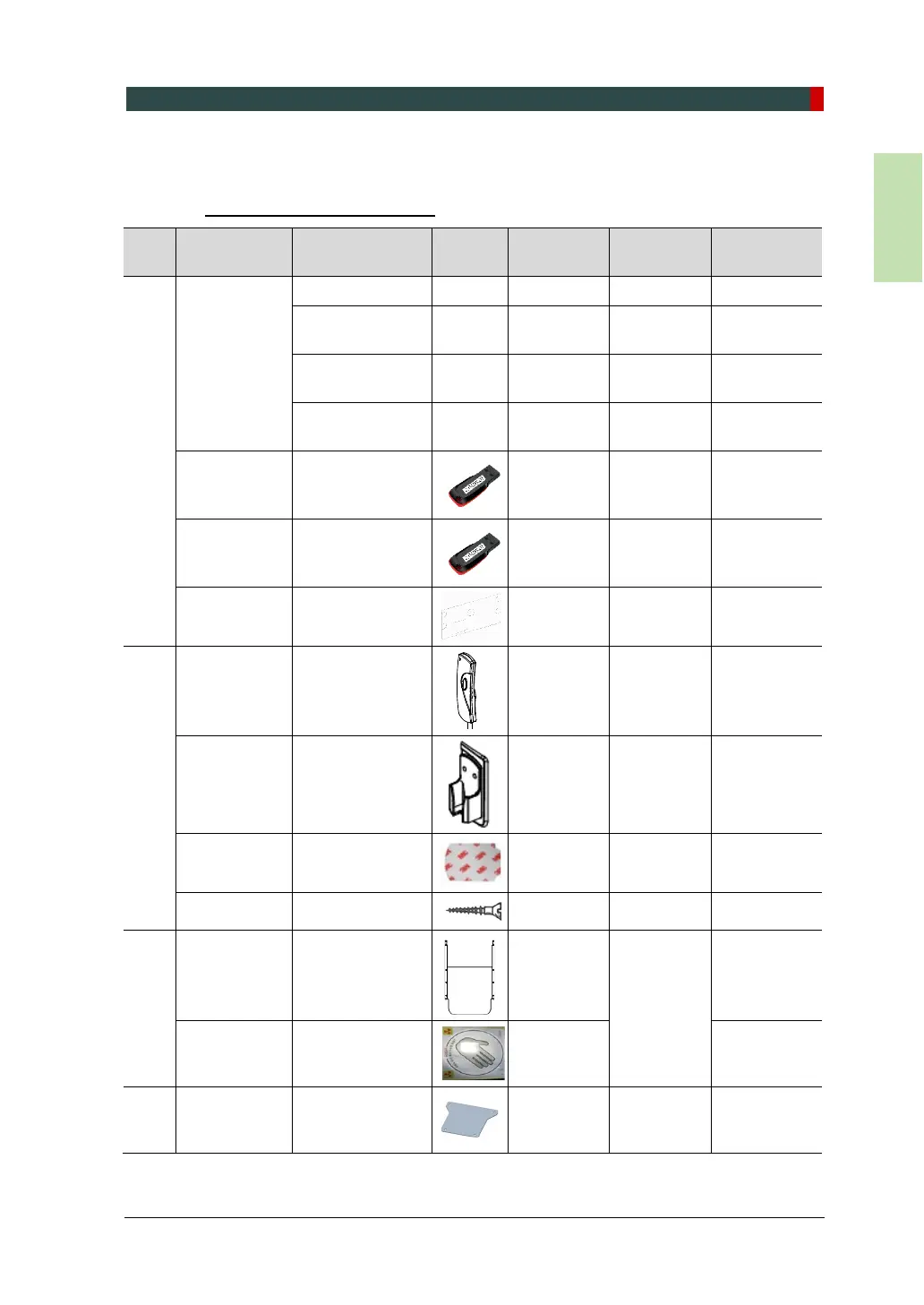
3.4.2 Parts List
In the Accessory Box 1 & 2
Part
No.
Items Specification Figure QTY Comments
Confirmed
(OK?)
1
Manuals
User Manual 1 Yes □ No □
Installation
Manual
1 Yes □ No □
2D Viewer
Manual
1 For EzDent-i Yes □ No □
3D Viewer
Manual
1 For Ez3D-i Yes □ No □
Installation
USB
1 Yes □ No □
3D / 2D Viewer
License Key
1
Ez3D-i
and
Ez3D-i
Yes □ No □
SP Sticker
1
For Pano
Option
Yes □ No □
2
Exposure
Switch
1 Yes □ No □
Double-Sided
Sticker
1 Yes □ No □
Screws M3x8
2 Yes □ No □
3
Carpus Plate
1
CEPH
Option
Yes □ No □
Handrest
Sticker
1 Yes □ No □
4
Alignment
Plate
1
Floor Mount
Option
Yes □ No □
5 Left Blank Intentionally
6
Anti-Static
Gloves
1 pair Yes □ No □



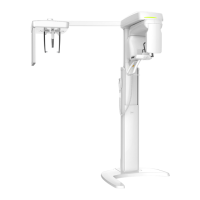
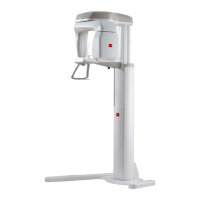
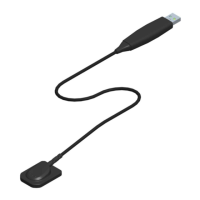
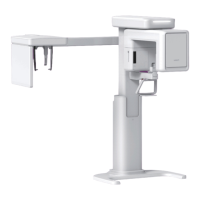

 To Next Page