On the left side of the device's main interface, there is a battery level prompt message. When the
battery level is low, please use the power adapter to power up in a timely manner to prevent the
device from powering down during use.
Note
For access to some key functions your need to enter the user password. Initial user password of
the product is vathin. Plear reset the user password during the firts login. Otherwise it may cause
patient data leakage.
If you forget your administrator account or password while using the Digital Video Monitor, please
contact your local distributor or Vathin Medical for account and password initialization.
In emergency situations, real-time images can be viewed without logging in, but other operations
beyond previewing real-time images are not allowed.
If an endoscope is not connected, the icons of photographing and recording on the screen are
gray and unavailable.
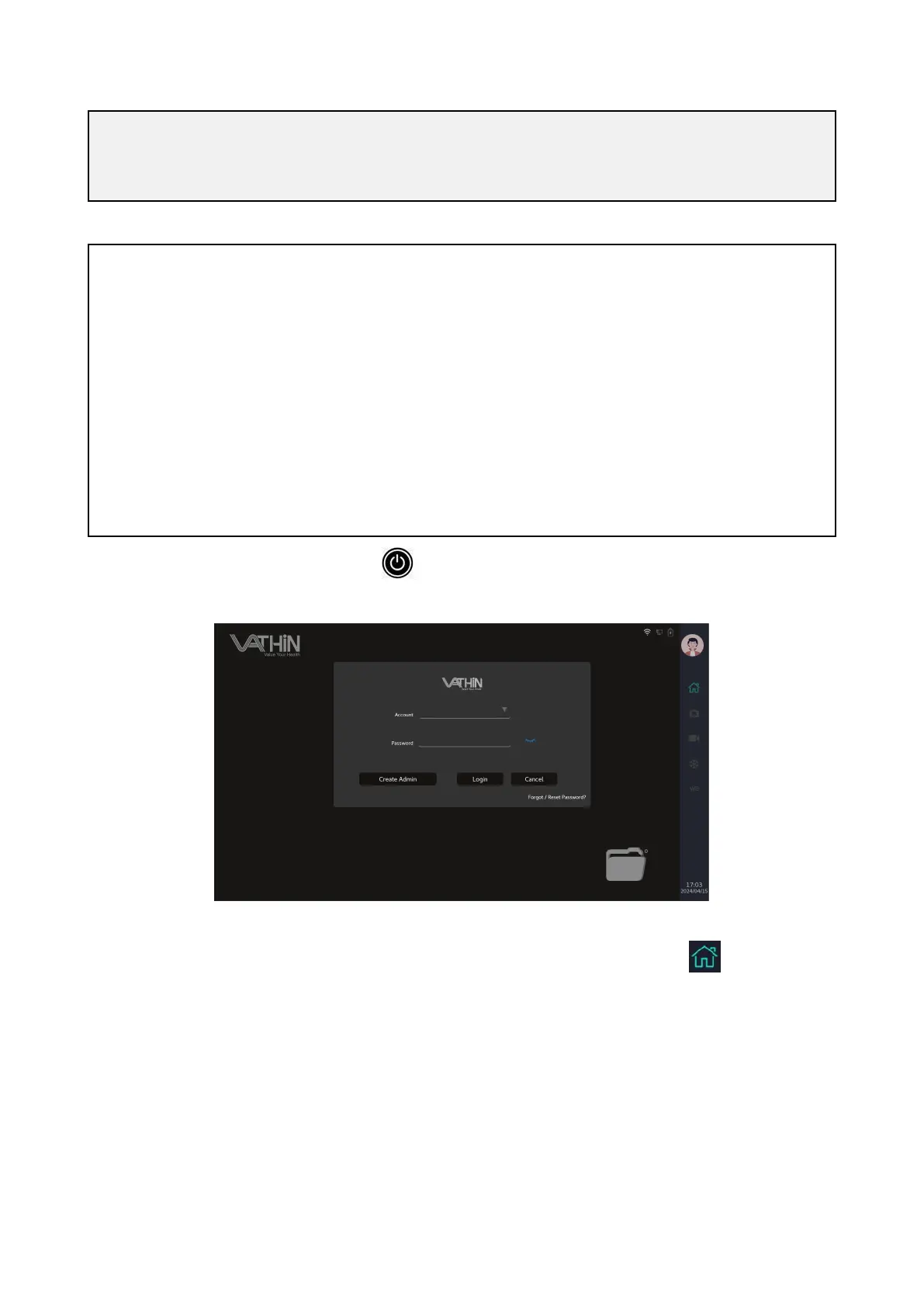
5.3.1 Press and hold the power button to turn on the device. The system enters the login
interface and clicks the "Cancel" button to enter tourist mode.
5.3.2 If the endoscope is not inserted, the screen will display the following animated image of
endoscope insertion and removal, and the shortcut icons under the main interface will be grayed
out and in an unusable state.



 To Next Page