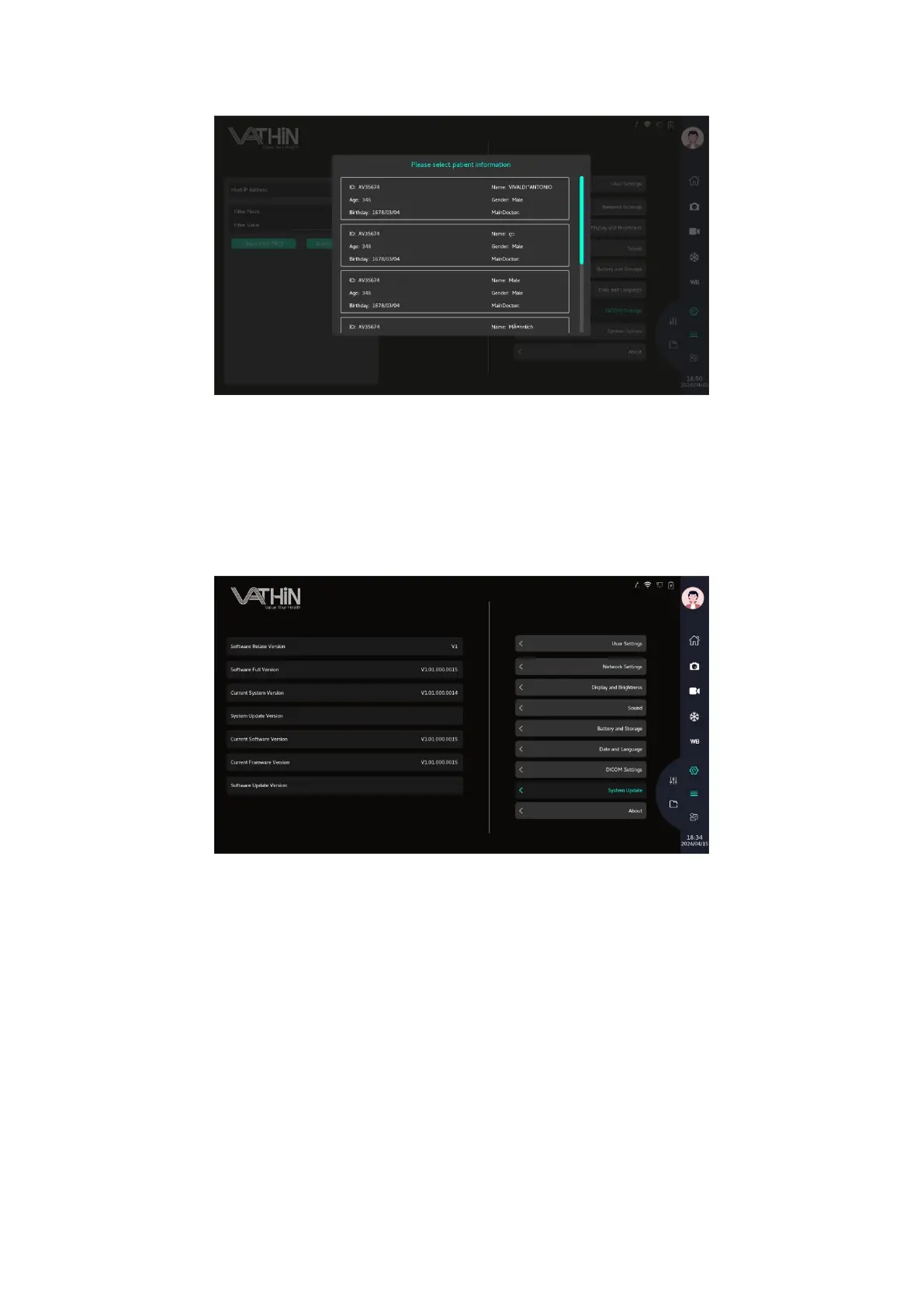
6.7 System update
On the device information page, view information about the digital video monitor, such as software
version, available disk space, etc.
Please contact your local sales agent or after sales for an upgrade
6.8. Reporting a problem
Please contact your local sales agent or after sales.
6.9 Clear data
If a digital video monitor is to be handled by a third party or needs to be disposed, it is advised to
delete all sensitive data. Please follow your local guidelines for data protection. Only the
Administrator can reset the data.
The data reset function will delete:
• All procedure folders with saved images and videos



 To Next Page