6.4. File Management Menu
6.4.1. File Management Menu
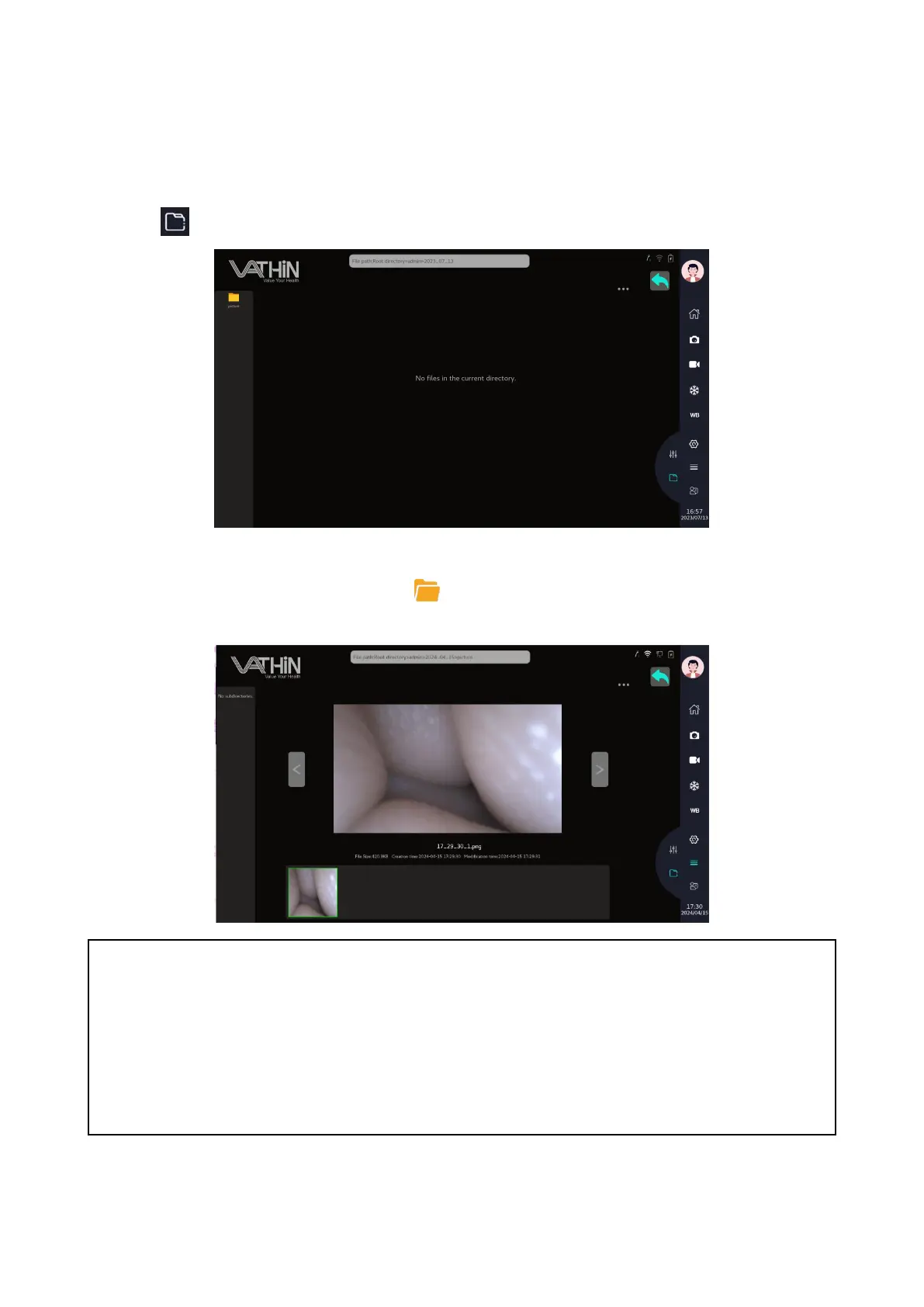
Tap icon to enter the file management menu.
6.4.2. Playback Photos/Videos
In the File management menu, tap the icon to open the intended folder. Tap the corresponding
image/video for playback. viewing patient report forms.
Note
The captured images/videos are stored separately based on user name, capturing date, and
patient ID.
If a patient ID is set, the file storage path is: /username/patient ID/shooting time/picture (video). If
the patient ID is not set, the file storage path is: /username/shooting time/picture (video).
The captured images are stored in PNG format, and the videos are stored in MP4 format.



 To Next Page