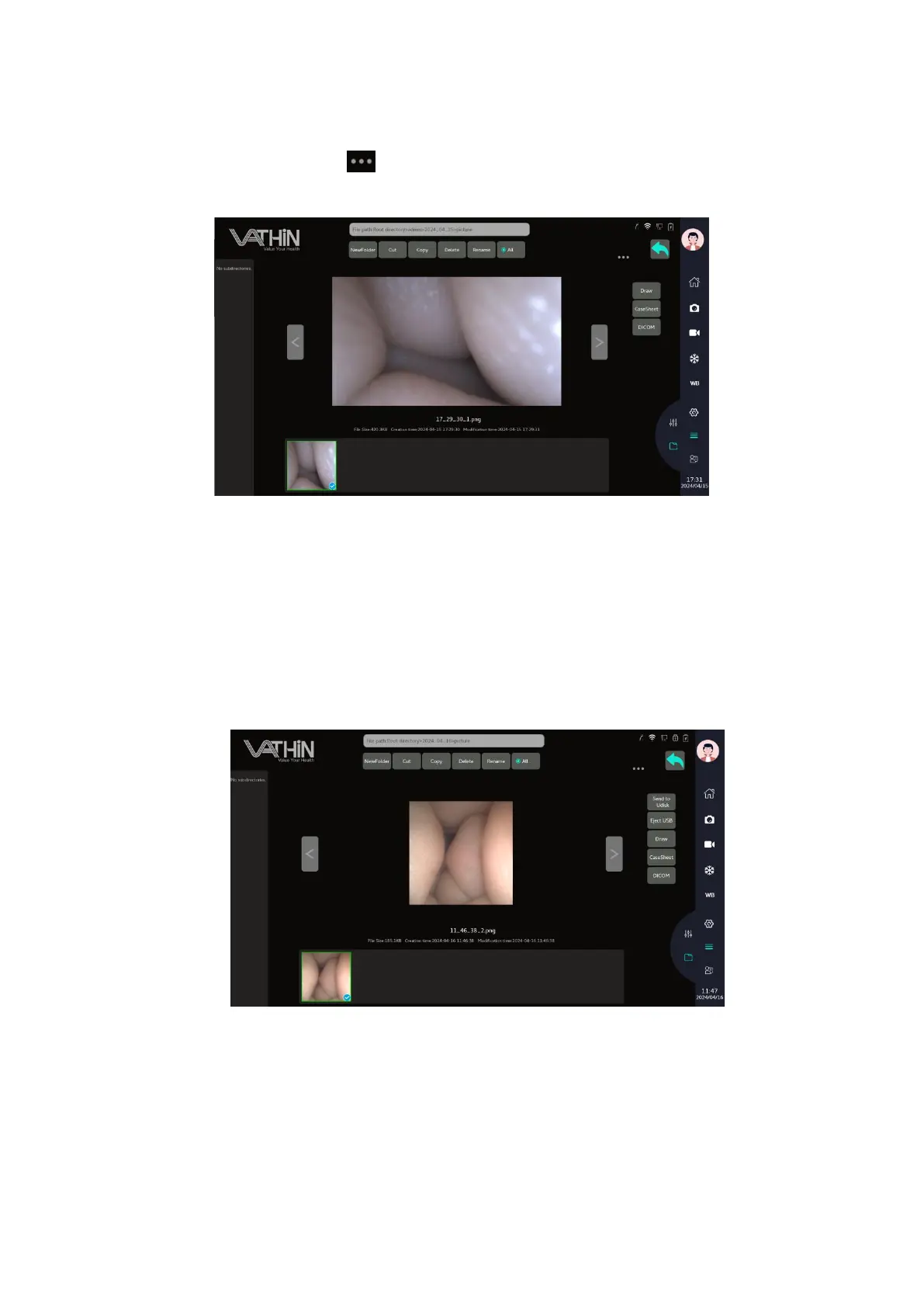
6.4.3. File edit
After selecting a file, tap the icon to enter the file editing menu to copy, clip, rename, delete the
file.
6.4.4. Exporting files
Before you export files, ensure that connection to the PACS server has been set up or USB flash drive
connected to the Digital Video Monitor.
Select files for export:
•Press and hold a file or folder to enter selection mode
• Click on the desired files in turn or click Select all
Export to USB flash drive:
After selecting the image or video, click the "Send to Udisk" button, enter your account password, and the
transfer progress bar will be displayed until the transfer is completed.



 To Next Page