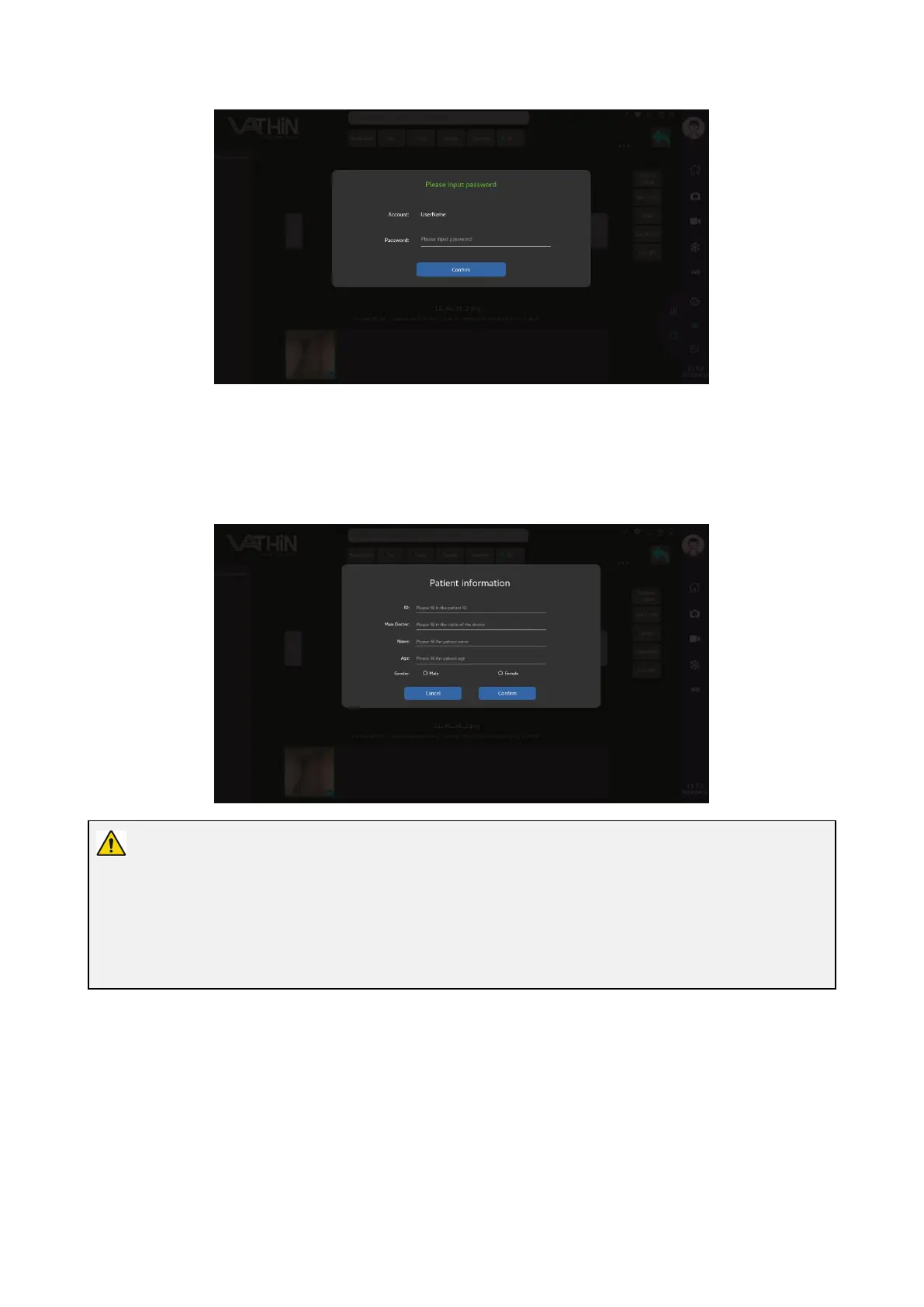
Export to PACS:
After selecting a picture or video, click the "DICOM" button, input patient ID, name of attending physician,
patient name, patient age, patient gender, and tap the confirmation button. Then wait for the file transfer to
complete.
Warning
Users are not recommended to use USB to import and export data.
Before using the USB to import and export data, you need to check whether the USB is infected with
viruses, and you need to keep the USB properly



 To Next Page