6. Menu Functions
Note
This product sets up user account management and authority management, and related functions
are only open to users with authority. This product manual does not describe the authority of each
user, and the authority of each user is subject to the actual authority provided by this product.
Each device can only have one administrator account set up,Administrator account
has more permissions
Changing the administrator password requires super administrator privileges. Please keep your
account password safe
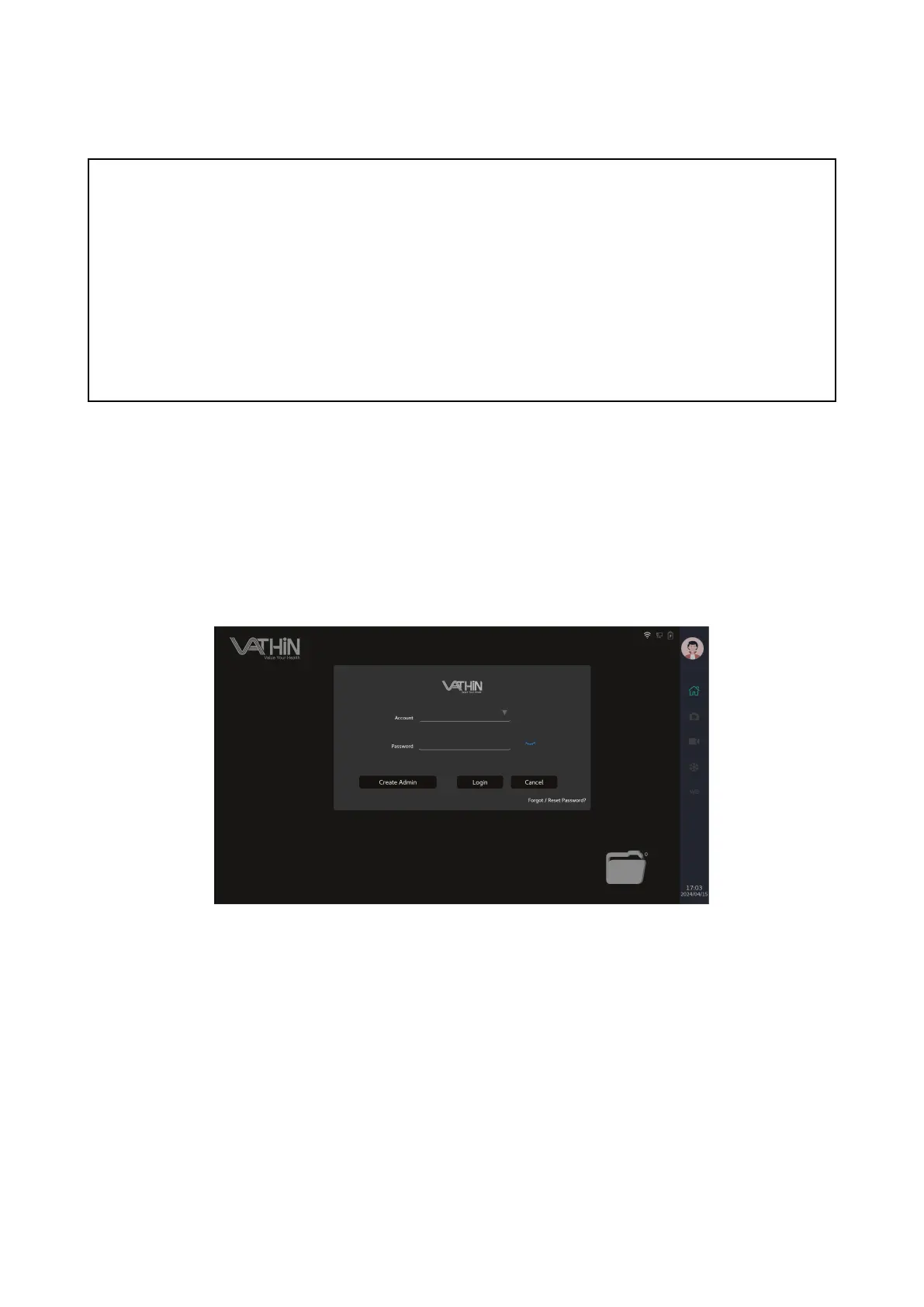
6.1. Login interface
6.1.1 When using this device, clicking the cancel button or the blank area around the login interface
allows you to enter tourist mode and perform basic image viewing functions, but you cannot make any
modifications to the settings information
6.1.2 When using this device for the first time, click the button “create administrator” to enter the
administrator creation interface, enter an administrator account and set a password, and click confirm
to complete the creation.The password must contain special characters.



 To Next Page