6.2.5. REMOTE function
1) Connect D-SUB9 cable or REMOTE cable according to related digital video recorder and Digital
Video Monitor.Preparation work can also refer to Chapter 5.2.4.
2) Press the button on the endoscope handle to complete the REMOTE function, control the
recording of videos and images.
6.3. Patient Information Menu
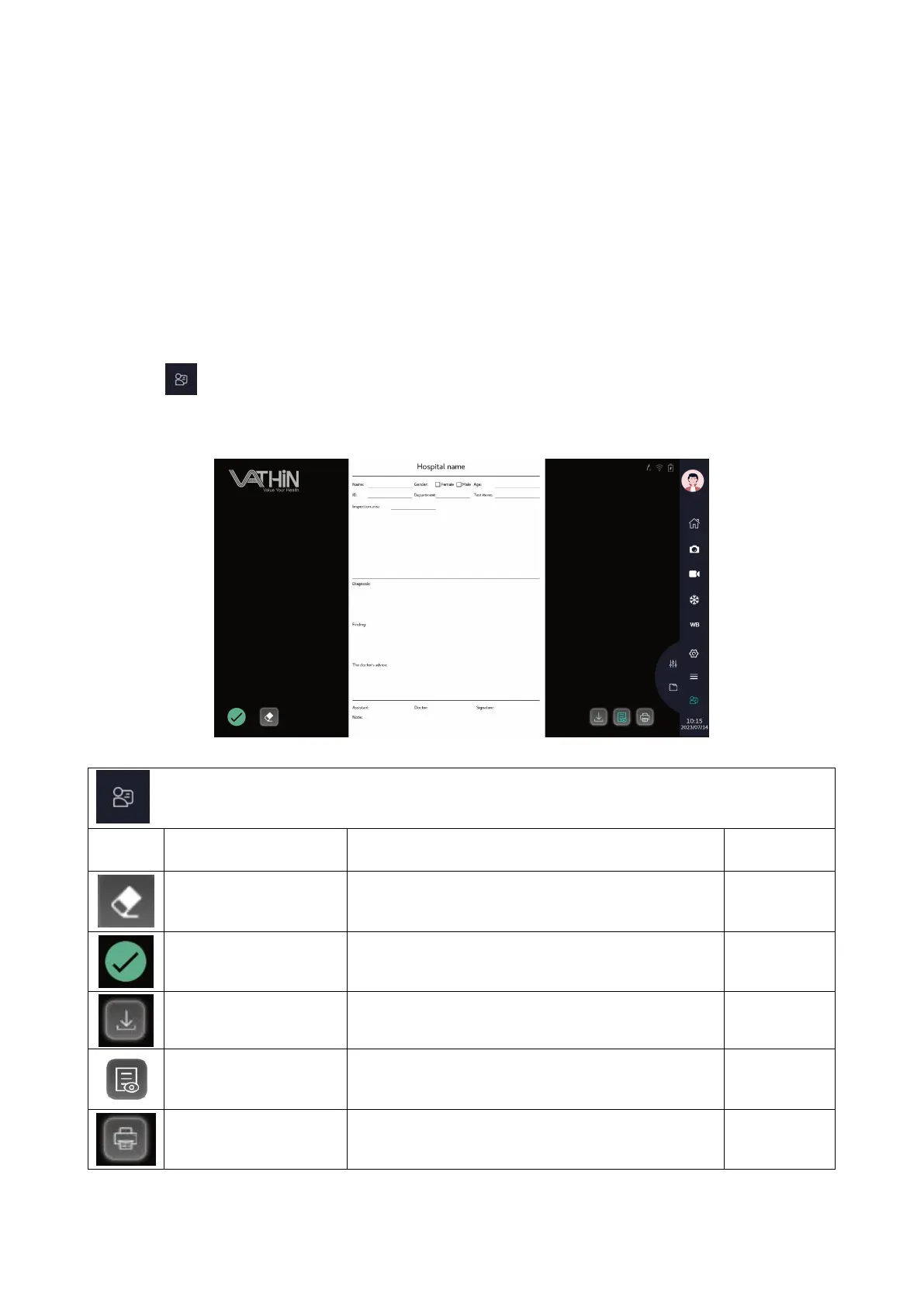
Tap icon to enter the Patient Information Menu to edit patient information and management medical
record report.
Description of Patient Information Menu
Tap to clear the input content
Tap to save the Case Report to the Document
Management System
Tap to preview the case report
After connecting the PC printer, tap to print the
case report



 To Next Page