• UserAdministrator will be reset to default password.
• Wireless network settings
• DICOM, PACS server settings
Clear the data:
• Press the Settings enter UserAdministrator password and press Continue
• Press Clear data . A dialog box appears informing of the consequences and asking to confirm.
• Press Confirm,
• A dialog box appears informing that this operation may take a while, the operation can succeed
or fail. If failed, please try again.
6.10 Device information
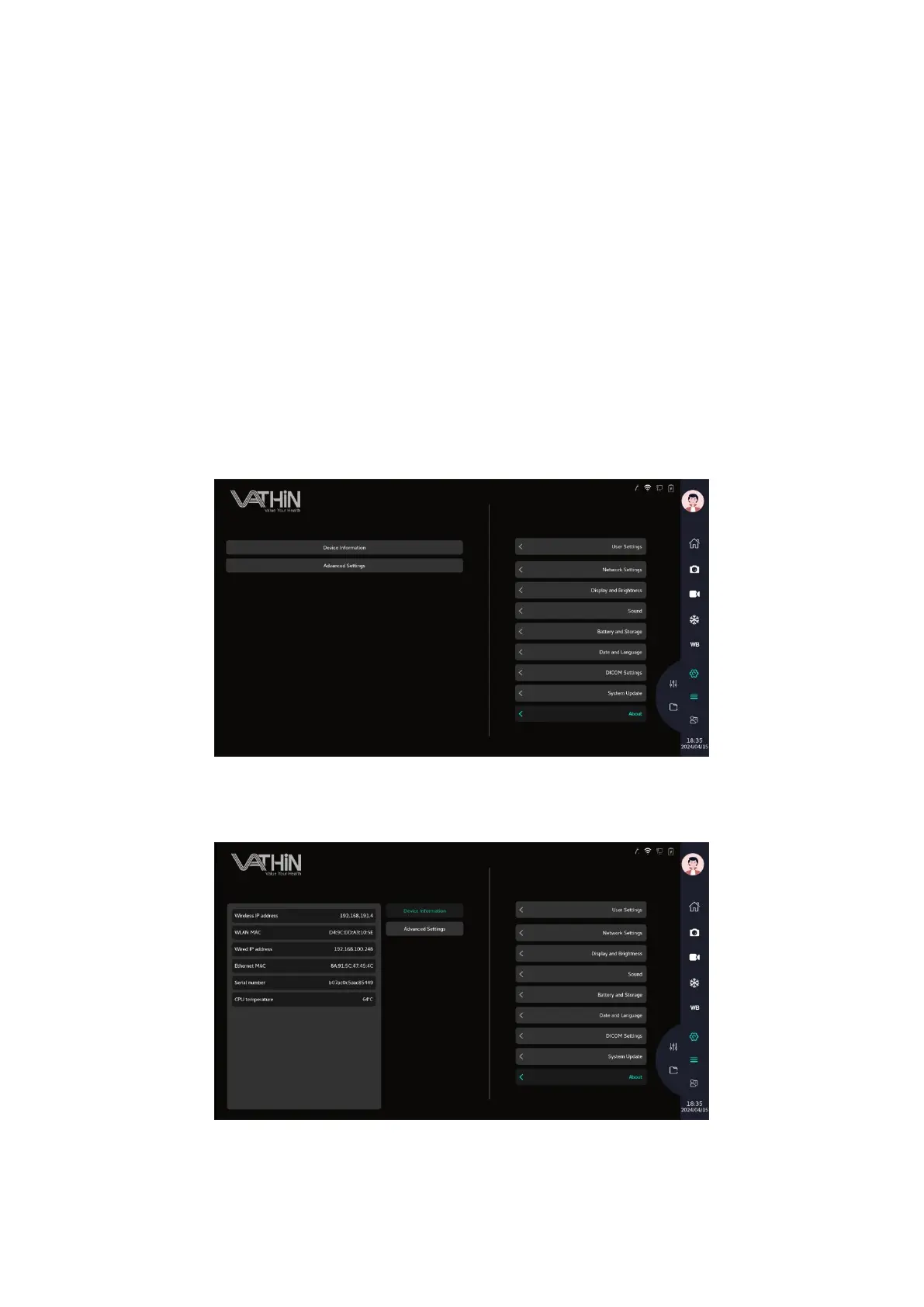
Under the system settings interface, click on the "About Local Settings" option to enter the system
update settings interface, where you can view the current system version information
Device information: can view the current device's IP address, MAC address, serial number, and chip
temperature information
Advanced settings: You can set the automatic logout time or perform appearance settings (regular
accounts do not have advanced settings permissions)



 To Next Page