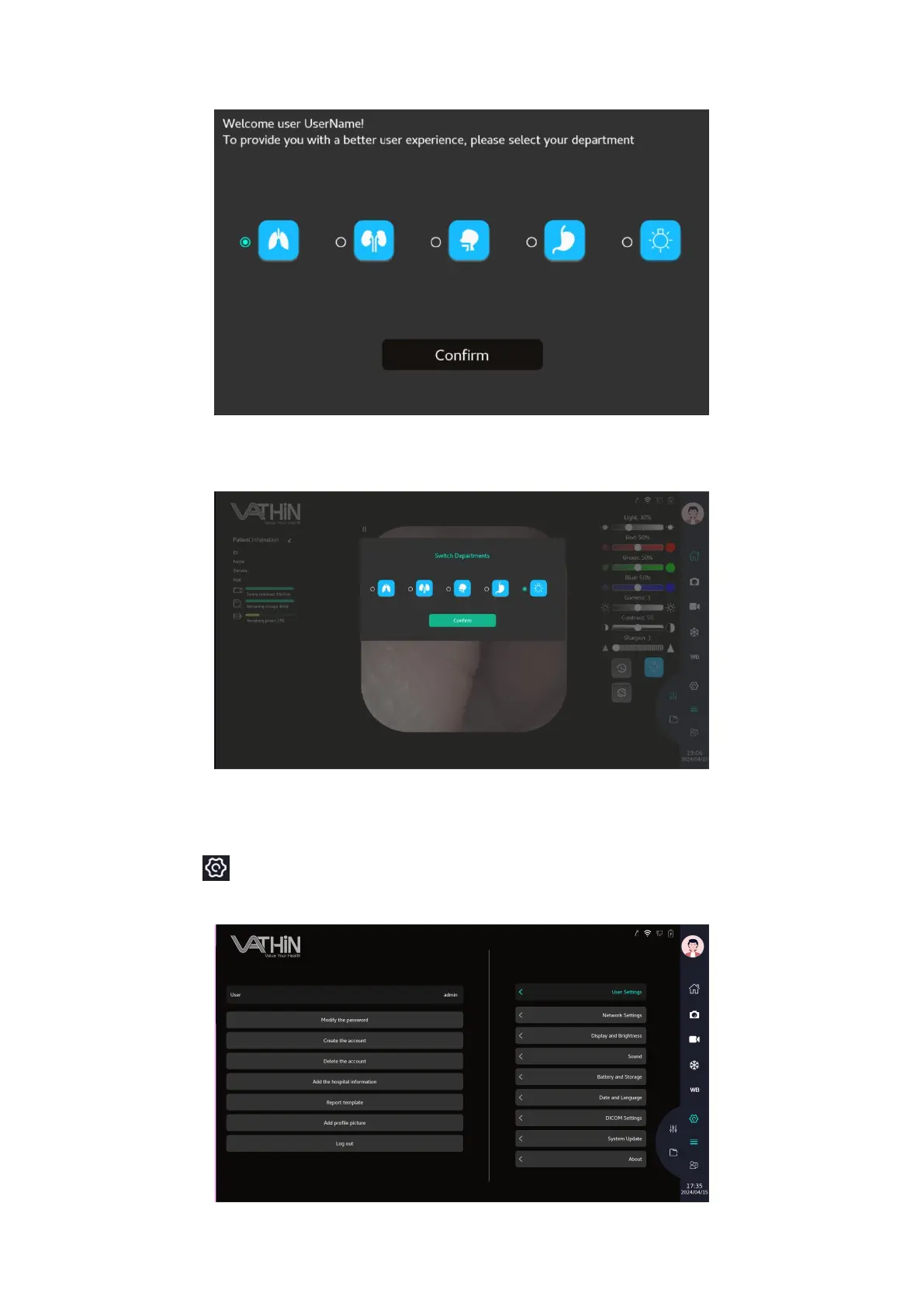
In the image mode parameter adjustment interface, image parameters can also be adjusted and
saved.
6.6. System Settings Menu
Click the icon to enter the System Settings Menu for user settings, network settings, display and
brightness settings, sound settings, time zone and language settings.



 To Next Page