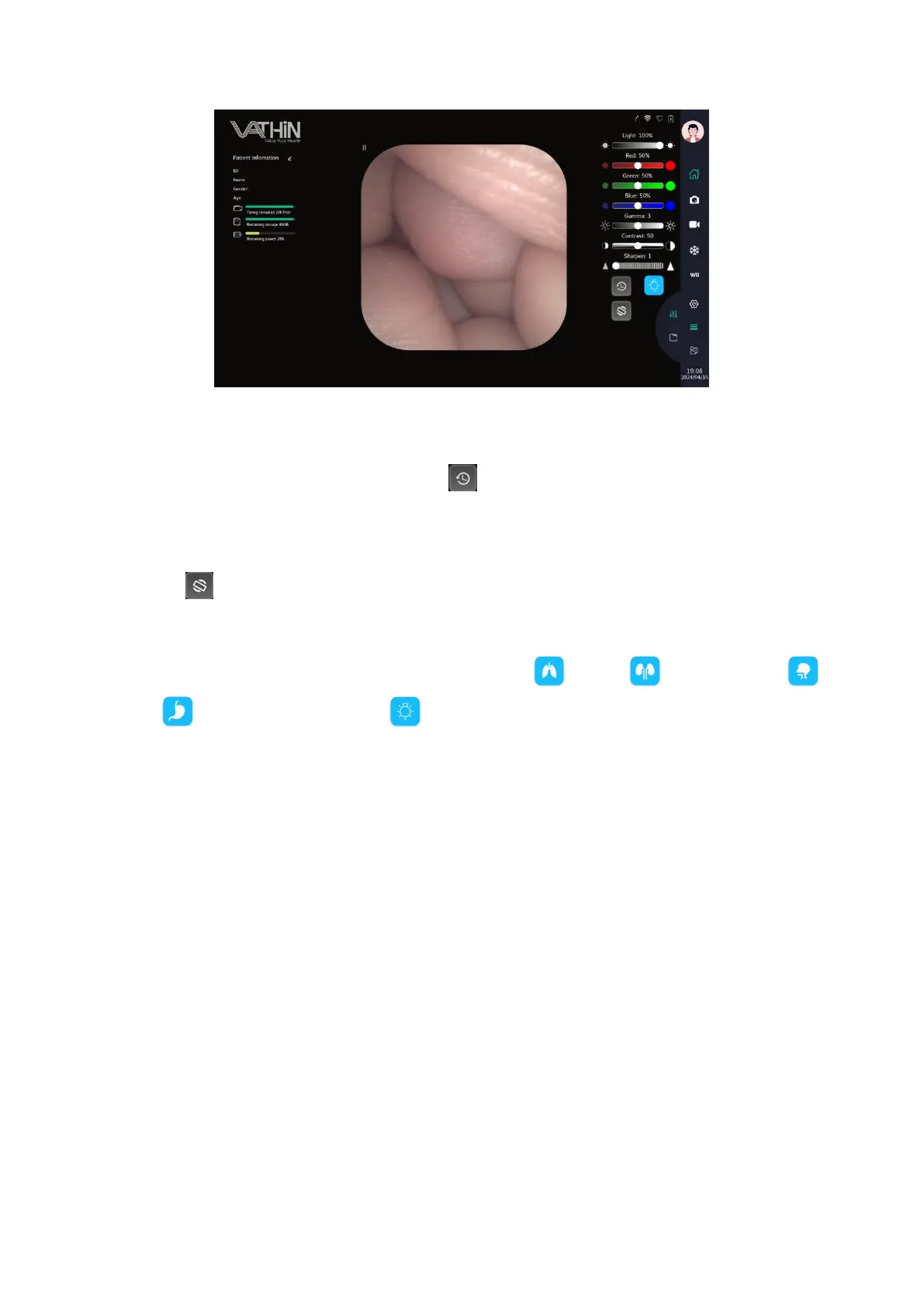
6.5.2 Image parameter reset
In the parameter adjustment menu, tap the icon to reset the image parameters to their initial
state.
6.5.3 Image rotation
Tap the icon to rotate the image interface 180 °.
6.5.4 Image mode selection
Image mode switching function, corresponding to respiratory , urology , nasopharyngeal ,
digestive , and a custom department .
Click the corresponding button to switch modes. You can adjust the image parameters such as
red/green/blue monochromatic color deviation, gamma curve, contrast, and sharpness. Each
department's image parameters will be recorded and saved separately, making it convenient for users
to switch image modes.
The image mode parameter information is bound to the user. When setting the account for a regular
account for the first time, a pop-up window for image mode selection will appear.



 To Next Page