5.3.4
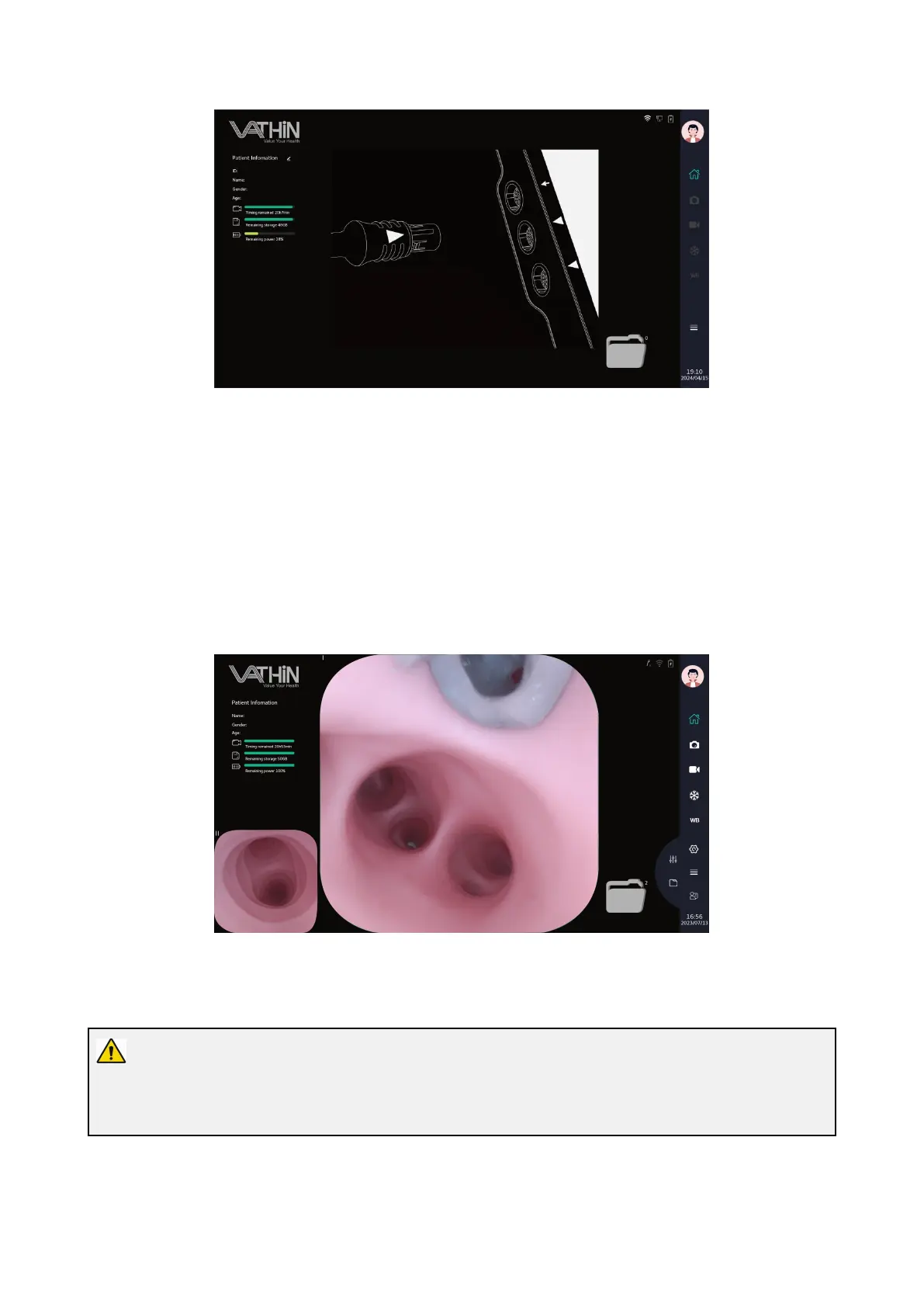
After logging into the account, the real-time image will be displayed. Icons on screen turn green and
their functions are available.
5.3.5
If the Digital Video Monitor is functioning without connecting the power supply, check the battery
level of the equipment, and charge it when the battery is low.
5.3.6 Set the image parameters of the Digital Video Monitor according to Chapter 6.4 image parameter
adjustment interface.
5.3.7 Set the parameters of the Digital Video Monitor according to Chapter 6.5 System Settings Menu.
5.4. Inspecting the System
Warning
If any irregularity is observed during inspection, do not use the Digital Video Monitor. Damage or
irregularity may compromise patient or user safety and may result in more severe equipment damage.



 To Next Page