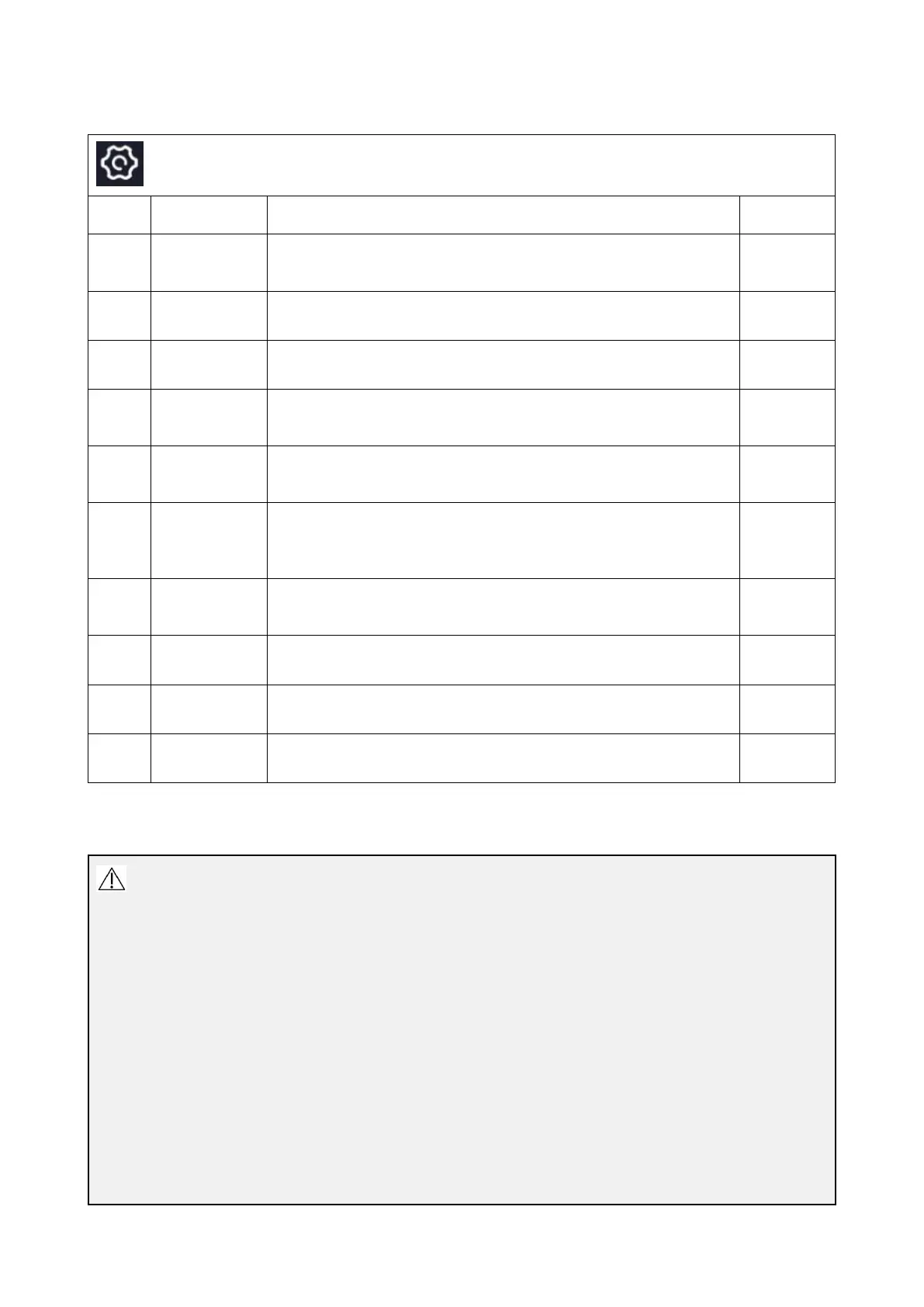
Description of System Settings Menu
Tap to enter the user Settings interface for user management,
including password modification, exit login and other
permissions.
Tap to enter the network settings interface for connecting wired
networks and local area networks.
Tap to enter the display and brightness setting interface for
screen brightness adjustment and image mask setting.
Tap to enter the sound settings interface and set the speaker
switch, speaker volume, microphone switch, and microphone
gain for the host.
Tap to enter the battery information viewing interface, where
you can view battery information such as remaining power,
temperature, and voltage.
Tap to enter the storage information viewing interface, where
you can view the remaining memory of the host, all memory
information, and the remaining storage information of the
connected USB drive.
Tap to enter the time zone and language setting interface. You
can choose to set the time automatically or manually, and set
the language and time zone.
Tap to configure the parameters of the DICOM server
Tap to enter the system update interface.
Tap to enter the device information view and restore factory
settings interface.
6.6.1. User Settings
Caution
Ordinary accounts do not have the authority to modify passwords,
The password must contain numbers and uppercase and lowercase letters, and the length of the
password must not be less than 8 digits.For related warnings and information about Wi-Fi please
refer to Appendix 3. Information About Wi-Fi.
Only the administrator account has the authority to create user accounts, delete user accounts
and newly created user accounts are all regular accounts
After deleting a user account, the account information cannot be restored
Only the administrator account has the authority to add hospital information and modify report
templates



 To Next Page