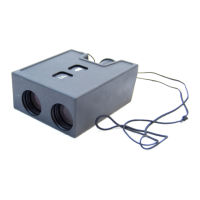
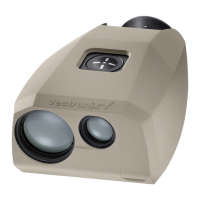
Distance Measurements PLRF10C/15C-2.0en
19
Distance between two objects
Press and hold the distance
key.
Sight the first object with the
aiming mark. Click the azimuth
key (> 0.5s) while holding the
device steady.
The first object measurement is
confirmed with "1-P" (first
point).
Sight the second object with the
aiming mark.
Release the distance key while
holding the device steady.
"dIS" appears briefly, followed
by the distance between the
two object.
2
0
1200 m


 To Next Page