63
9 Diagnosis, asset management and service
VEGAPULS 63 • Modbus and Levelmaster protocol
41364-EN-170711
Further echo curves: Up to 10 echo curves can be stored in a ring
buerinthismemorysection.Additionalechocurvesarestoredvia:
•
PC with PACTware/DTM
•
Control system with EDD
9.3 Asset Management function
The instrument features self-monitoring and diagnostics according to
NE 107 and VDI/VDE 2650. In addition to the status messages in the
following tables, detailed error messages are available under menu
item "Diagnostics" via the display and adjustment module, PACTware/
DTM and EDD.
The status messages are divided into the following categories:
•
Failure
•
Function check
•
Outofspecication
•
Maintenance requirement
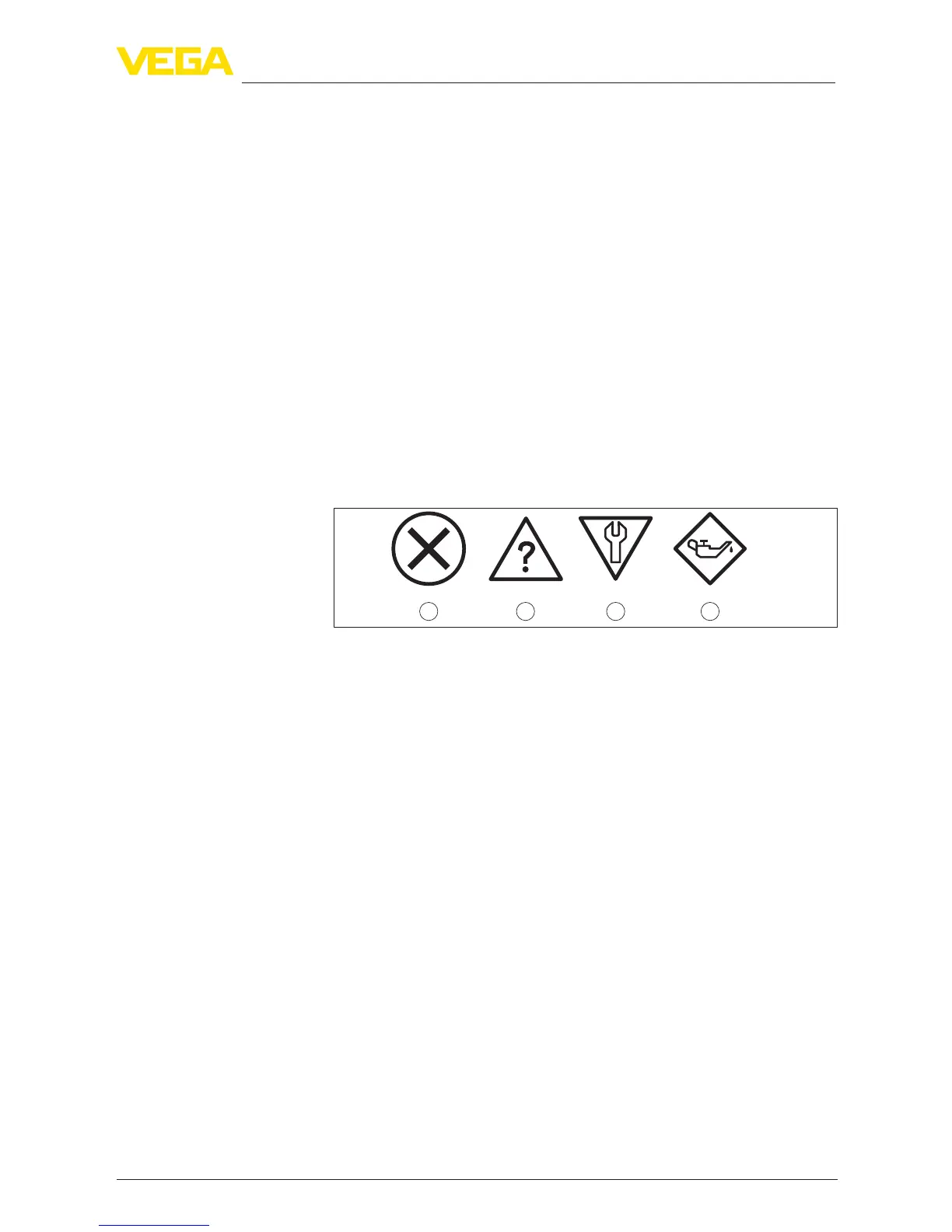
and explained by pictographs:
41 2 3
Fig. 32: Pictographs of the status messages
1 Failure - red
2 Outofspecication-yellow
3 Function check - orange
4 Maintenance - blue
Failure: Due to a malfunction in the instrument, a fault message is
outputted.
This status message is always active. It cannot be deactivated by the
user.
Function check: The instrument is being worked on, the measured
value is temporarily invalid (for example during simulation).
This status message is inactive by default. It can be activated by the
user via PACTware/DTM or EDD.
Outofspecication: The measured value is unreliable because an
instrumentspecicationwasexceeded(e.g.electronicstemperature).
This status message is inactive by default. It can be activated by the
user via PACTware/DTM or EDD.
Maintenance:
Duetoexternalinuences,theinstrumentfunction
islimited.Themeasurementisaected,butthemeasuredvalueis
still valid. Plan in maintenance for the instrument because a failure is
expected in the near future (e.g. due to buildup).
This status message is inactive by default. It can be activated by the
user via PACTware/DTM or EDD.
Status messages











 To Next Page