36
6 Set up the sensor with the display and adjustment module
VEGAPULS 63 • Modbus and Levelmaster protocol
41364-EN-170711
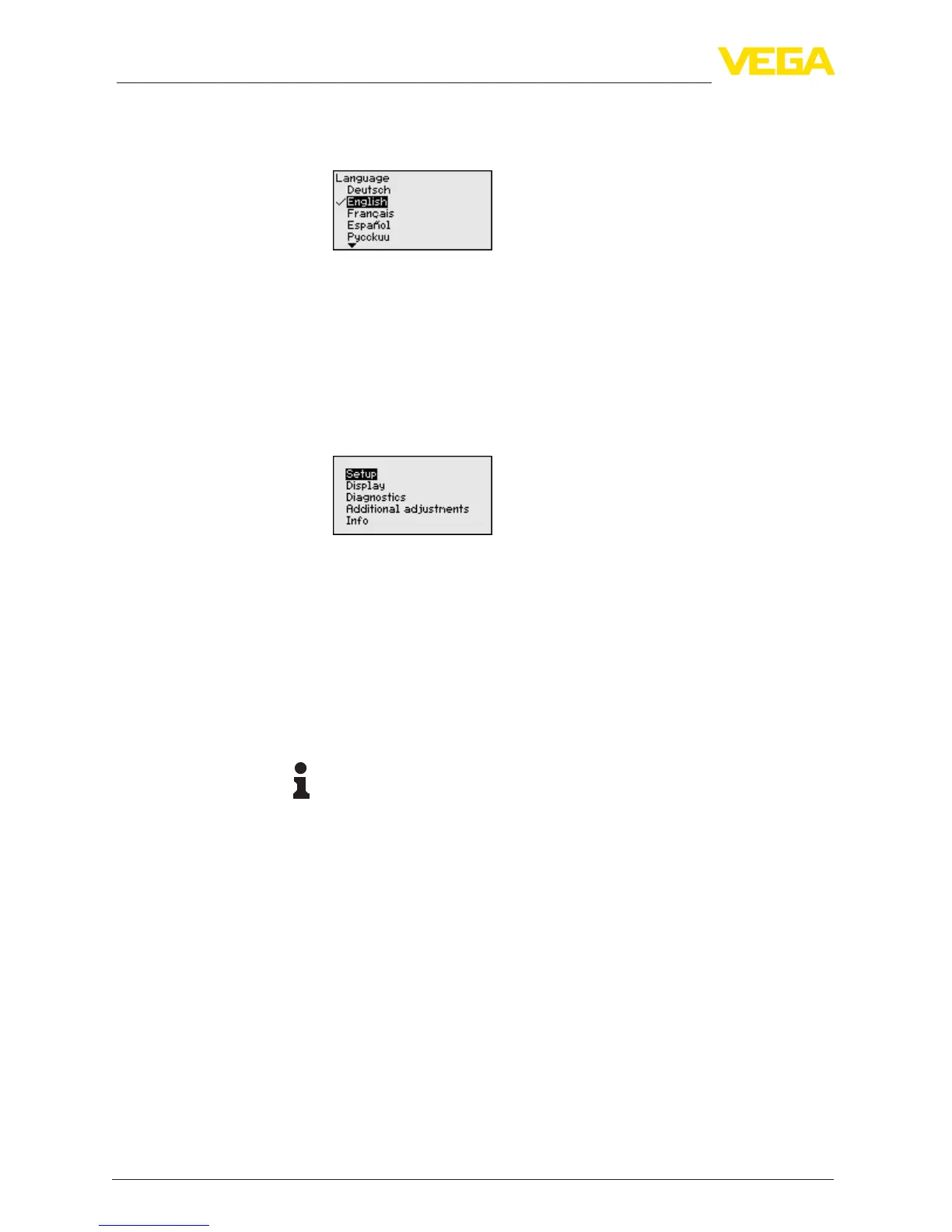
This menu item is used to select the national language for further pa-
rameter adjustment. You can change the selection via the menu item
"Setup - Display, Menu language".
With the "OK" key you move to the main menu.
6.5 Parameter adjustment
The instrument is adapted to the application conditions via the pa-
rameter adjustment. The parameter adjustment is carried out with an
adjustment menu.
Themainmenuisdividedintovesectionswiththefollowingfunc-
tions:
Setup: Settings, e.g., for measurement loop name, medium, applica-
tion, vessel, adjustment, signal output
Display: Settings, e.g., for language, measured value display, lighting
Diagnosis: Information, e.g. on instrument status, pointer, measure-
ment certainty, simulation, echo curve
Further settings: Instrument unit, false signal suppression, linearisa-
tion curve, reset, date/time, reset, copy function
Info: Instrument name, hardware and software version, date of manu-
facture, instrument features
Information:
Inthisoperatinginstructionsmanual,theinstrument-specicpa-
rameters in the menu sections "Setup", "Diagnosis" and "Additional
settings" are described. The general parameters in these menu sec-
tions are described in the operating instructions manual "Display and
adjustment module".
In the operating instructions manual "Display and adjustment module"
youcanalsondthedescriptionofmenusections"Display" and
"Info".
In the main menu item "Setup", the individual submenu items
should be selected one after the other and provided with the correct
parameters to ensure optimum adjustment of the measurement. The
procedure is described in the following.
In the menu item "Sensor TAG" you edit a twelve-digit measurement
loop designation.
You can enter an unambiguous designation for the sensor, e.g. the
measurement loop name or the tank or product designation. In digital
systems and in the documentation of larger plants, a singular desig-
Selection of national
language
Main menu
Setup - Measurement
loop name





 To Next Page