153
P
LANTING
R
ATE
C
ONTROL
PLANTING
RATE CONTROL
HYDRAULIC SEED RATE CONTROL
The Hydraulic Seed Control Module allows operators to control up to three hydraulic motor drives with
the display. Configure the Hydraulic Seed Rate Control module in the following order.
1. Configure Hydraulic Seed Rate Control module
See “Create Planting Configuration” on page 145.
2. Enter Controller Settings
Include the Max Meter Speed, Gear Ratio and Minimum Allowable Ground Speed. See
“Controller Settings
for Hydraulic Seed Rate Motor Drives” on page 153
.
3. Prime the Hydraulic Seed Meter
Fill seed meter with seed to avoid skips. See
“Priming Seed Rate Meters” on page 163.
4. Meter Calibration
- a. Enter Meter Calibration Number. This number, representing seeds per revolution, is set according to
the number of seed dropped per one revolution of the seed meter. For more information, “Calibrating
Seed Rate Meters” on page 163.
- b. Perform a Seed Meter Calibration. A new calibration should be performed if as-applied seed rate
does not match actual population planted. See, “Calibrating Seed Rate Meters” on page 163.
CONTROLLER SETTINGS FOR HYDRAULIC SEED RATE MOTOR
DRIVES
After creating an Operating Configuration for the Hydraulic Seed Meter Controller, make settings
changes in the Controller Settings screen, which shows valve settings for hydraulic flow and pulses per
revolution.
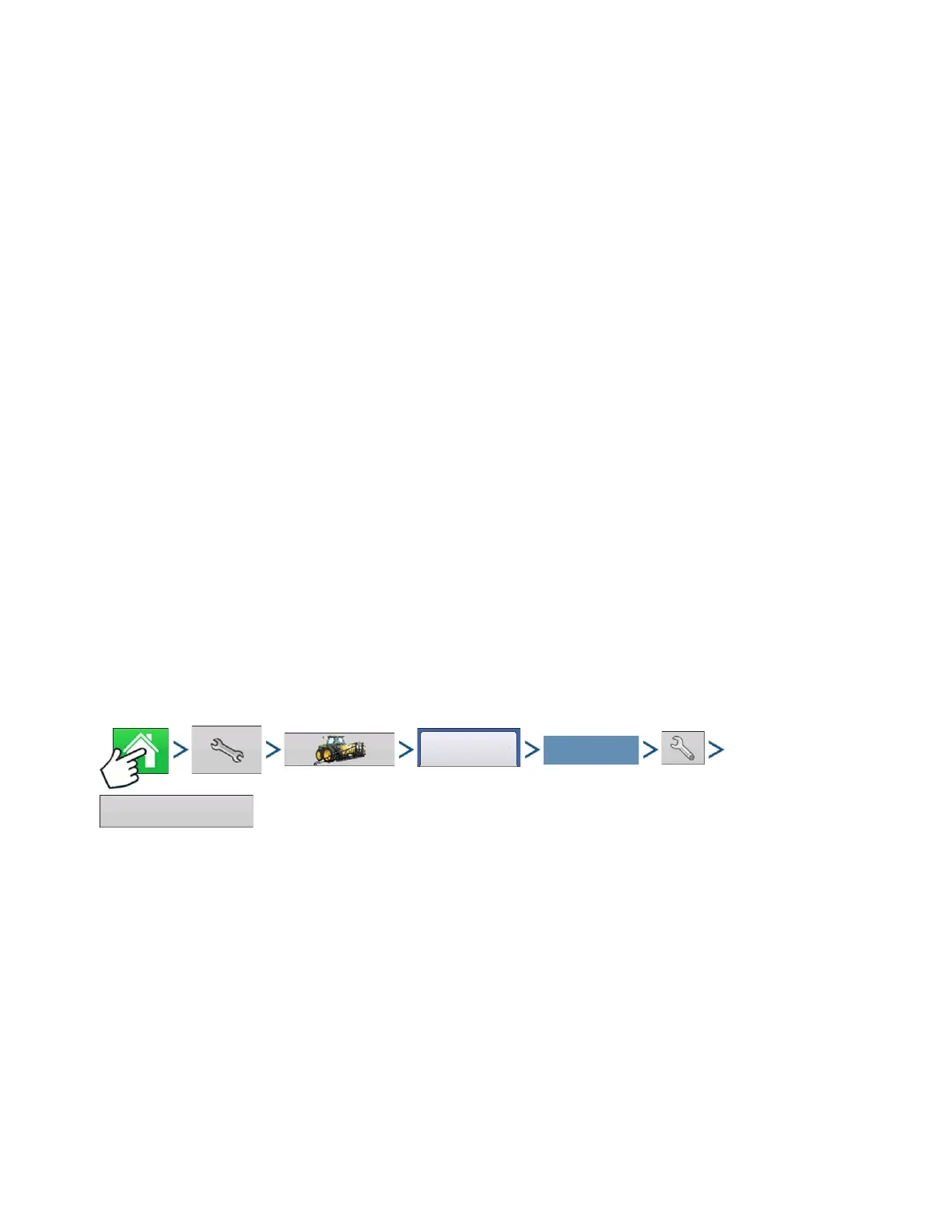
Press: Home button > Setup (wrench) button > Configuration (tractor) button > Configuration tab > your
specific configuration > Setup (wrench) button > Controller Settings button
The Controller Settings screen consists of at least two tabs: the Channel Tabs, shown for each channel
being controlled; and the Auxiliary Tab.
Select Your Specific
Configuration



 To Next Page