209
A
PPLICATION
ISOBUS S
ERIAL
A
PPLICATION
R
ATE
C
ONTROL
APPLICATION
APPLICATION
ISOBUS SERIAL APPLICATION
R
ATE CONTROL
ENABLE VIRTUAL TERMINAL AND TASK
CONTROLLER
To enable the Virtual Terminal:
and
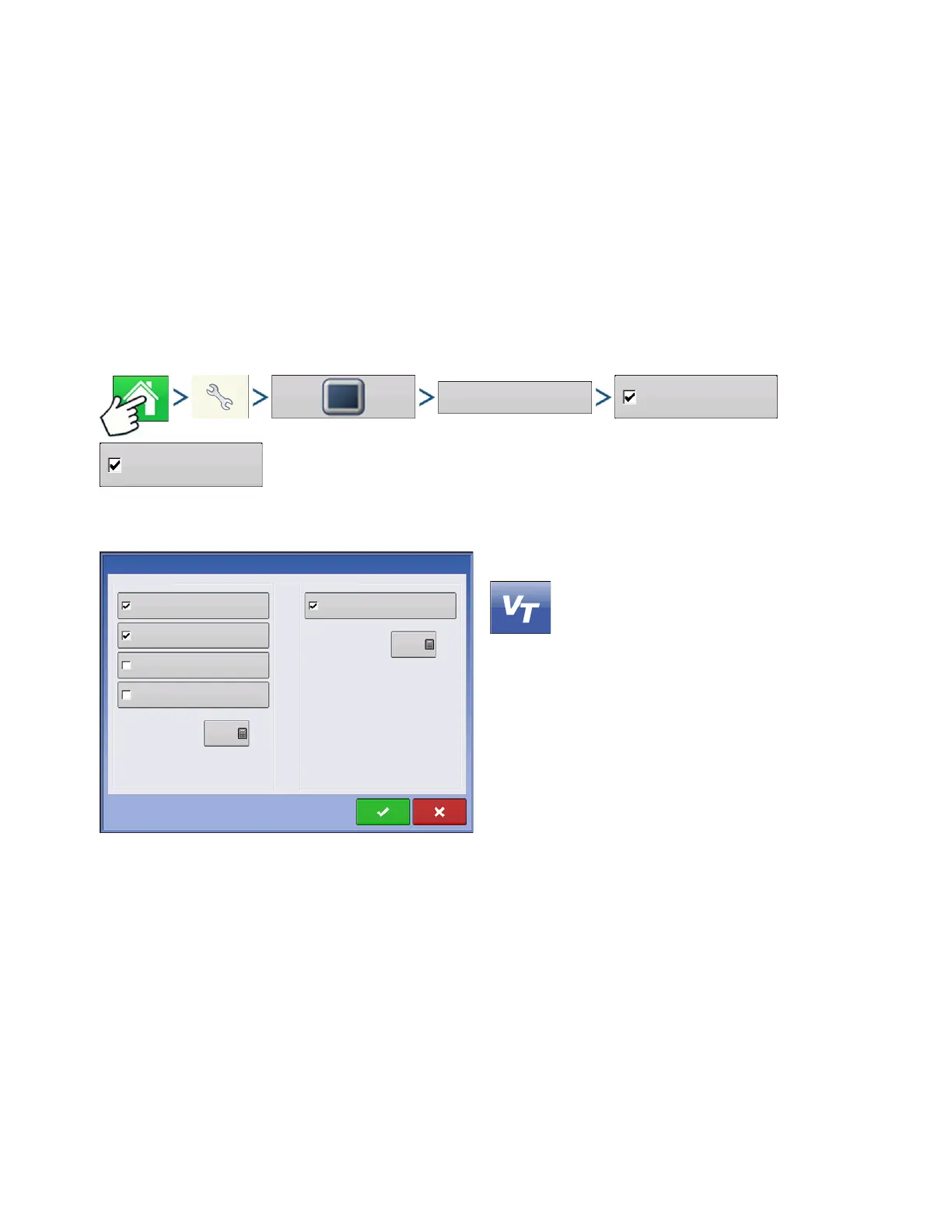
Press: Home button > Setup (wrench) button > Display button > ISOBUS Settings > Enable Virtual
Terminal checkbox and Task Controller checkbox
Once a Virtual Terminal has been enabled
will appear in the task bar.
Toggle between the Virtual Terminal run screen and
other display functions by pressing the VT button.
Virtual Terminal
Enable Virtual Terminal
Broadcast GPS Speed
Auxiliary Module Support
Task Controller
Enable Task Controller
Function Instance
Function Instance
Note: Only Function Instance 0 allows
modifying auxiliary assingnments.
0
ISOBUS Settings



 To Next Page