79
S
ETUP
S
ETTINGS
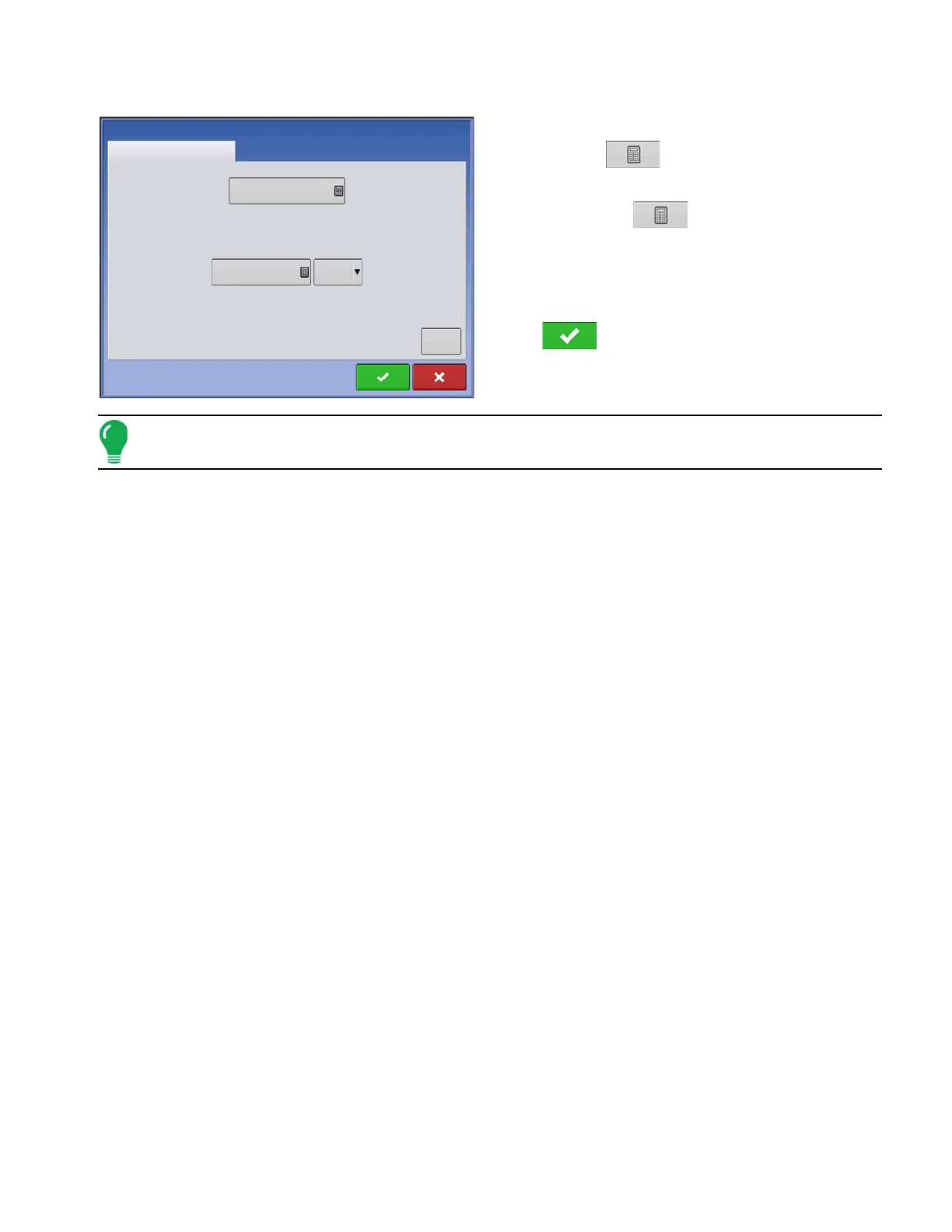
Section Offsets
•
Press the first
to enter the distance that the
swath section is located from the hitch point.
•
Press the second
to enter the distance from
the mid-point of the swath section to the machine’s
centerline. Select to the left/to the right to indicate the
direction the swath section is located from the vehicle
centerline.
• Press
when finished.
Note: Accuracy when measuring and entering implement offsets is required to ensure proper machine
performance.
swath section offset measurements.
Offsets
Planting with SeedCommand 2
Enter Left or Right Distance from Centerline
0 ft
Left
Enter Forward or Backward Distance from Hitch Point
Advanced
5 ft



 To Next Page