177
A
PPLICATION
L
IQUID
R
ATE
C
ONTROL
10. Enter Manufacturer name if applicable.
- Manufacturer name can be added to the drop-down menu by pressing
11. Press to enter a unique name for the mix/blend.
Press to complete the process of setting up the mix/blend or p
ress to return to
Configuration Setup screen without adding a mix.
The product mix/blend should appear under the Application heading located on the Product tab of the
Configuration Setup screen.
Represents Product Templates
Represents Product Mixes prior to firmware version 5.4 and mixes exported from SMS
LOAD CONFIGURATION
1. Press: Select Event button.
Select a Season, Grower, Farm, and
Field on the Management Selection
screen. For more information, see
“Setup Event” on page 45.
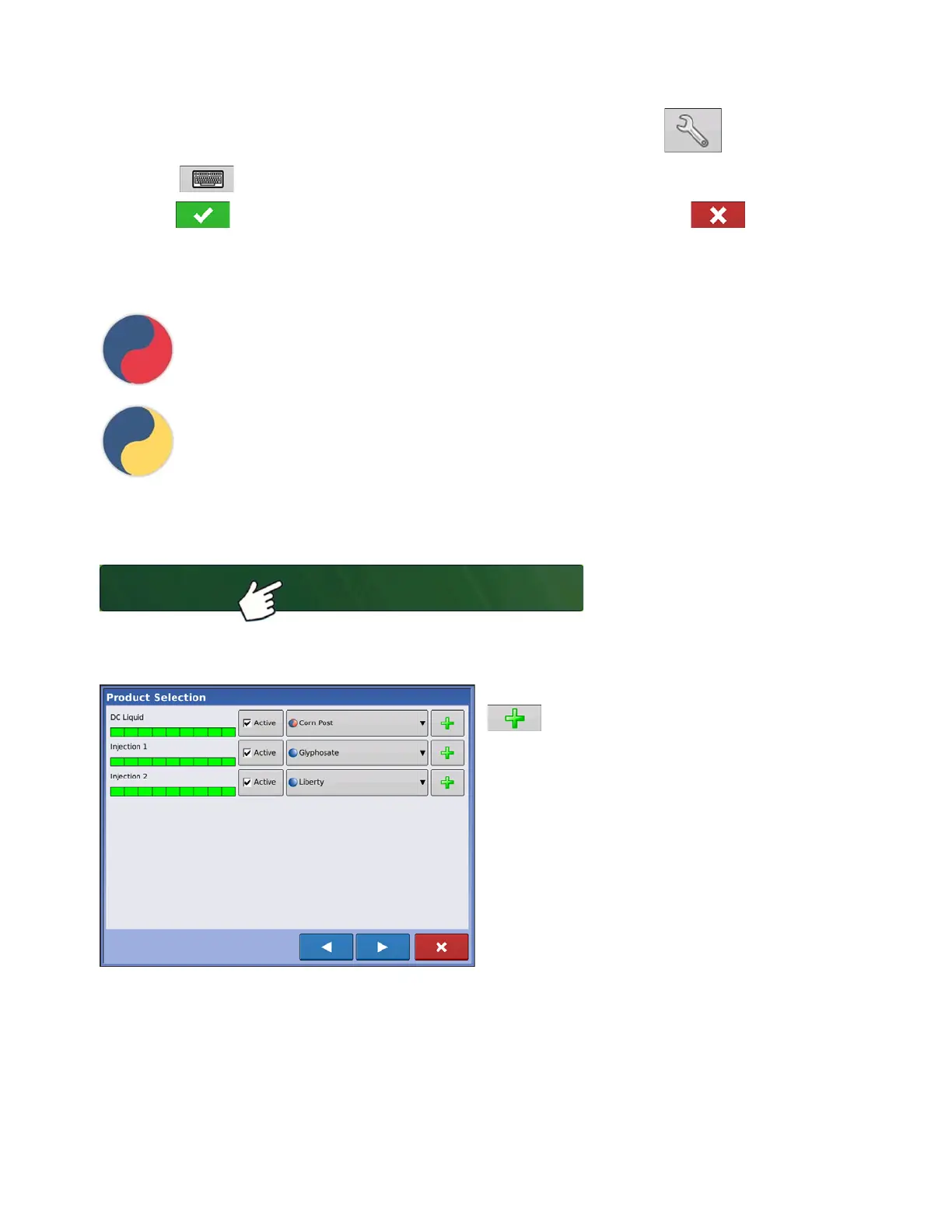
2. Product Selection
Select product from the drop-down list or press
to create a new one.



 To Next Page