54 Firmware Version 5.4
• If you have numerous map icons, you can cycle through them by pressing
/
.
• When creating or editing a marker, check the
Georeferenced Note
button if you wish to add a Field Note
that is referenced to the current GPS position when that marker is used.
Field Tab
Field tab allows the user to setup boundaries, headlands, and topography.
Boundary
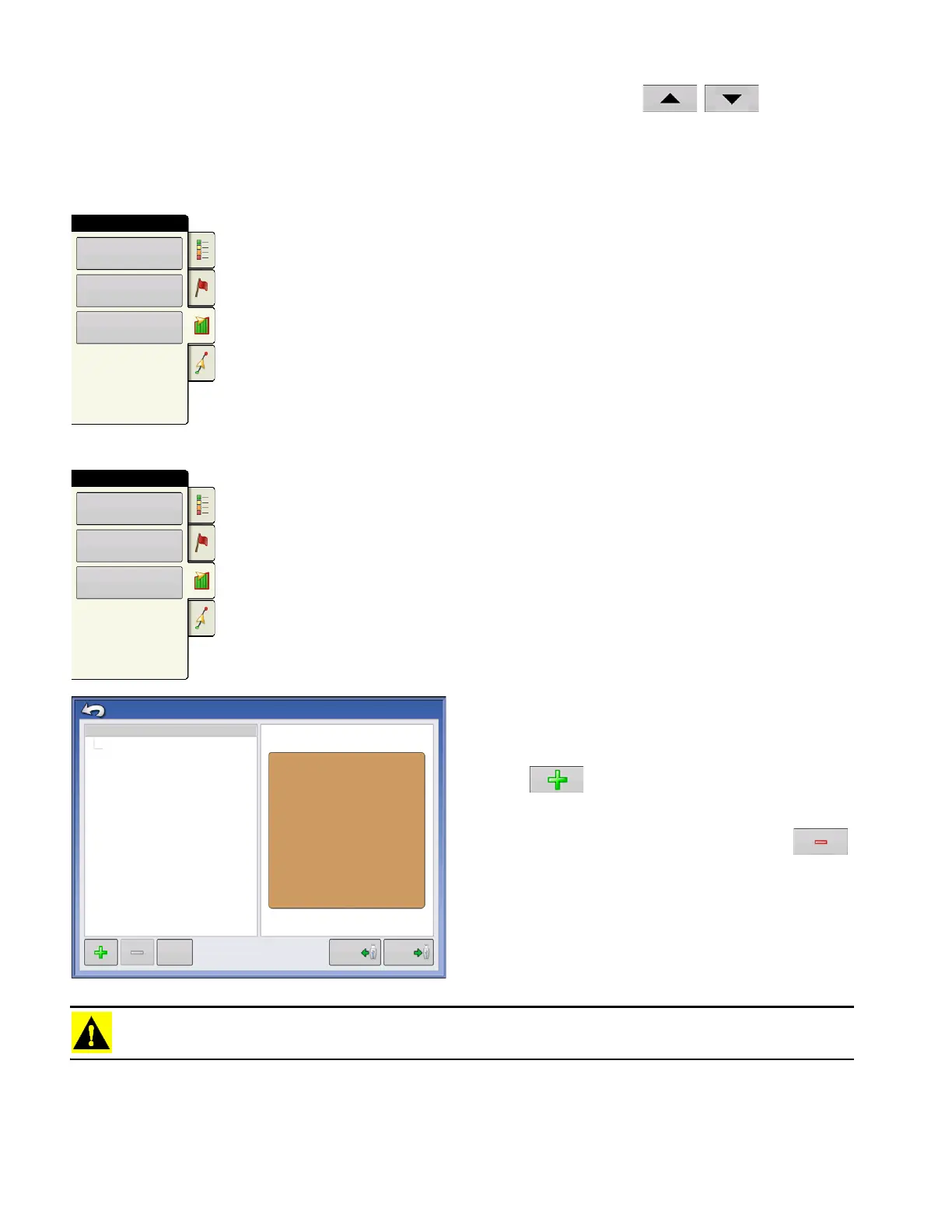
Press the Boundary button on the Field tab to access the Boundary Options screen.
On the Boundary Options screen, you can Import
Boundaries, Export Boundaries, and Clear All
Boundaries.
Pressing on the Boundary Options screen
opens the Boundary Settings screen.
Highlighting an existing region and pressing
on deletes that region.
Use Import and Export buttons to move regions to
and from USB drive.
Clear All Boundaries
. Press
Clear All
to permanently
delete all Boundary information for that field.
CAUTION: Once you clear this information, it cannot be retrieved.
Boundary
Field
Headlands
Topography
Boundary
Field
Headlands
Topography
Region
Boundary Options
OUTER (39.74)
39.74
Import
Export
Clear All



 To Next Page