214 Firmware Version 5.4Firmware Version 5.4
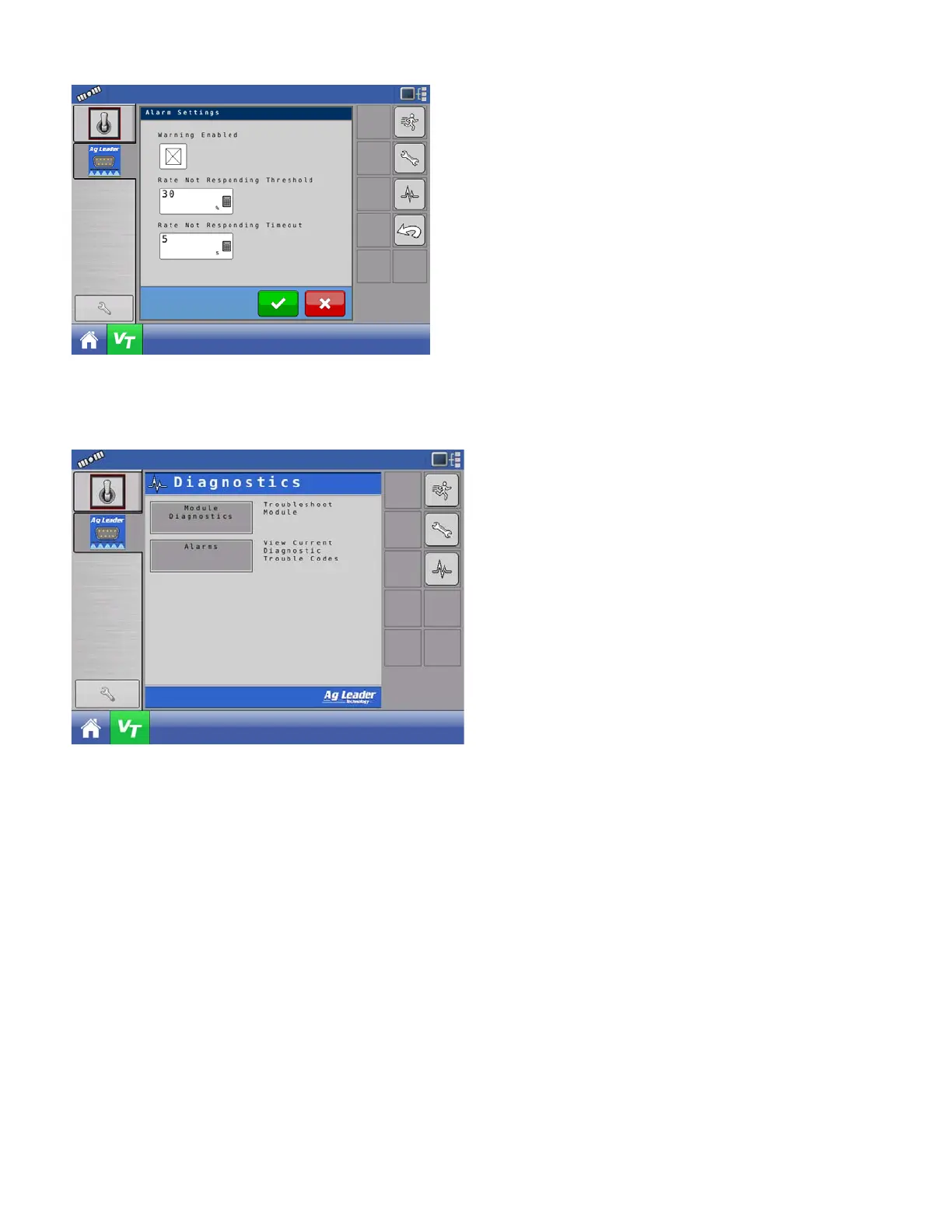
Warning Enabled – With this setting enabled, the user
will get a “Rate Not Responding” alarm when the
actual rate does not fall within the threshold and
timeout settings. The user will not get an alarm if this
setting is disabled.
Rate Not Responding Threshold – This setting defines
the percent value the actual rate can be off from the
target rate and not trigger the “Rate Not Responding
Alarm” alarm.
Rate Not Responding Timeout – This setting defines
the amount of time the actual rate can fall outside the
Rate Not Responding Threshold without triggering the
“Rate Not Responding Alarm” alarm.
DIAGNOSTICS
Press Diagnostics button.
Module Diagnostics – Contains module diagnostic
information to assist in troubleshooting.
Alarms – Contains any active alarms from the
module.



 To Next Page