271
H
ARVEST
H
ARVEST
M
ONITORING
/M
APPING
When performing a Harvest operation, the AutoSwath feature includes sensitivity levels, which
compensate for varying levels of GPS accuracy.
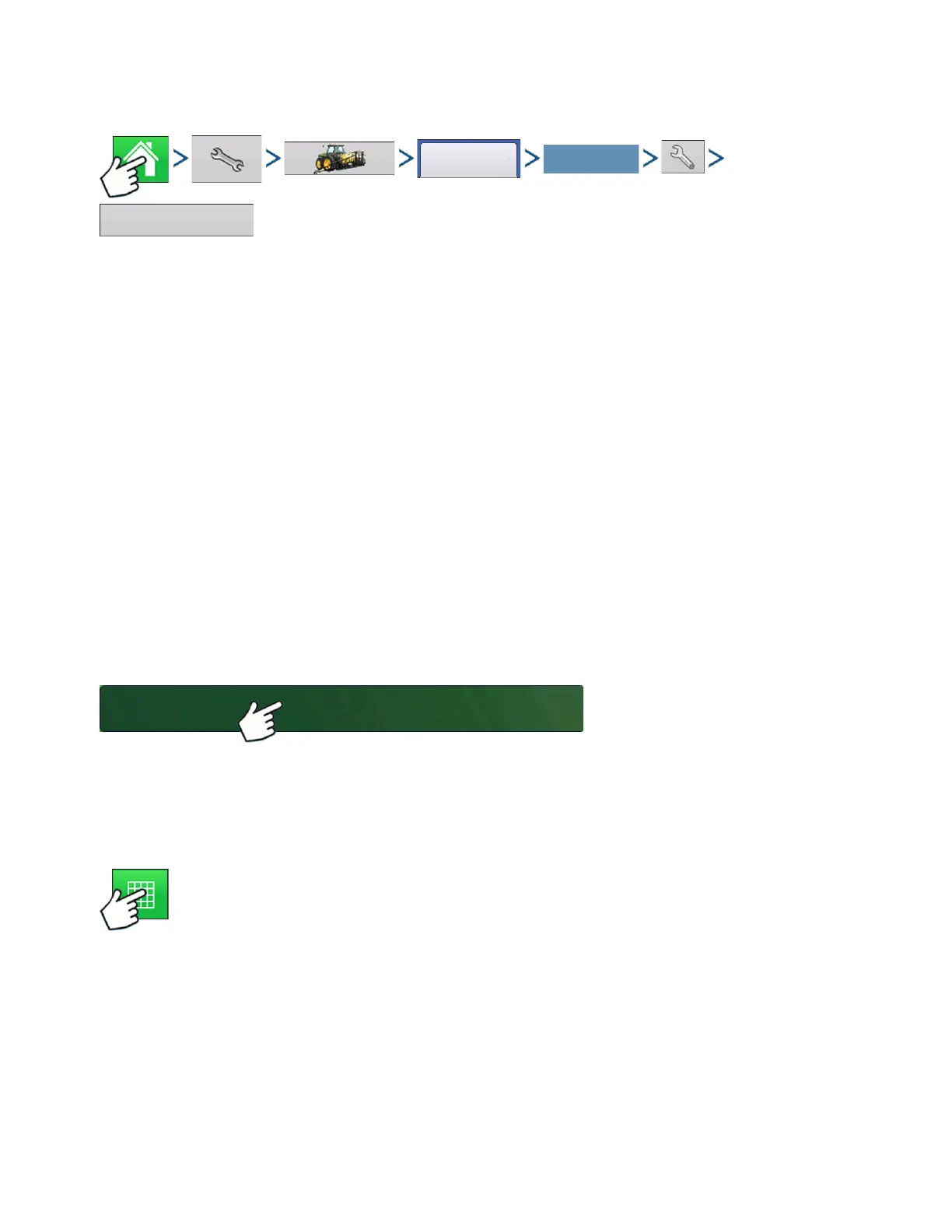
Press: Home button > Setup (wrench) button > Configuration (tractor) button > Configuration tab > your
specific configuration > Setup (wrench) button >Automatic Swath Control button
The Automatic Swath Control screen appears.
If swath adjustments are performing inaccurately, adjust the sensitivity accordingly. Sensitivity 3 is the
default setting. Other settings include:
• Sensitivity 5
Use with RTK or DGPS sub-meter, terrain compensated GPS.
• Sensitivity 4
Use with RTK or DGPS sub-meter GPS. Terrain compensation recommended.
• Sensitivity 3
Use with sub-meter accurate GPS.
• Sensitivity 2
Use with 1+ meter accurate GPS.
• Sensitivity 1
Swath sections are all on or all off. Use with 1+ meter accurate GPS.
LOAD CONFIGURATION
Press: Select Event button.
Select a Season, Grower, Farm, and
Field on the Management Selection
screen.
For more information, see
“Setup Event” on page 45.
RUN CONFIGURATION
Once a configuration has been completed, the Map View button appears at the bottom of the
Home screen. Press the Map View button to see the Map screen.
Select Your Specific
Configuration



 To Next Page