58 Firmware Version 5.4
5. Save, Resume, or Discard
• Save
-a. Press Save button
-b. Default name is time and date. Press to change name.
-c. Press to accept or to discard boundary.
• Resume - resume creating boundary
• Discard - discards boundary and returns display to map screen
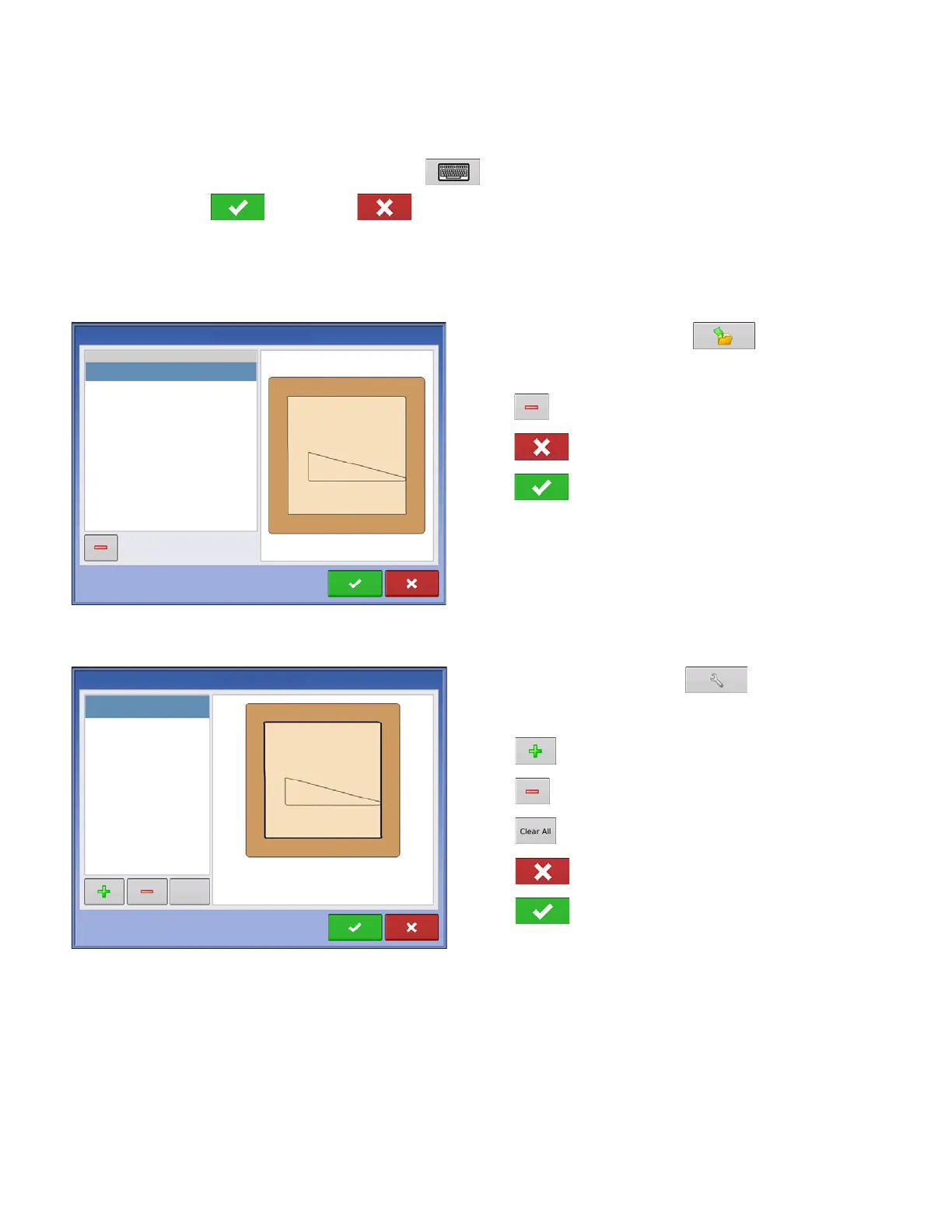
Load Headlands
Press Load Headlands button.
Select a headland from list.
• Press to delete selected headland
• Press to return to Headland Options screen
• Press to load selected headland.
Edit Headlands
Press Edit Headlands button.
Select a headland from list.
• Press to add a driven headland.
• Press to delete selected headland.
• Press to delete all driven headlands.
• Press to return to Headland Options screen.
• Press to load selected headland.
This screen will vary depending on type of headland.
Load Headlands
Name
2014-01-14_15:25:35



 To Next Page