63
S
ETUP
F
IELD
O
PERATIONS
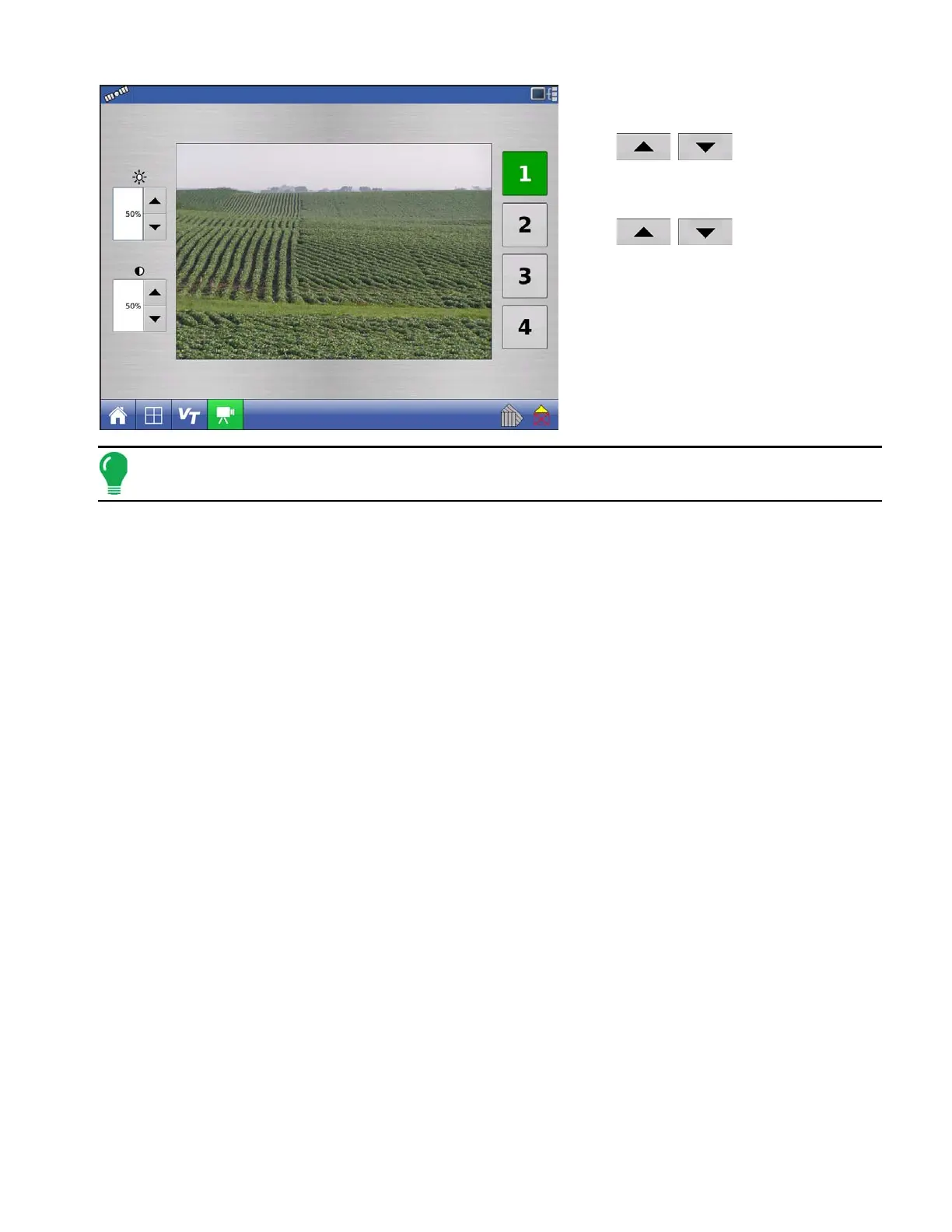
• Brightness
Press
/
to increase or
decrease the brightness of the video input.
• Contrast
Press
/
to increase or
decrease the contrast of the video input.
• Camera Number Selection
The display can receive input from up to four
video cameras. Press the numbered buttons
to switch views between video cameras.
Note: You can adjust the brightness and contrast of each input individually.



 To Next Page