3.3.1 Main screen
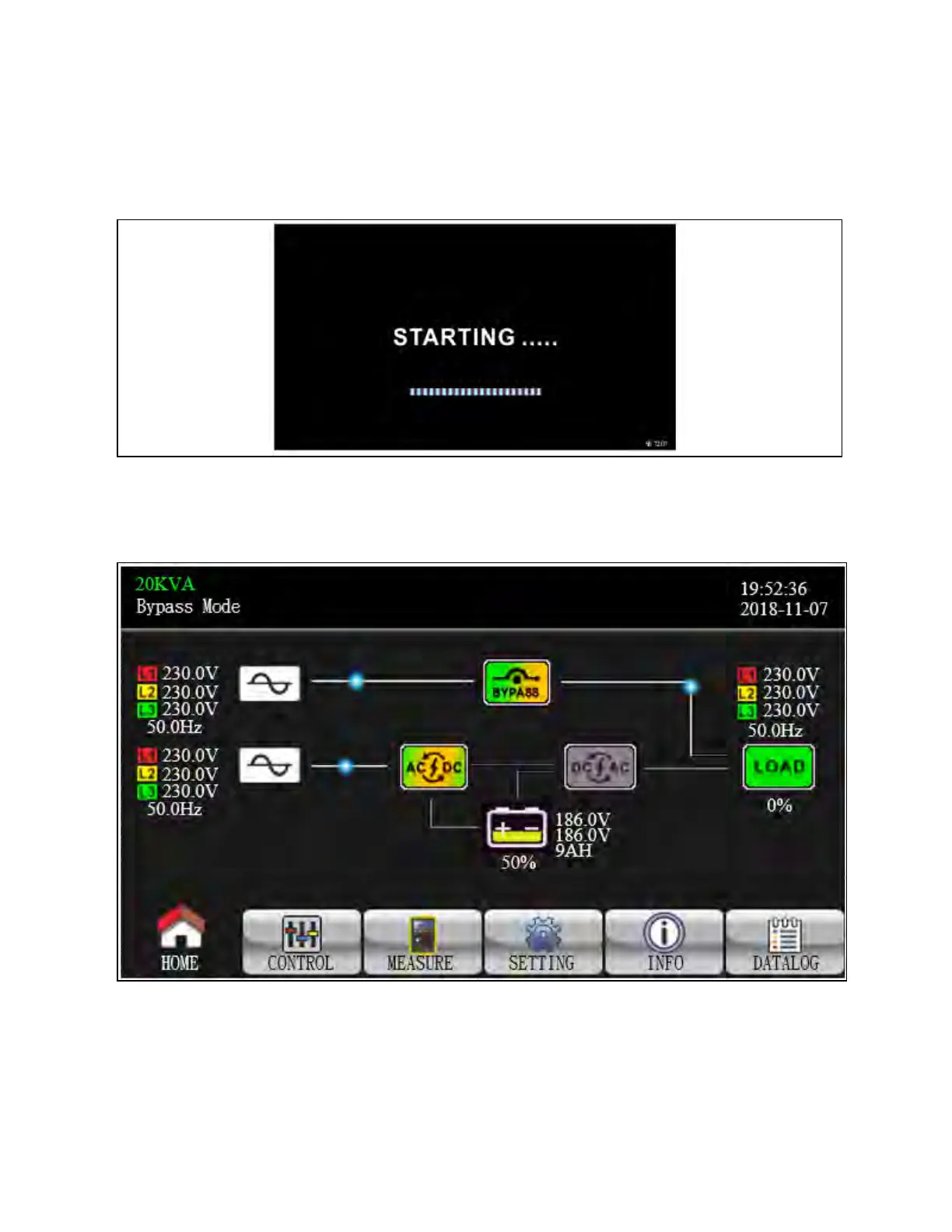
When the power is turned on, the LCD will start initialization approximately few seconds as shown below.
Figure 3.9 Starting Screen
After initialization, the main screen will display as shown below. On the button, there are five icons to represent five sub-
menus: Control, measure, setting, information, data log.
Figure 3.10 Main Screen
3 Operations Proprietary and Confidential ©2024 Vertiv Group Corp. 35
Vertiv™ Liebert® MTP Online UPS User Manual 20-40-80kVA






 To Next Page