4 Troubleshooting
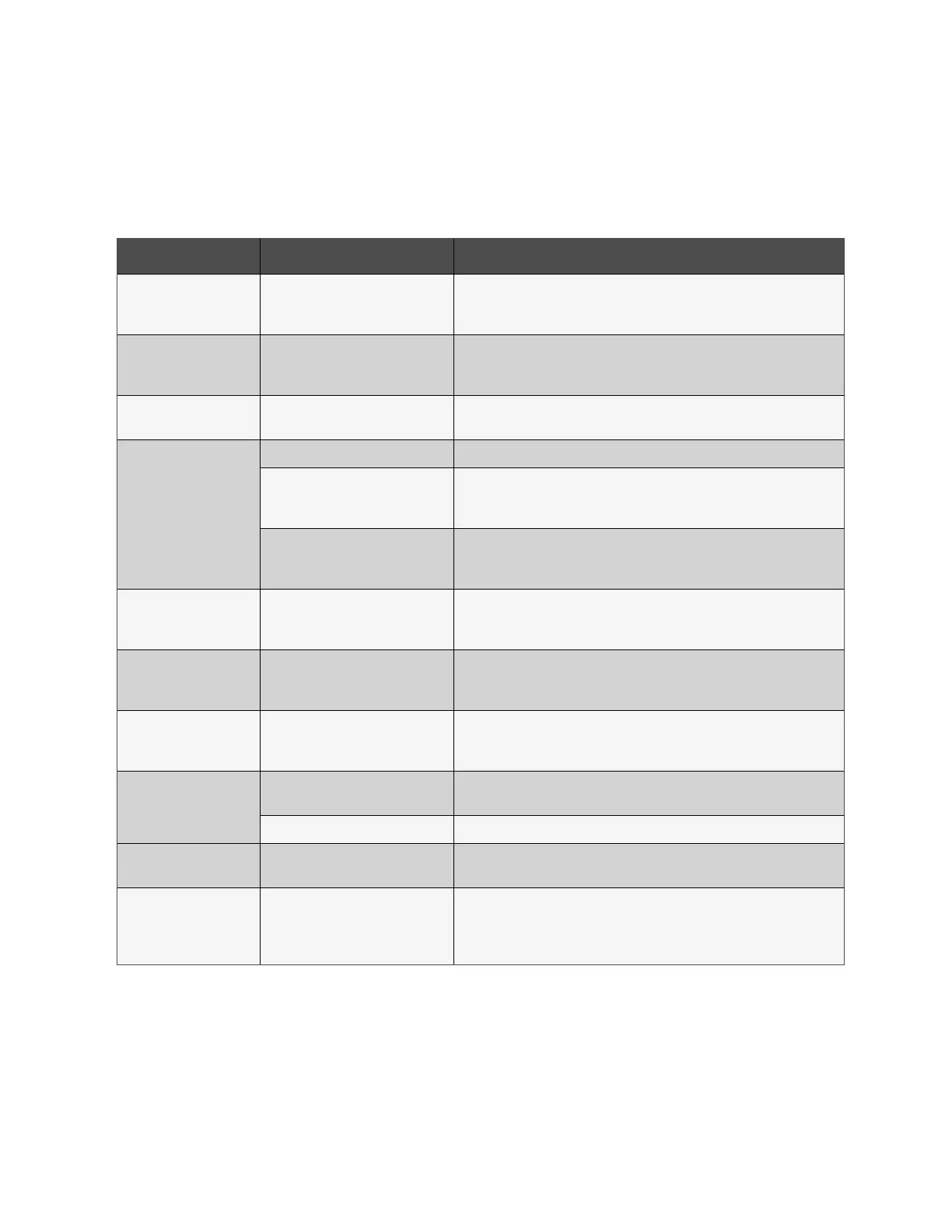
If the UPS system does not operate correctly, solve the problem by using the Table 4.1 below .
Symptom Possible cause Remedy
No indication and alarm in
the front display panel even
though the mains is normal.
The AC input power is not connected
well.
Check if input cable firmly connected to the mains.
The warning code 0B.
EPO function is activated. At this time,
the EPO switch is in “OFF” status or the
jumper is open.
Set the circuit in closed position to disable the EPO function.
The warning code 01.
The external or internal battery is
incorrectly connected.
Check if all batteries are connected well.
The warning code 09.
UPS is overload. Remove excess loads from UPS output.
UPS is overloaded. Devices connected
to the UPS are fed directly by the
electrical network via the Bypass.
Remove excess loads from UPS output.
After repetitive overloads, the UPS is
locked in the Bypass mode. Connected
devices are fed directly by the mains.
Remove excess loads from UPS output first. Then shut down the UPS and restart
it.
Fault code is shown as 43.
UPS is overload too long and becomes
fault. Then UPS shut down
automatically.
Remove excess loads from UPS output and restart it.
Fault code is shown as 14,
15, 16, 17, 18 or 19,
The UPS shut down automatically
because short circuit occurs on the
UPS output.
Check output wiring and if connected devices are in short circuit status.
Other fau codes are shown
on LCD display and alarm
beeps continuously.
A UPS internal fau has occurred. Contact the dealer
Battery backup time is
shorter than nominal value.
Batteries are not fully charged.
Charge the batteries for at least 7 hours and then check capacity. If the problem
still persists, consult with dealer.
Batteries defect Contact the dealer to replace the battery.
The warning code 0A.
Fan is locked or not working. Or the
UPS temperature is too high.
Check fans and notify dealer.
The warning code 02. The input neutral wire is disconnected.
Check and correct the input neutral connection. If the connection is ok and the
warning is still displaying, enter LCD setting menu
ÚADVANCEÚUserÚElectronic. Then, select “CHE” in Neutral Line Check item
and restart the UPS.
Table 4.1 Symptom, Possible Causes and Remedy
4 Troubleshooting Proprietary and Confidential ©2024 Vertiv Group Corp. 79
Vertiv™ Liebert® MTP Online UPS User Manual 20-40-80kVA






 To Next Page