⚫ LP Alm
⚫ LP Lock
⚫ LP Sen Lock
⚫ Water Alm
⚫ Water UF
⚫ Fan Alm
⚫ Heat Alarm
⚫ Remote Alm
Sensor Alarm
Select the Sensor Alarm item on the Alarm Set screen to access the menu. Press the Up and Down button to scroll
through the menu items in the Sensor Alarm menu.
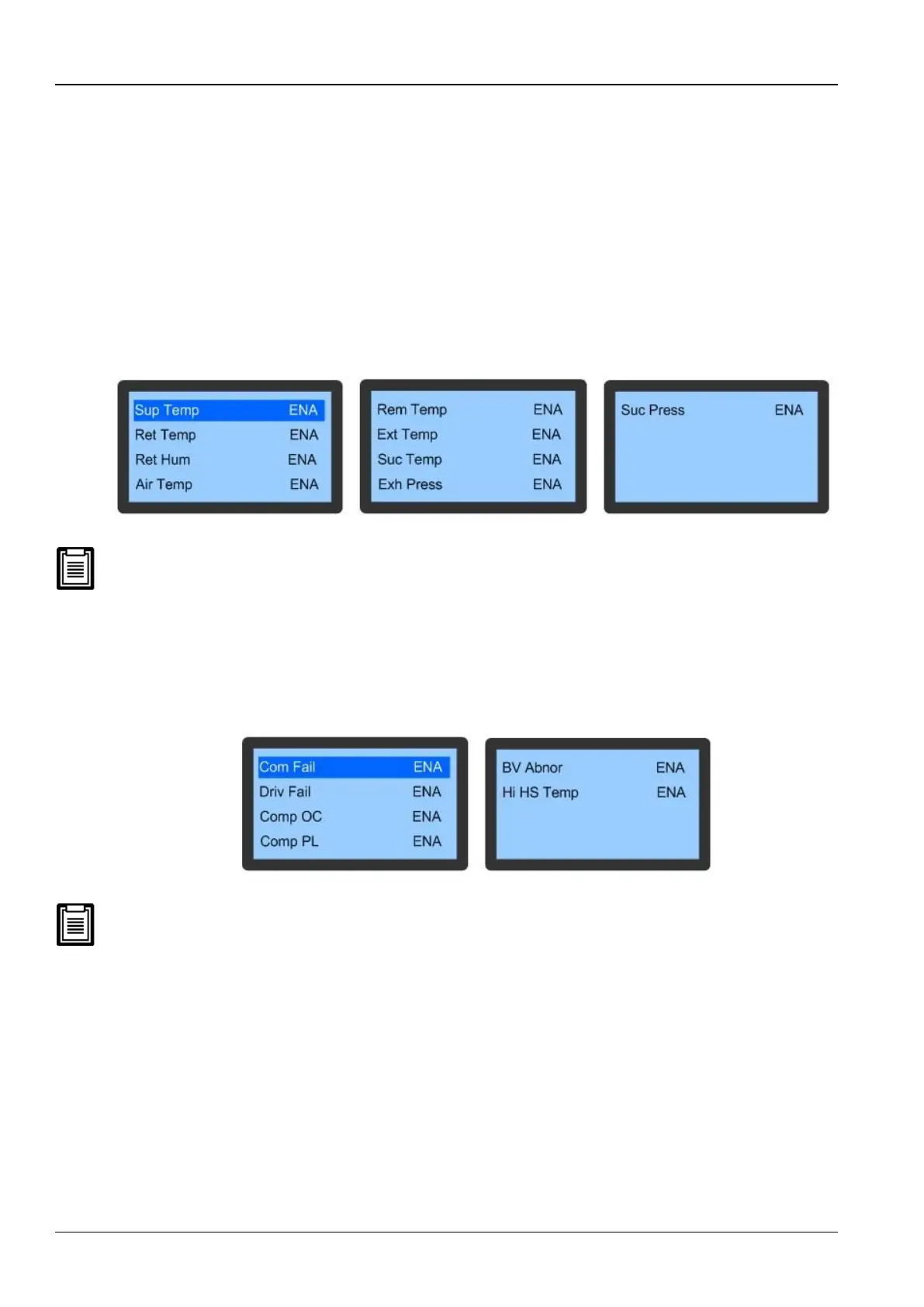
Figure 3-13 depicts the Sensor Alarm menu items.
Figure 3-13 Sensor Alarm
The following alarms are critical fault alarms and cannot be set to OFF. However, they can be set to ENA and DISA.
⚫ Ext Temp
⚫ Suc Temp
⚫ Exh Press
CP Driver Alarm
Select the CP Driver Alarm on the Alarm Set screen to access the items. Press the Up or Down button to scroll
through the menus.
Figure 3-14 depicts the CP Driver Alarm menu:
Figure 3-14 CP Driver alarm menu
The CP Driver Alarms are critical fault alarms, which cannot be set to OFF; however, they can be set to ENA and
DISA.
EEV Alarm
1. Select the EEV Alarm on the Alarm Set screen to access its menu.
2. Press the Up or Down button to scroll through the menus.
Figure 3-15 depicts the EEV Alarm menu:









 To Next Page