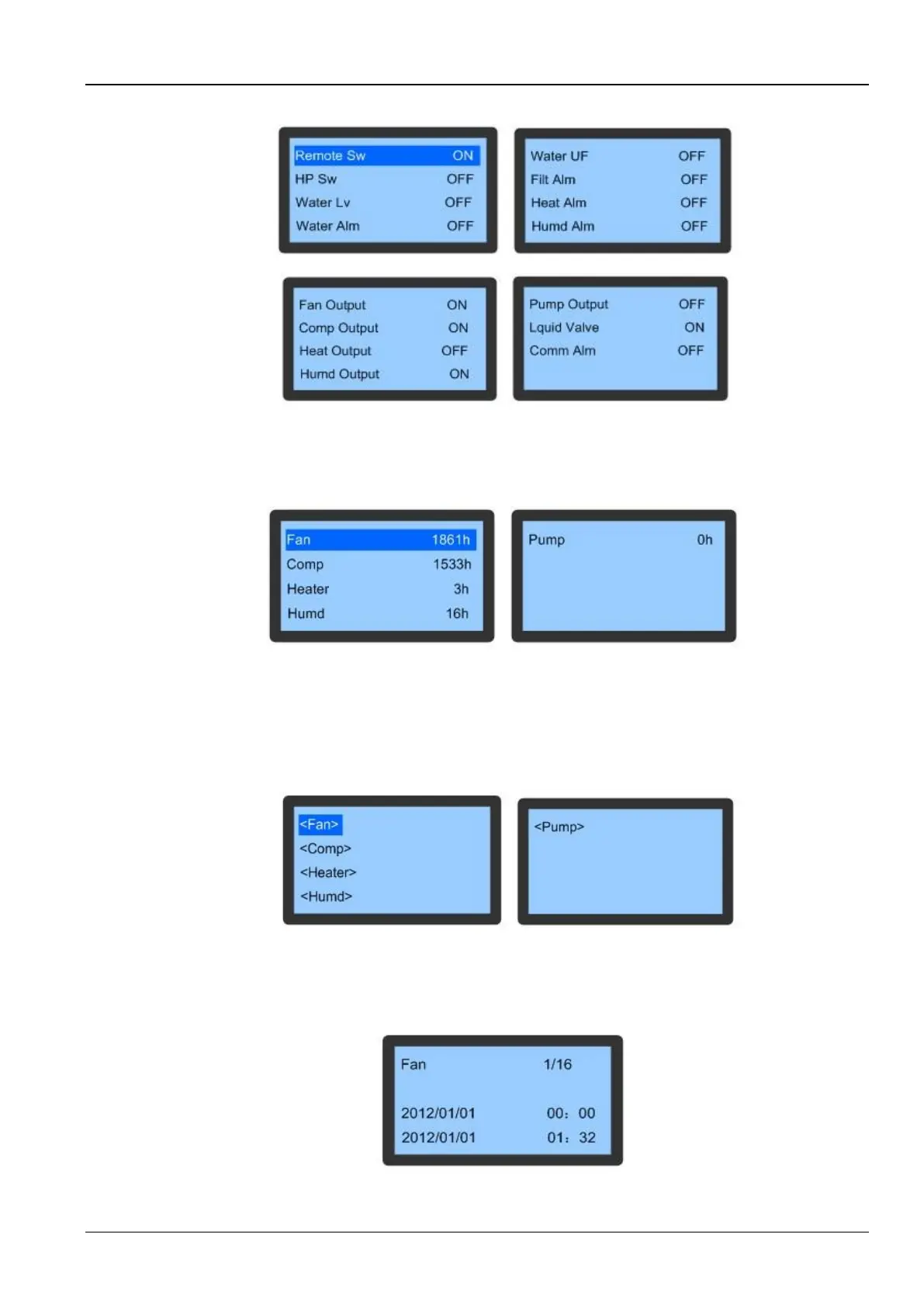
Figure 3-21 shows the screen for the Switch Signals function:
Figure 3-21 Switch Signals
Run Time
The Run Time menu is depicted in Figure 3-22. The data on this screen will not be lost or cleared during a power
failure or when set the system to the OFF state. It indicates the running time of the components through this menu.
Figure 3-22 Run Time menu
On/Off Record
Select the On/Off Record item on the System State screen following to access its menu. Users can view the start and
stop records of important components using this facility. The data will not be lost during the power-off state or power
failure.
Figure 3-23 depicts the On/Off Record screen:
Figure 3-23 On/Off Record menu
For example, select the Fan item on the On/Off Record screen. It will display the data in XX/YY format where XX is
the serial number of the start and stop record while YY is the total number of start and stop records.
Figure 3-24 depicts the records of the fan component.
Figure 3-24 Fan records









 To Next Page