USER MANUAL-S600E
35
S600E
After connecting the cable, it is necessary to install the USB drive program on the installation disk.
Parallel/LBS Communication Port
The position of this port is shown in Figure 3-6.
Intellislot Port
The position of this port is shown in Figure 3-6. The Intellislot port is used for installing optional cards, including the
SIC card, UNITY card, etc. The Intellislot port can be used together with other ports.
Multifunction port
The multifunction port uses the standard RJ45 port, which supports the Modbus/Jbus protocol and can be used to
connect the VERTIV temperature/temperature & humidity sensor. The user can enable Modbus/Jbus protocol function
or sensor function via the 'Settings' on the LCD.
Signal Cable Connection Steps
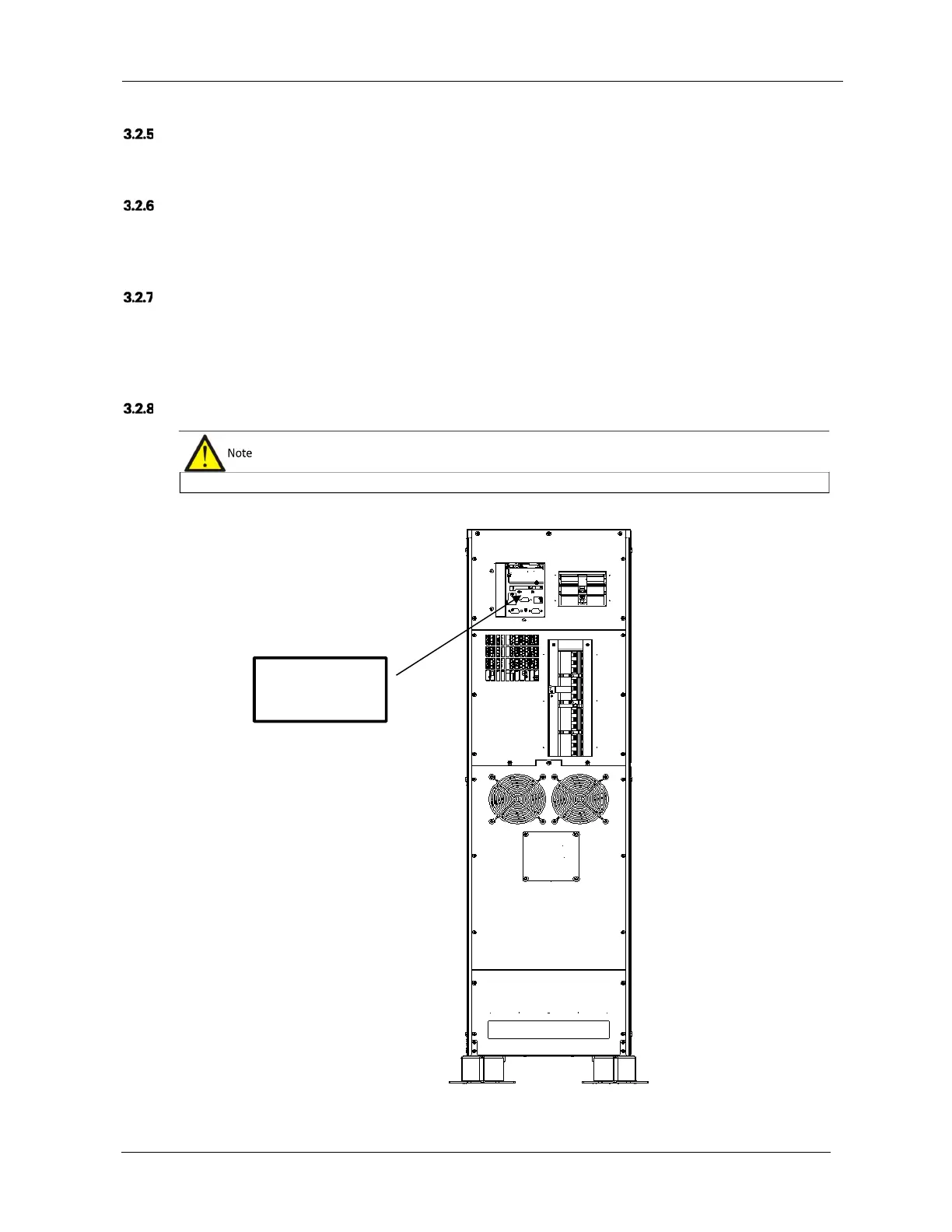
Rear cable access mode is available. See Figure 3-10 for a detailed description of the wiring method.
Figure 3-10 Signal cables wiring route (rear cable access)
Route the power and signal cables respectively. The signal cable shielding sheath must be earthed securely.
To Corresponding
Terminals











 To Next Page