USER MANUAL-S600E
55
S600E
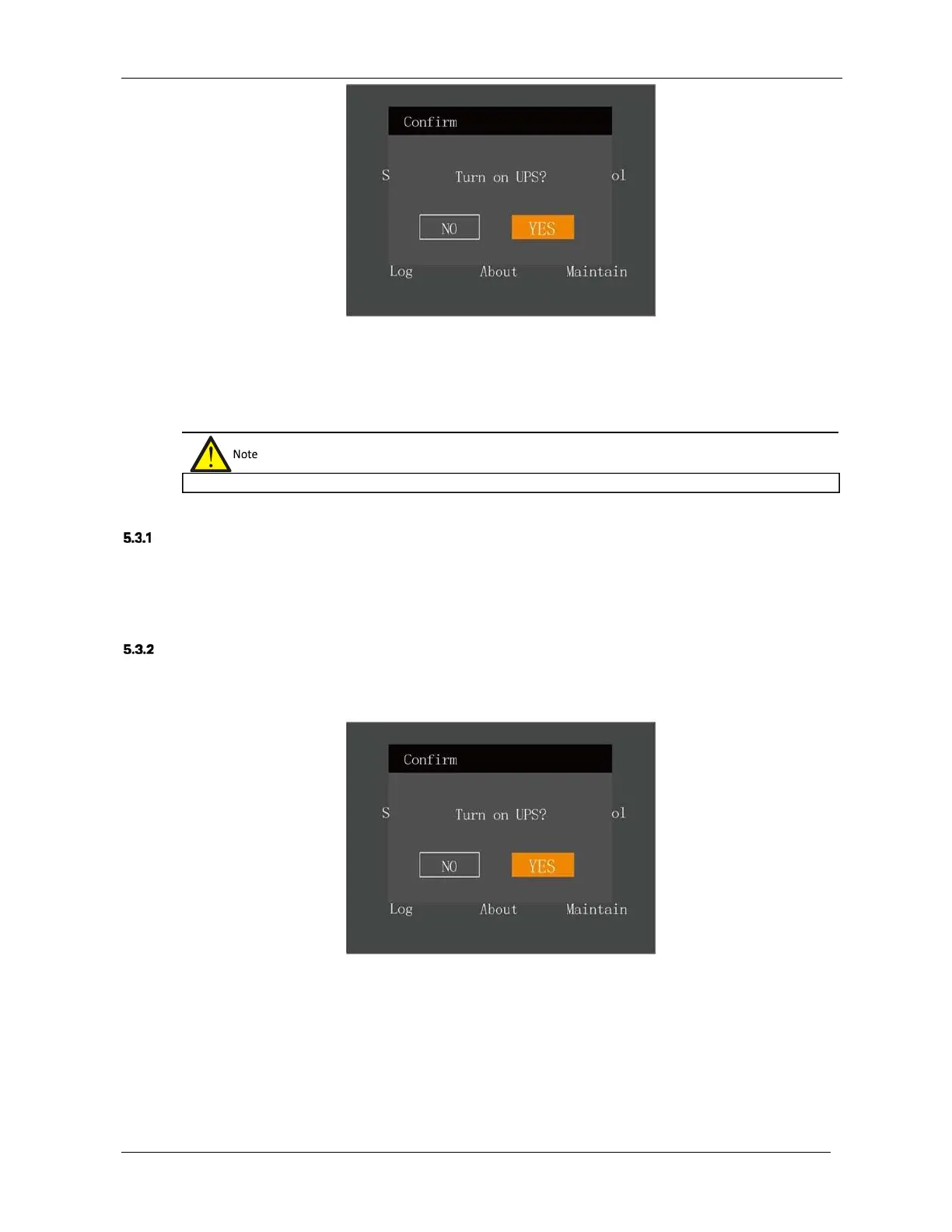
Figure 5-6 Switching the UPS on
After selecting 'YES', the inverter starts, and the run indicator (green) is illuminated.
5.3
Procedures for Transferring Between Operating Modes
Transfer from Normal Mode to Battery Mode
When the mains supply is interrupted, the UPS will transfer to Battery mode. If you wish to transfer the UPS from
Battery mode to Normal mode, wait few seconds for the mains input to recover. After about ten seconds, the
rectifier will restart automatically, and the inverter will restore the power.
Transfer from Normal Mode to Bypass Mode
In stand-by mode, press and hold the power button. If the rectifier and inverter are normal, the interface shown in
Figure 5-7 will appear, select 'YES' to switch the UPS on.
Figure 5-7 Switching the UPS on
In Inverter mode, press and hold the power button. If the bypass is normal, the interface shown in Figure 5-8 will
appear. Select 'To Bypass' and click
OK
to transfer the UPS to Bypass mode; select 'Turn off UPS' and click
OK
to
turn switch the UPS off.
The Inverter operating modes include Normal mode and Battery mode.











 To Next Page