USER MANUAL-S600E
54
S600E
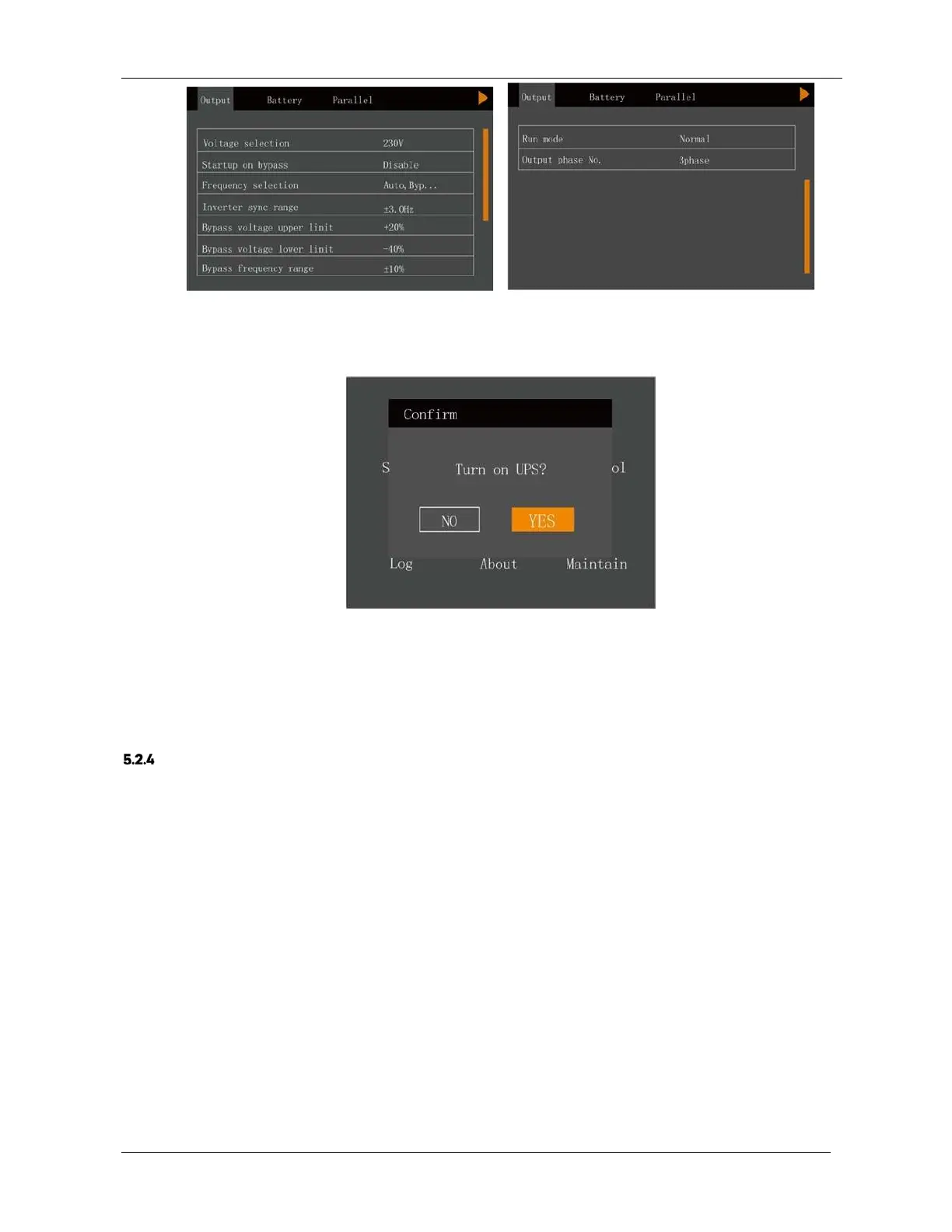
Figure 5-4 Output interface
4.
After setting up the corresponding parameters, press the power button for two seconds so that the dialogue box
shown in Figure 5-5 appears on the LCD screen.
Figure 5-5 Switching the UPS on
After selecting 'YES', the run indicator (green) blinks, the inverter starts, and the run indicator switches on.
5.
Measure the inverter output voltage and verify whether it is within normal limits.
6.
If the battery is not connected, the alarm indicator will be coloured yellow. If the battery is connected, the alarm
indicator will be extinguished.
Start-up Procedures In Battery Mode (Battery Cold Start)
1.
For UPS with external batteries, close the BCB first, and then press the power button on the UPS front panel for
two seconds, at this point the LCD displays the start-up screen. The alarm indicator will be coloured yellow and the
buzzer will beep continuously after the rectifier completes the start-up phase.
2.
Press the power button for two seconds so that the dialogue box shown in Figure 5-6 appears on the LCD screen.











 To Next Page