USER MANUAL-S600E
52
S600E
5.2
UPS Start-up Procedures
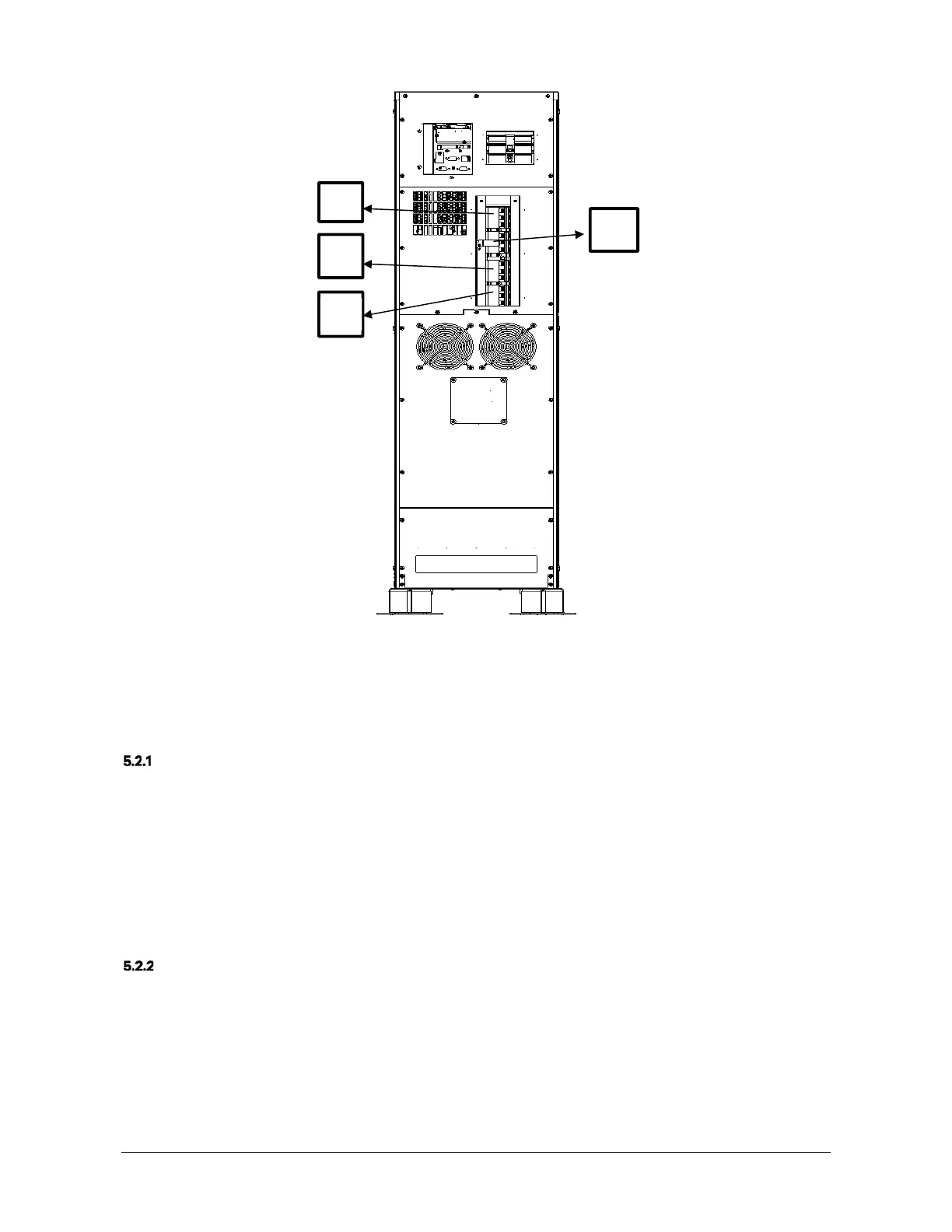
Figure 5-1 UPS power switch
Check Before Start-Up
1.
Check and confirm that the UPS and POD power distribution mode (if configured) is correct, that the power and
signal cables are connected correctly, and there are no short circuits.
2.
Check that the batteries have been installed properly, the cable have been connected correctly, and that the
positive and negative battery poles are correct.
3.
Measure the mains voltage and frequency, and verify that they are correct.
4.
The UPS and POD (if configured) output terminals are energised when the UPS is switched on. If the load is
already connected to the output terminals, make sure that it is safe to apply power to it.
Start-up Interface
The first time the system is started up, mains input mode only may be used, and the LCD screen will display the
start-up interface, see Figure 5-2.
Q4
Q2
Q1
Q3











 To Next Page