USER MANUAL-S600E
53
S600E
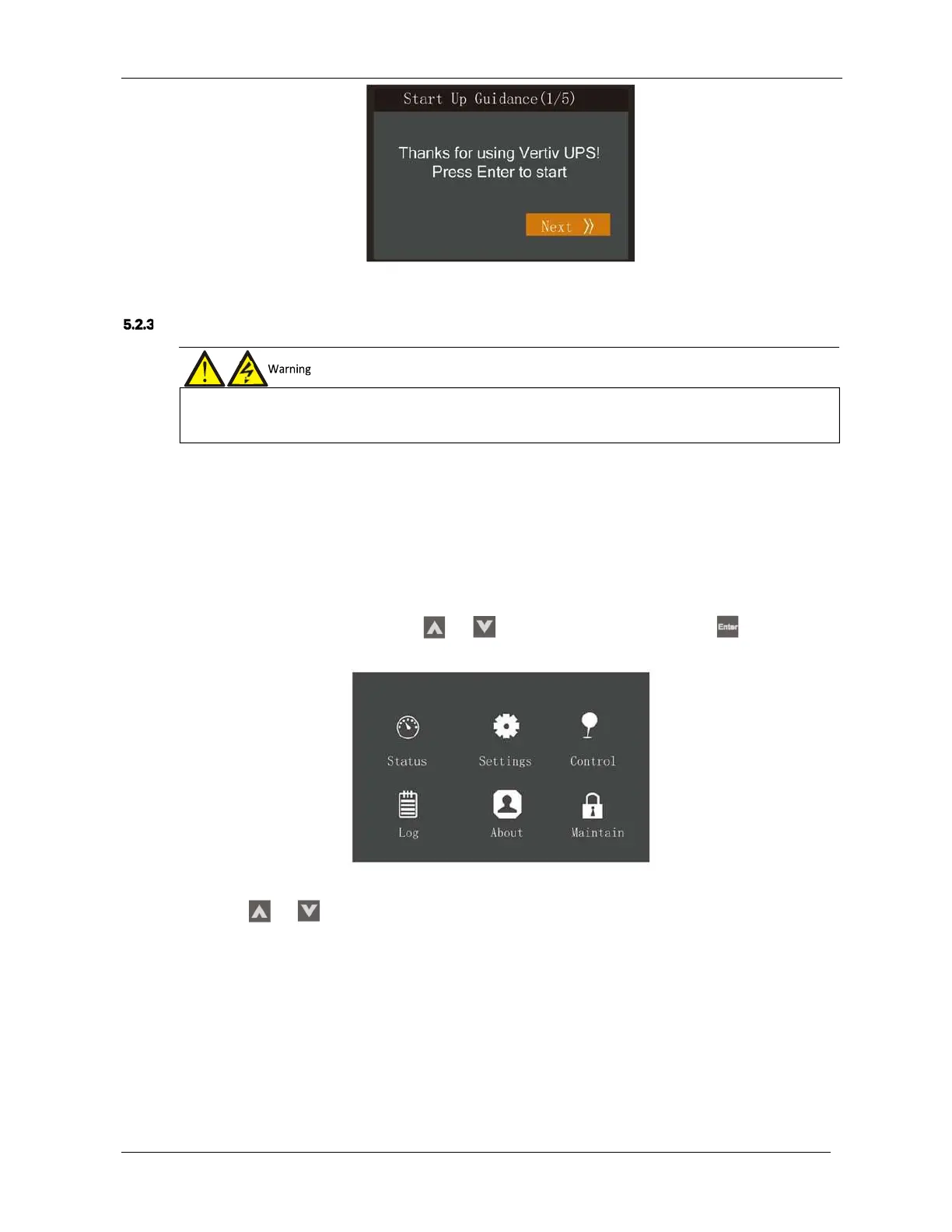
Figure 5-2 Start-up interface
Start-up Procedures In Normal Mode
Use the following procedures to switch the UPS on when it is in the fully switched off state.
1.
Ensure that the internal maintenance bypass switch Q3 is off, and that the input cables and PE terminals are
connected securely.
2.
Close the UPS mains incomer isolator Qm and then close bypass input switch Q2, rectifier input switch Q1, output
switch Q4 and all external output isolating switches (if any) in that order. The rectifier runs in normal state for about
30 seconds, after which the rectifier start- up phase is complete.
3.
Finish setting up the single UPS parameters and check them.
a)
Access the main menu screen, press the
or
key to select 'Settings', and press the
key to access
the interface shown in Figure 5-3.
Figure 5-3 Main menu screen
b)
Press the
or
key to select and set-up corresponding parameters (taking 'Output' as an example). As
shown in Figure 5-4.
2.
If any loads are connected to the UPS output terminals, check with the user that it is safe to apply power. If the load is not
ready to receive power, please disconnect the downstream load switch, and apply a warning label at the load connection point.











 To Next Page