USER MANUAL-S600E
37
S600E
Table 4-1 Description of LED indicators
Run indicator
Green
UPS output not present, inverter is starting
Alarm indicator
Audible Alarm (Buzzer)
UPS operation is accompanied with the following two different kinds of audible alarms, as described in Table 4-2.
Table 4-2 Description of audible alarm
Continuous beep
und is generated in the event of a UPS fault condition, such as a fuse or hardware
failure
One beep every 0.5 seconds
This sound is generated in the event of a critical UPS alarm
Inverter overload
One beep every second
generated in the event of a critical UPS alarm condition, such as low
battery voltage
One beep every 3.3 seconds
This sound is generated in the event of a general UPS alarm condi
LCD and Function Keys
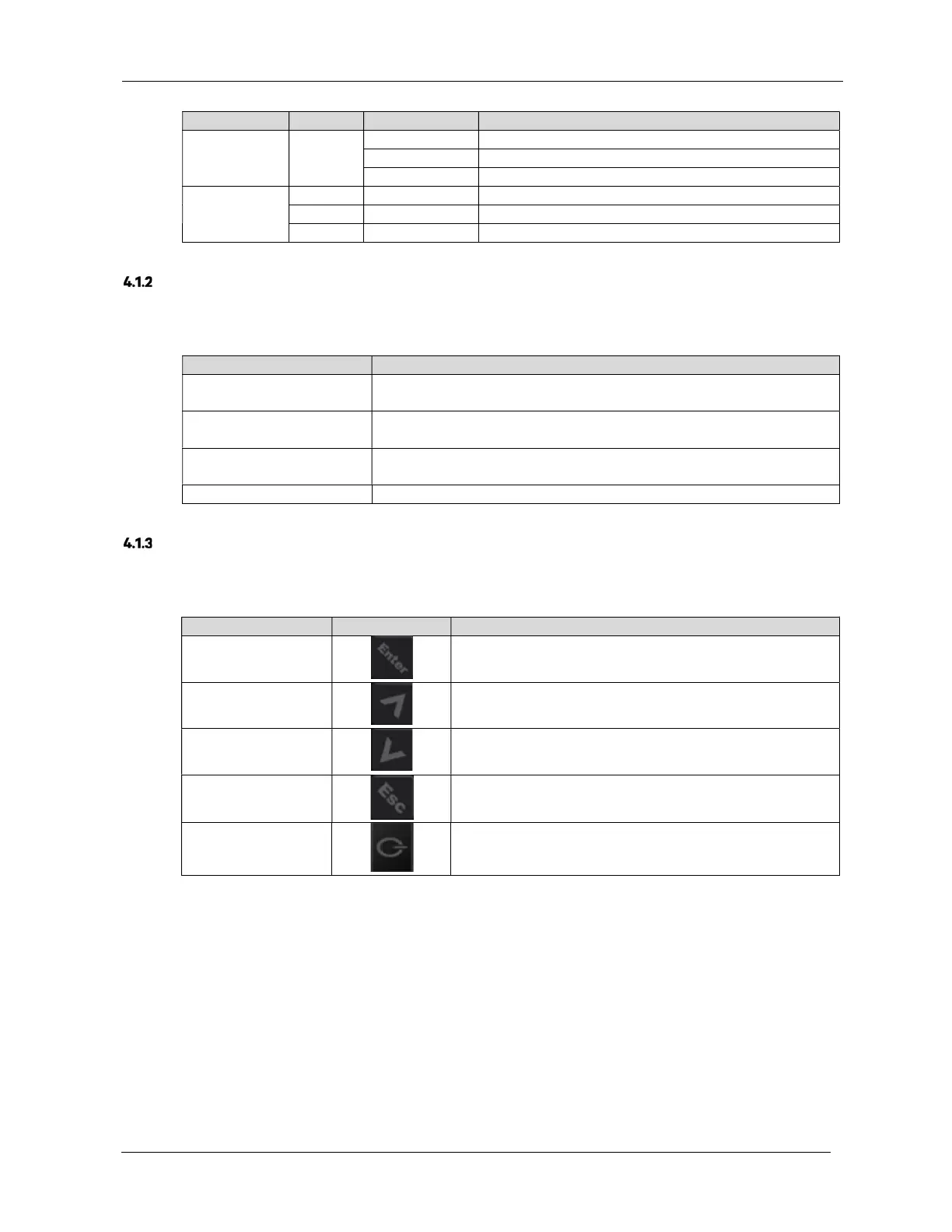
The operator and display panel includes five function keys, the respective functions are described in Table 4-3.
Table 4-3 Description of control buttons
Confirm
Used to confirm or enter
Up
Used to scroll up, scroll left or increase value, etc.
Down
Used to scroll down, scroll right or reduce value, etc.
Exit
Used to go back, exit, cancel or forbid operation
Power
Used to switch on, switch off or transfer to Bypass mode











 To Next Page