USER MANUAL-S600E
58
S600E
Transfer From Normal Mode To Maintenance Bypass Mode
When the UPS is running in Normal mode, you can use this procedure to transfer the load from inverter output to
maintenance bypass.
1.
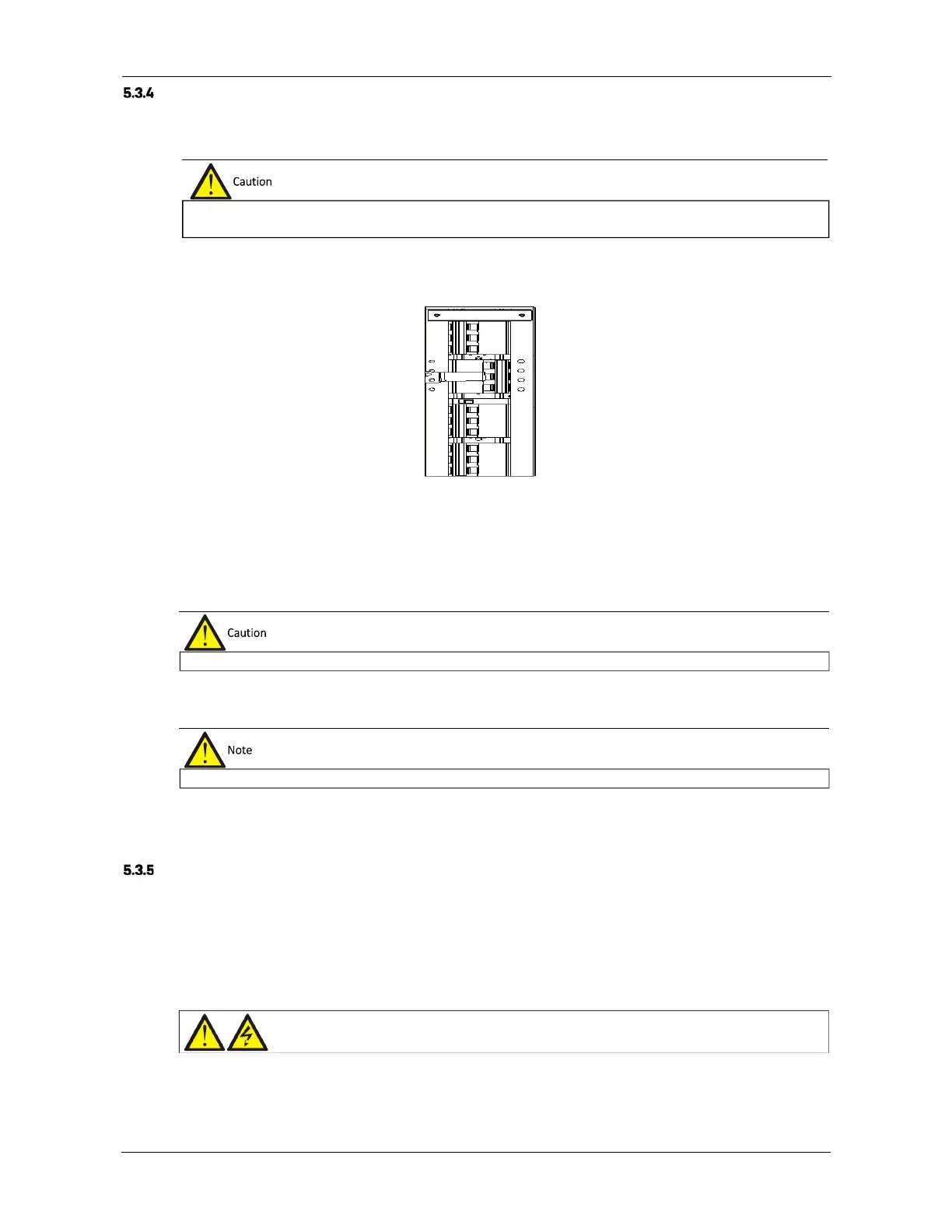
Remove the maintenance bypass switch baffle retaining screws, rotate the baffle upwards until it is locked in
position, and then fasten the retaining screws. As shown in Figure 5-13.
Figure 5-13 Moving the baffle upwards
At this point, the system Interlock function has been activated and the UPS will transfer to internal bypass mode;
you should confirm that the UPS has been transferred to internal bypass mode.
2.
After confirming, close the maintenance bypass switch Q3.
3.
Disconnect the output switch Q4.
4.
Unplugging the REPO terminal deactivates the rectifier, inverter, static switch and battery, but does not affect the
maintenance bypass power supply to the load.
5.
Disconnect the rectifier input switch Q1 and bypass input switch Q2. At this point, all the internal power supplies
are deactivated and the LCD screen is switched off.
Transfer From Maintenance Bypass Mode To Normal Mode
Following UPS maintenance operations, the following procedures may be used to transfer the load from the
maintenance bypass to the inverter.
1.
Close the output switch Q4.
2.
Close the bypass input switch Q2.
3.
Following the LCD start-up, ensure that the system is operating in Bypass mode.
synchronized with the inverter. Failure to do so may result in a brief interruption in the power supply to the load.
PS is in maintenance bypass mode, the load is not
protected against abnormalities in the mains power supply.
maintenance mode, the load is fed directly by the mains power instead, of the pure AC power from the inverter.
Warning











 To Next Page