27
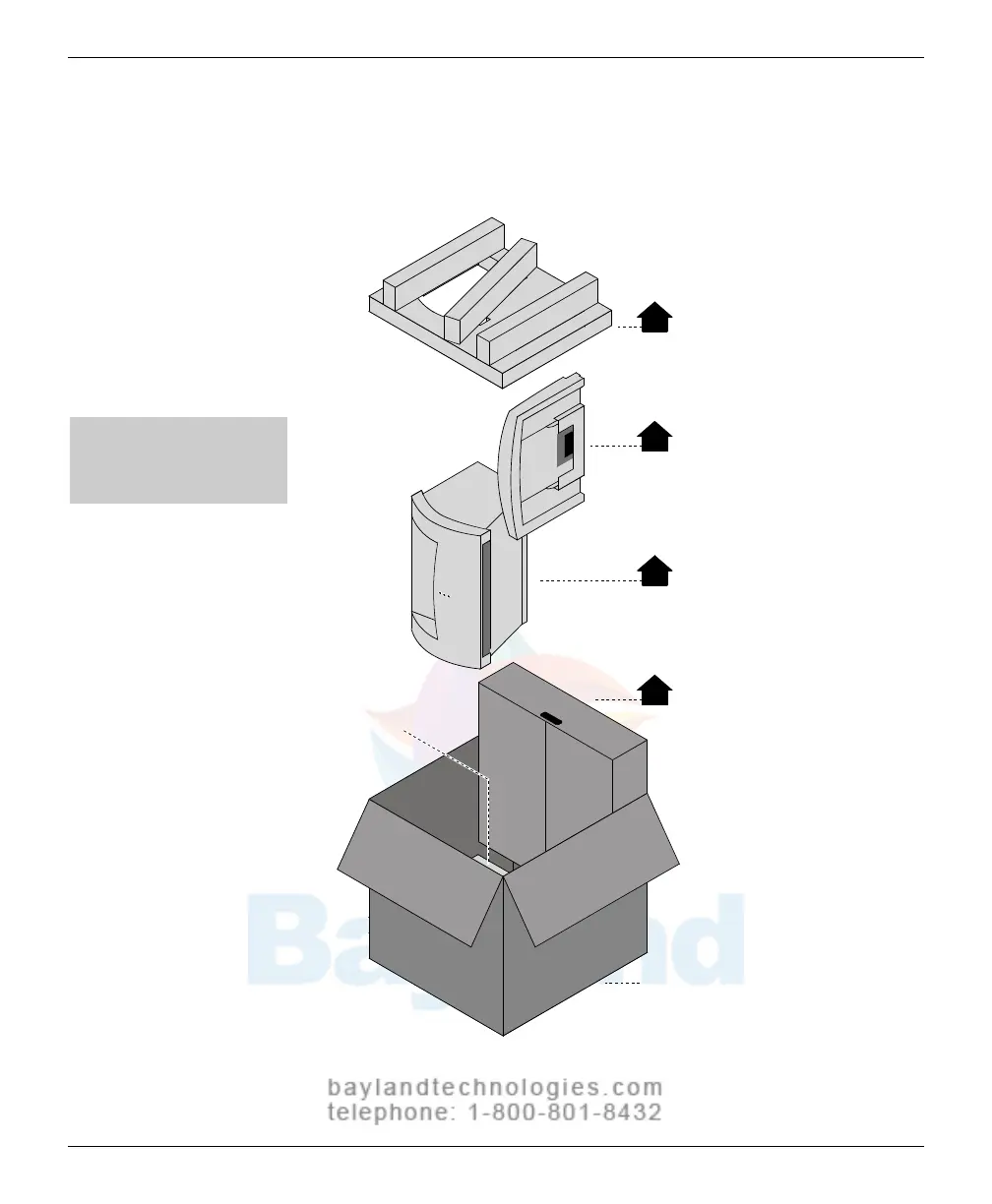
2. Unpack the shipping carton
Rem
ove items from the shipping carton in the order shown below.
1
Upper foam support
Feeder
Digitizer base
Accessory box
Shipping carton
Leave in box:
lower foam support
2
3
4
Note: For clarity, this
illustration does not show
the plastic bags surrounding
the digitizer and feeder.
VIDAR CADPRO Advantage Installation Guide



 To Next Page