88
Digitizing a single film
Options for digitizing single films
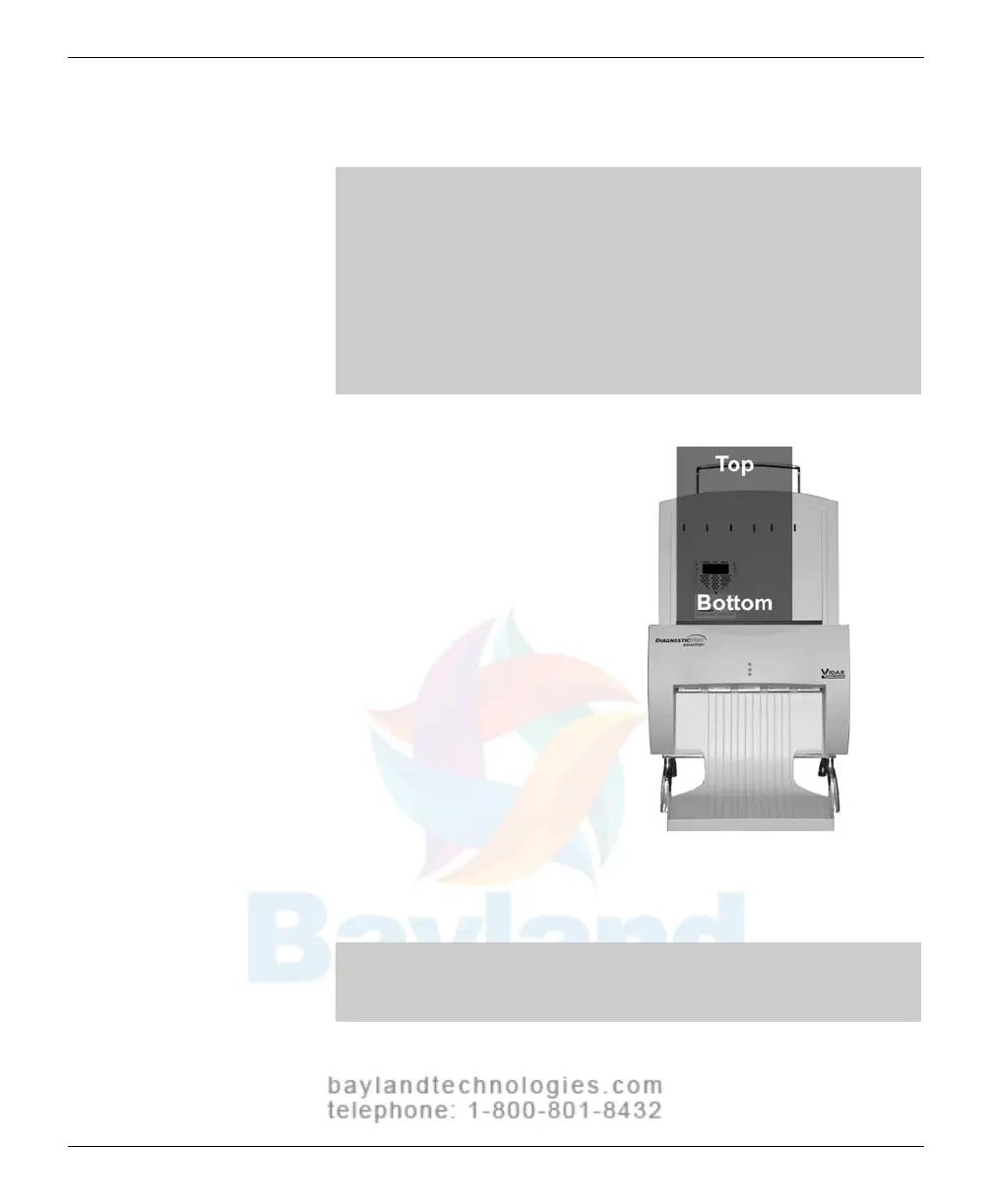
There are two ways to scan a single film:
By manually inserting the film behind the blue bar (as
described in this section), or
By treating the single film as a batch of one (if the scanning
application supports this approach); for instructions, see
“Scanning multiple films” (next section in this manual).
The digitizer cannot feed films smaller than 8" wide x 8" long
(20.3cm wide x 20.3cm long).
1.
Hold the film in front of yo
u as you
would view it
on a light bo
x
.
2. Align the left edge of the film with
the film guide on the left of the
feeder.
3.
Place the film
into the slot
BEHIND the blue bar.
The blue bar
has a lip and
a groove
on the top edge of the digitizer
wher
e the feed
er is attached. Place
a single film
dir
ectly behind the blue
bar.
When the digitizer senses the film
,
it automatical
ly stages the film in preparation for digitizing. The film
will first move down, then up.
This is normal operation.
CAUTION: If the film is not staged properly, do not manually
pull the film out of the digitizer. Instead, use the scanning
application’s EJECT command to remove the film.
continued
VIDAR Advantage Series Installation and Operation Guide



 To Next Page