40
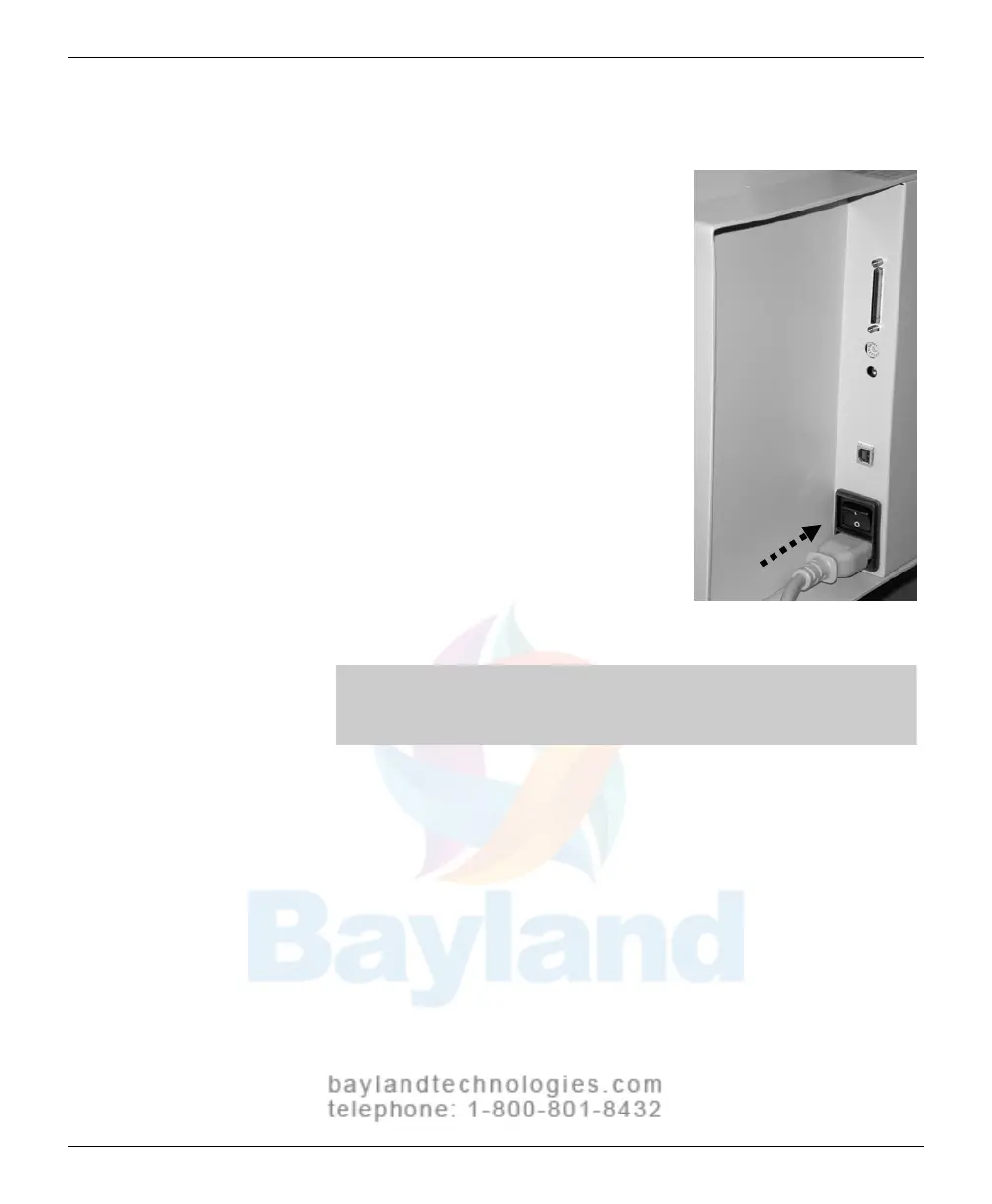
Connect the power cord
1. Connect the power cord to the
digitizer
’
s
P
ower Entry Module (PEM),
located on the rear of the digitizer
.
2.
Connect the other end of th
e power cord
to a grounded power outlet.
Note: The film digitizer has an auto-sensing power supply.
When you apply power, the digitizer will detect the voltage and
set itself for proper operation.
VIDAR CADPRO Advantage Installation Guide



 To Next Page