90
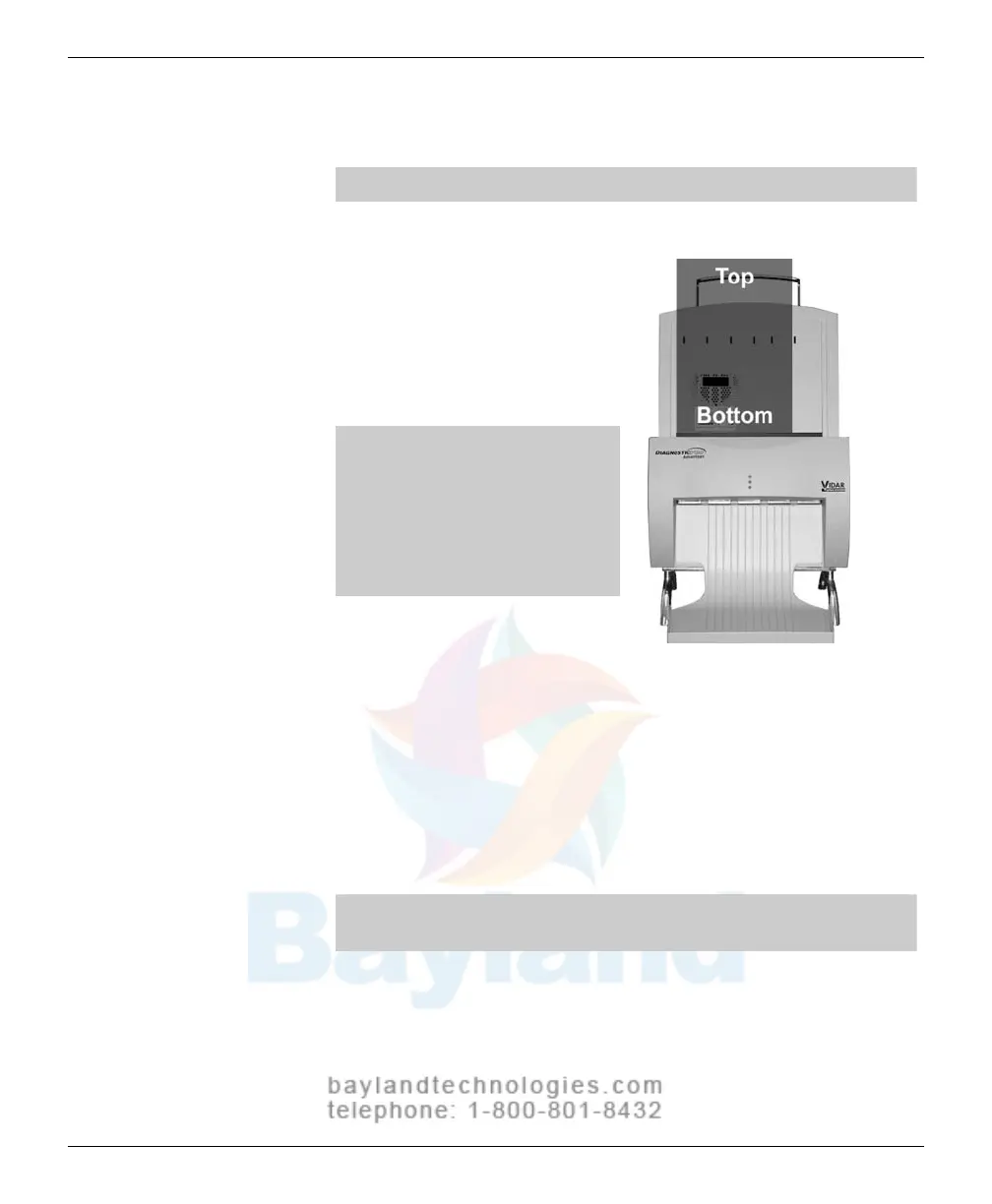
Digitizing multiple films
CAUTION: Do not load more than 25 films at one time.
1.
Hold the film stack in front of yo
u
as y
ou would
view it on a light b
ox.
Films at the back of the stack are
digitized first.
Note: The digitizer cannot
feed films smaller than 8"
wide x 8" long (20.3cm wide x
20.3cm long). When loading
small films, the vertical
dimension must be at least 8"
(20.3cm).
2.
Align the left edge of the film stack with the film
guide on the left
edge of the feeder
.
3.
Place the fil
m
stack IN the groove in the blue bar
.
The blue bar
has a lip and a gr
oove on the top edge of the digitizer
wher
e the feeder is attached. Place a single film dir
ectly behind the
blue bar.
Note: If you are digitizing a single film, place the film BEHIND
the blue bar.
continued
VIDAR Advantage Series Installation and Operation Guide



 To Next Page