53
1. Install the SCSI card.
This section provides gene
ral instructions for installing the SCSI card.
Refer to y
o
ur
co
mputer’s manual for specific instructions.
a.
Turn off power to the computer and disconnect the computer’s
power
cord from the electrical outlet.
b. Rem
ove the cover from the computer. (Refer to the computer’s
manual for instructions on
rem
oving the
cover
.)
Tip: If the computer is a tower model, it’s easier to install the
SCSI card when the tower is laid on its side.
c.
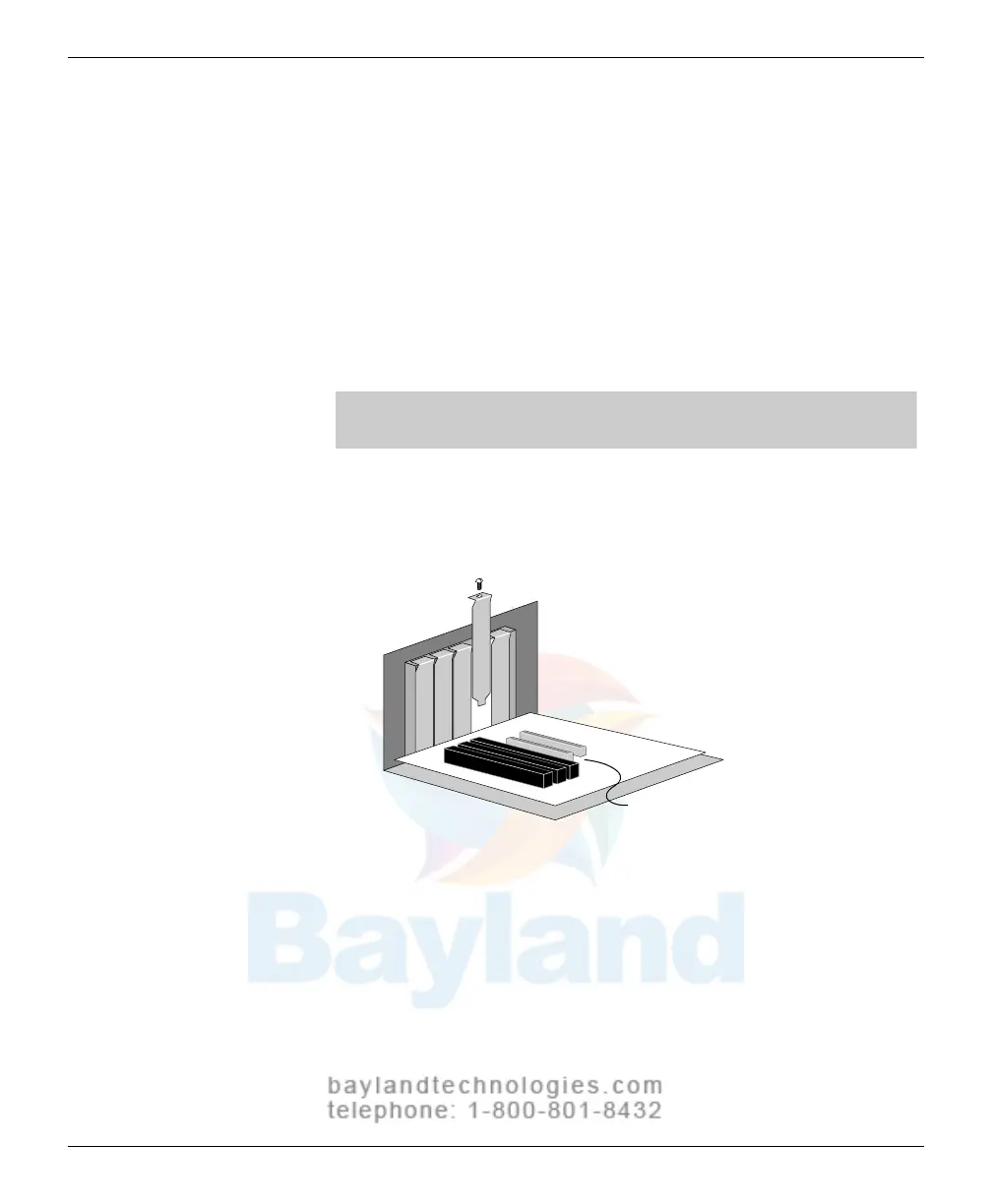
Locate an unused PCI expansion slot (PCI connectors are typically
white or ivory).
Remove the expansion slot cover. Sa
ve the slot
cover screw f
or use in step
g.
PCI expansion slots
d. Before handling the SCSI card, discharge your static electricity by
touching a metal part on the co
mputer ch
assis.
e.
Remove the SCSI Card from its anti-static packaging.
Handle the
card only by its edges.
continued
VIDAR Advantage Series Installation and Operation Guide



 To Next Page