38
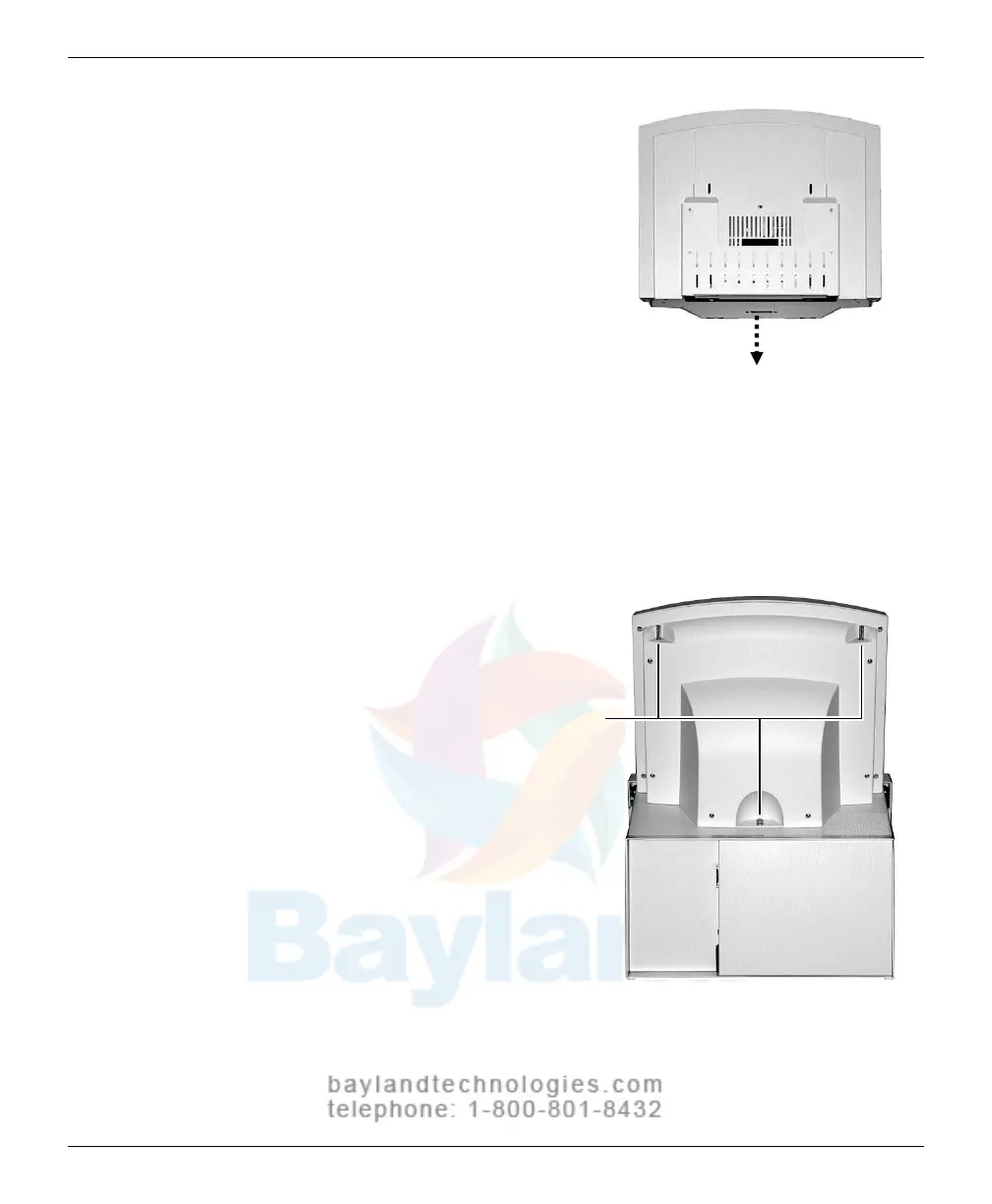
b. Place the feeder on top of the
digitizer, and slide the feeder
connector into the digitizer
connector.
c. On the rear of the feeder,
tighten the three screws to
secure the feeder to the
digitizer base.
You may need to move the
feeder slightly to get t
he
screws start
ed in the holes.
Screws
T
ighten each screw a few
turns, then repeat until all
are finger tight.
VIDAR CADPRO Advantage Installation Guide


 To Next Page
 Loading...

