65
Note
that:
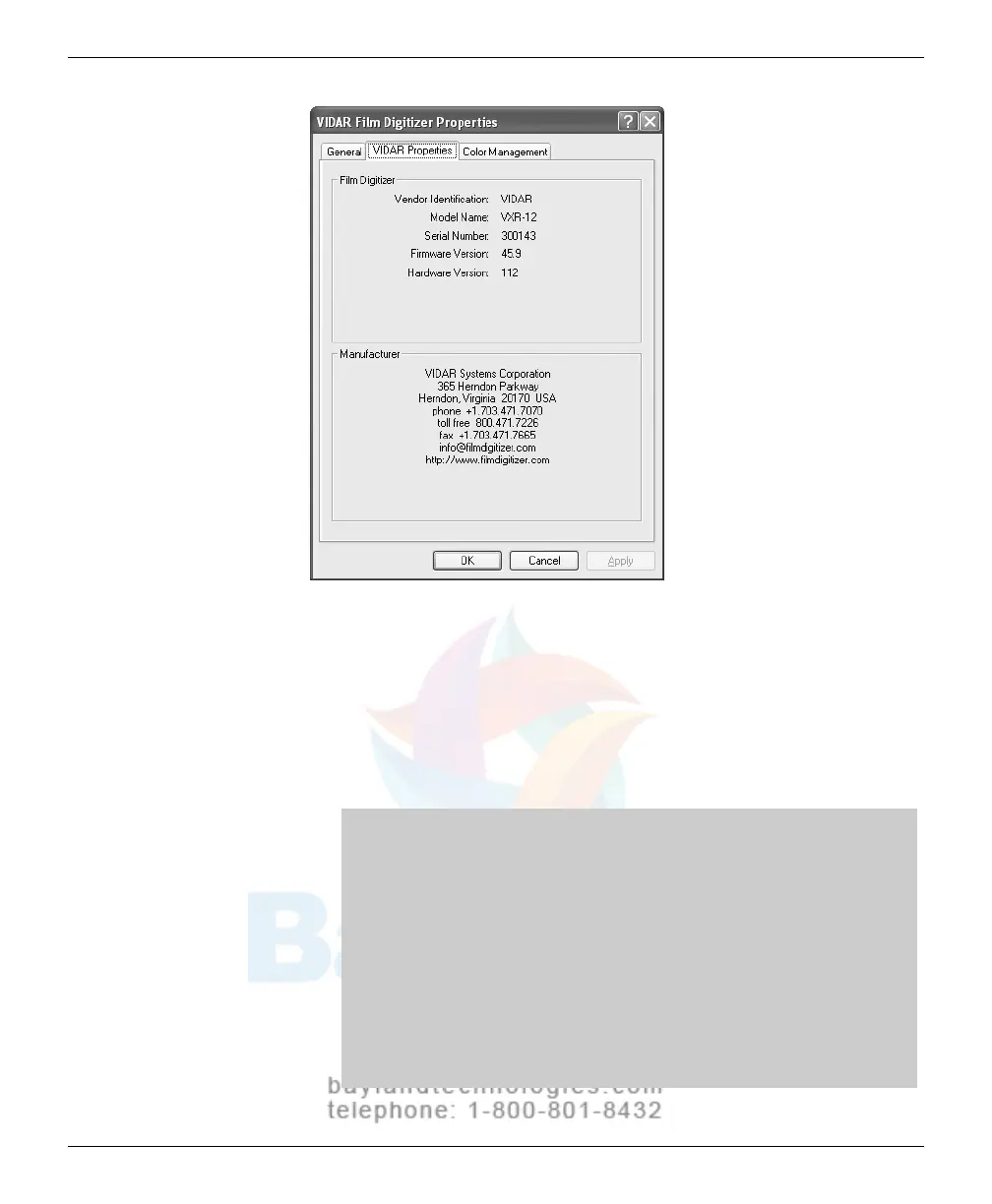
The digitizer will report as “VXR-12” for backward compatibility
.
You may not see the same firmware and hardware version as
shown in the window above.
The serial number will not report if the digitizer was just powered
on. Your digitizer’s serial number will be different from the one
shown in the example above.
Note: The Windows New Hardware Wizard will force you to
reinstall the drivers if any of the following occur after driver
installation:
The digitizer is moved to another SC
SI card
The digitizer firmware is change
d
The digitizer is switched to anothe
r SCSI ID
The drive
r files are pl
aced on the local hard disk during
digitize
r installation, so that
the driver CD should not be
needed.
VIDAR Advantage Series Installation and Operation Guide


 To Next Page
 Loading...

