Conguring Client Settings
Conguring Service Access Settings
112
112
Connection Type: Web Feed
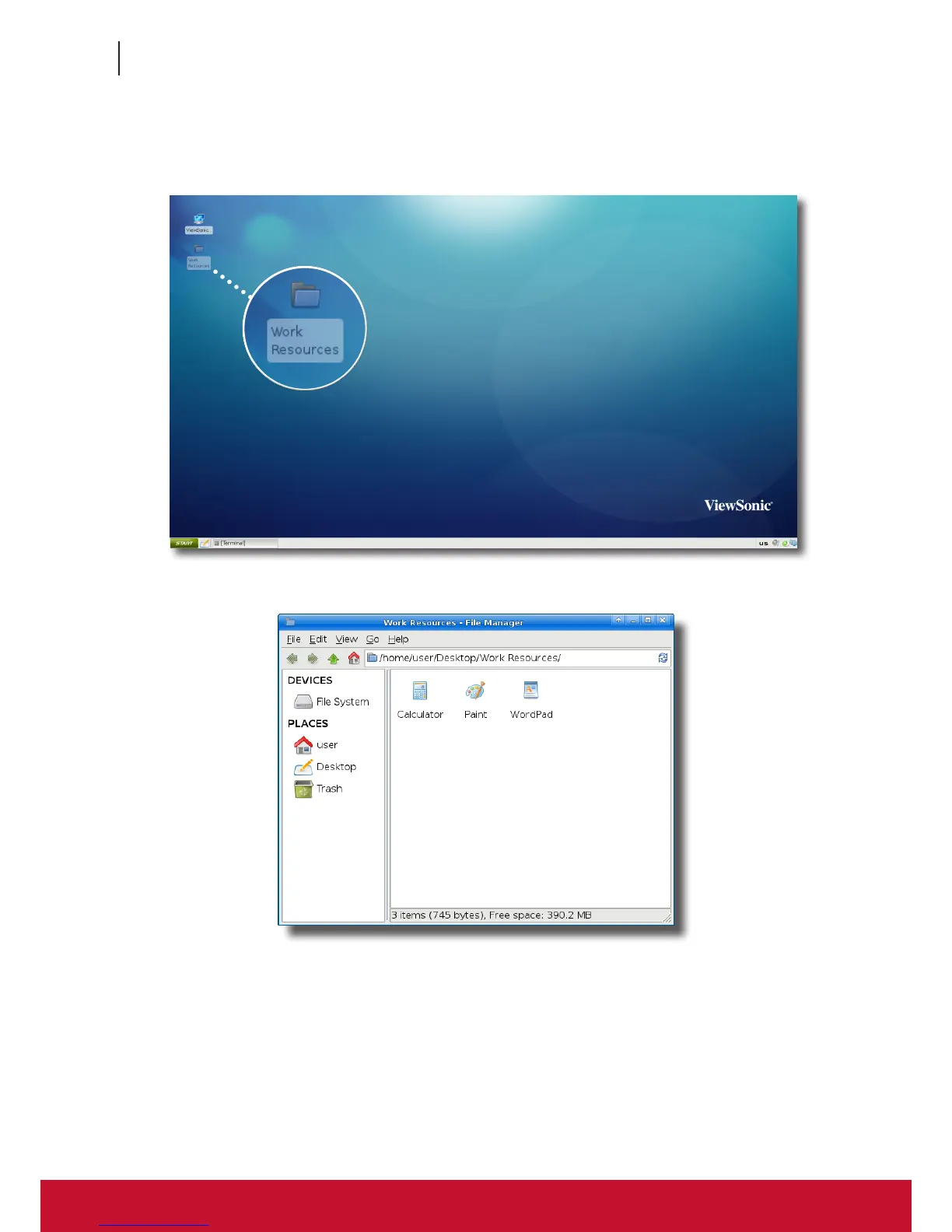
1. Double click Work Resources folder on the local desktop.
2. Access shortcuts for available applications can be found in that folder.
3. Double-click to select the desired application.



 To Next Page