Conguring Client Settings
Conguring Service Access Settings
116
116
Common Settings
Item Description
Autostart When Startup
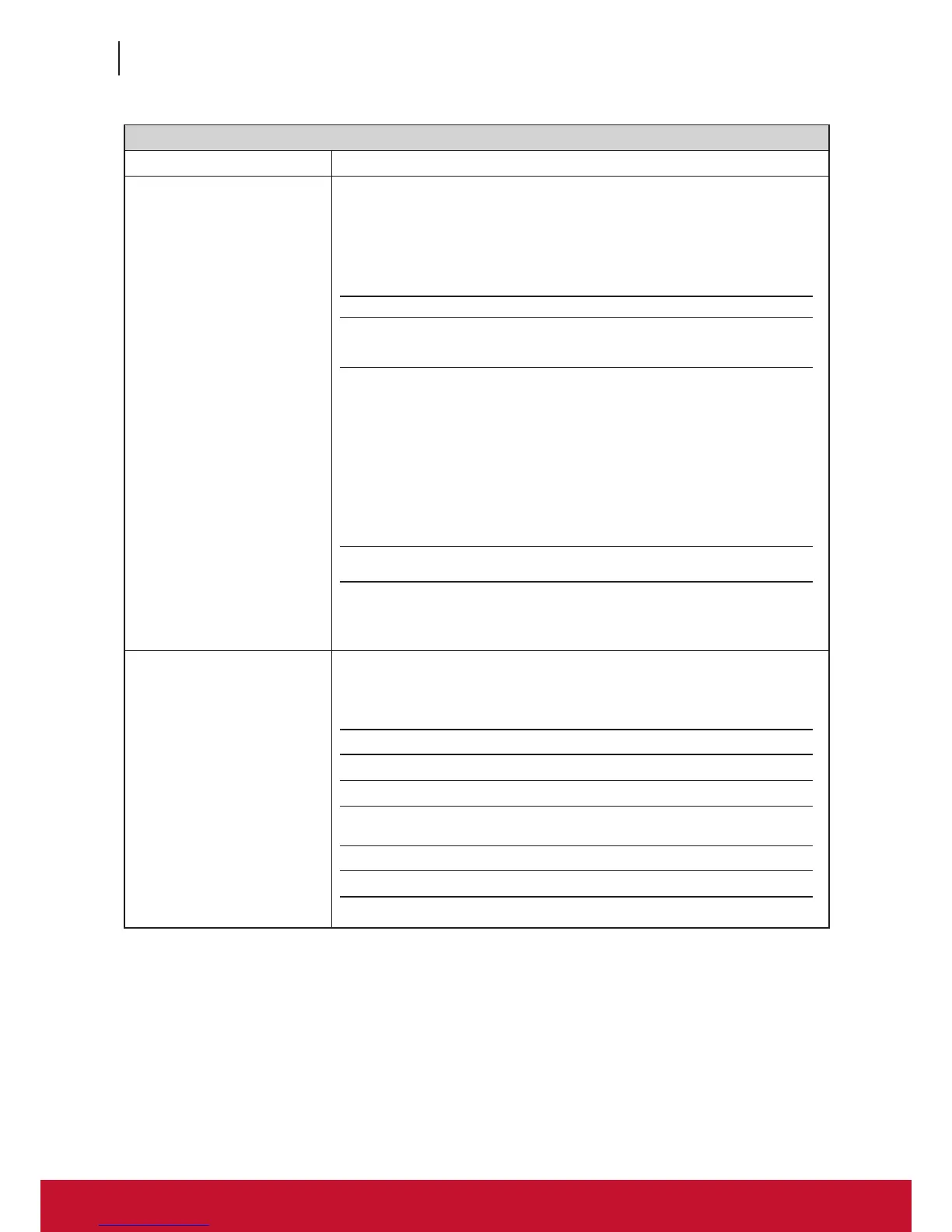
Select whether to open a Remote Desktop session automatically or not when SC-
T46 is started up (Autostart mode).
NOTE: There are three similar but different modes for your SC-T46 and only one
mode will take effect if all are enabled. Three modes and the order of
priority are listed as follows:
No. Mode Description
1 Appliance
The client will start up directly with the desired
Microsoft RDP session and turn off after existing
the session.
2 Autostart
The client will start up directly with the desired
Microsoft RDP session and perform the congured
action after existing the session.
Available actions include:
• Returning to the local desktop
• Re-launching a new session
• Restarting the thin client
• Turning off the thin client
3 Quick Connection
The default. The client will enter ViewSonic Quick
Connection screen after system startup.
NOTE: To use the Autostart mode, ensure that the Appliance mode is disabled.
On Application Exit
Select what to do when a Remote Desktop session is ended. Five options are
available: Do Nothing, Restart Application, Force-Restart Application,
Reboot, and Shutdown.
Option Description
Do Nothing Returns to the SC-T46 local Linux desktop.
Restart Application Opens a Remote Desktop session again.
Force-Restart Application
Opens a Remote Desktop session again and
skips any messages in-between.
Reboot Restarts your SC-T46.
Shutdown Turns off your SC-T46.



 To Next Page