Switching on and main video page
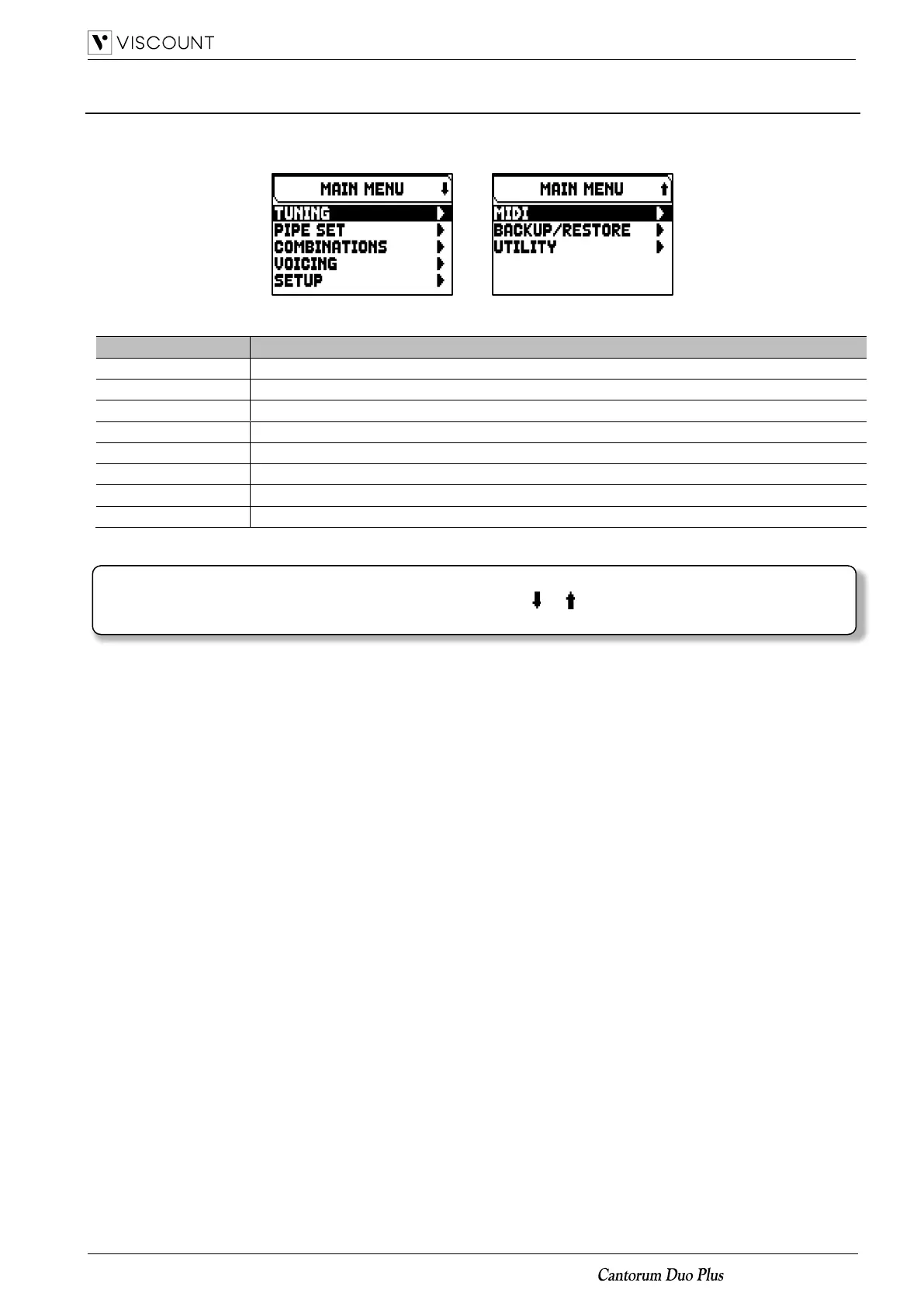
The Main Menu
The MAIN MENU gives access to all the instrument’s settings.
To access to this menu, in the main video page press the [MENU/ENTER] button.
The MAIN MENU sections are the following:
Instrument’s tuning parameters (see page 15).
Selection and management of the Pipe Sets.
Management of the combinations.
Selection of alternative voices and sound generation parameters adjustment (see page 17).
Instrument general settings.
Save/Load of the entire organ configuration, reset to factory settings.
NOTE
Menus can contain two or more display pages. In this case a or symbol is displayed on the top right of
the video page, indicating the presence of a next or previous page.














 To Next Page