THE PIPE SETS
A Pipe Set identifies the entire configuration of an organ, that is the voice and the relative parameters of each
stop, tuning, configuration of several controls and functions, allowing the appropriate use to the repertoire to be
performed. The many Pipe Sets allow the musician to use several organ configurations, as if several different
instruments were present at the same time in the same place.
The Pipe Sets supplied by Viscount are already present in the instrument at the time of purchase and programmed
by our laboratories on the basis of the appropriate organ schools, however it can be modified by the user.
What a Pipe Set contains
Below is the complete list of what a Pipe Set sets on the instrument:
VOICING + extra parameters available in the “Physis Plus The
Editor” application
Tuning parameters
(except Transposer)
Keyboards/Pedalboard Velocity
SETUP / KEYBOARDS / VELOCITY
SETUP / KEYBOARDS / INVERSION
SETUP / KEYBOARDS / 1st SHORT OCTAVE
SETUP / AUDIO / REVERBERATION
available in the “Physis Plus The Editor” application
The Pipe Set menu
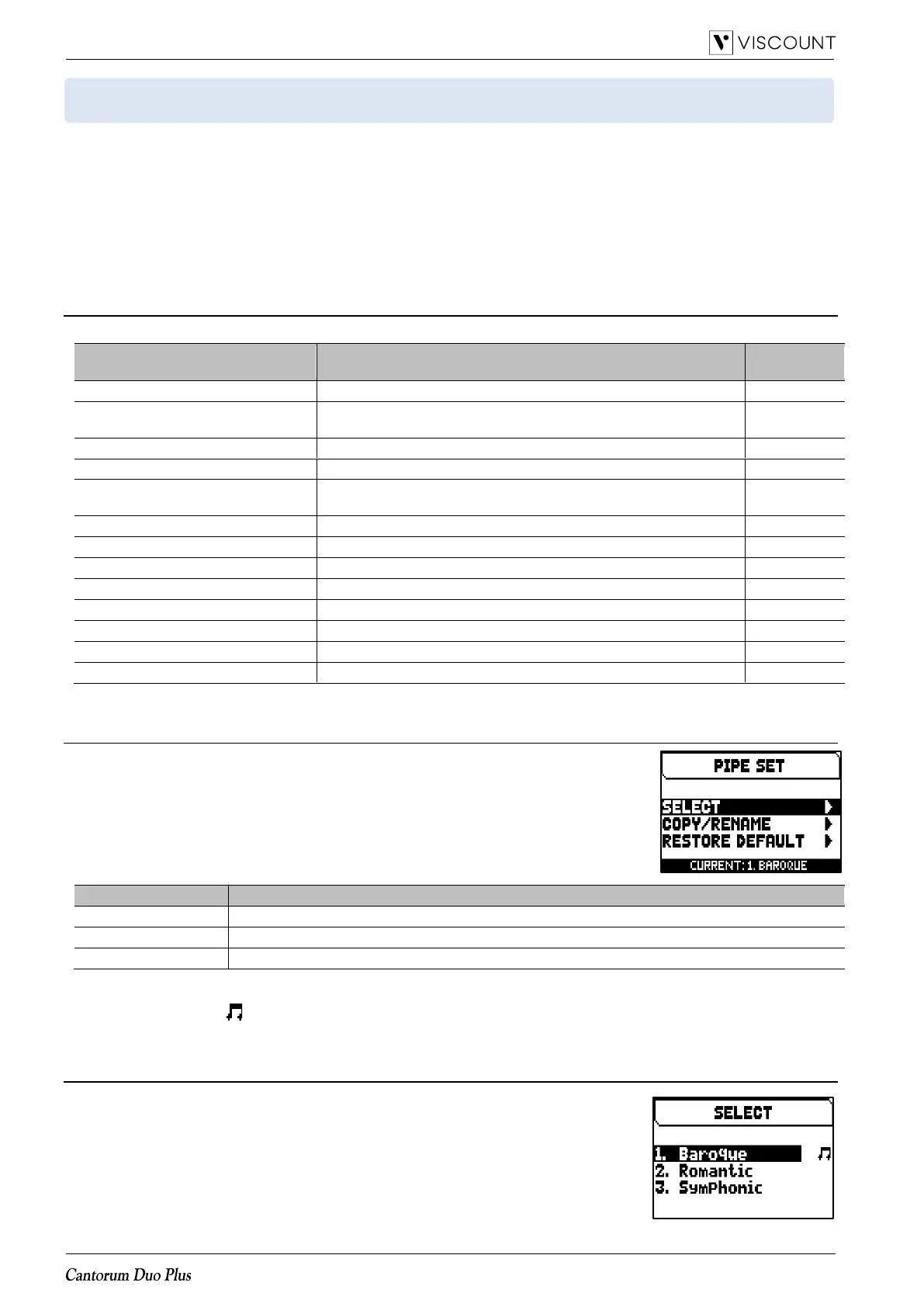
The PIPE SET menu contains all the functions for selecting and managing the Pipe
Sets. To access to this menu, in the main video page,
1. press the [MENU/ENTER] button,
2. place the cursor on the PIPE SET field and press [MENU/ENTER].
The PIPE SET menu contains the following functions:
Copy of a Pipe Set allocating it in one of the available slots and rename.
Reset of a Pipe Set to the initial configuration.
In this video page the Pipe Set currently selected appears in the bottom of the screen, also indicated in the lists
of the Pipe Sets by the symbol.
Selection of a Pipe Set (SELECT function)
To select a Pipe Set it follow this procedure:
1. in the main video page press the [MENU/ENTER] button,
2. select the PIPE SET field,
3. select the SELECT field,
4. select the desired Pipe Set from those displayed in the list.














 To Next Page