SELECTING AND REGULATING THE VOICES
(VOICING menu)
One of the main features of the Cantorum Duo Plus synthesis technology is that it offers the user a wide array of
options for customising the instrument with a very large number of organ timbres,
and also makes available several parameters which can be adjusted to further
increase the setup potential.
The VOICING menu contains all the functions for selecting and regulating the
voices’ audio parameters. To access to this menu, in the main video page,
1. press the [MENU/ENTER] button,
2. place the cursor on the VOICING field,
3. press [MENU/ENTER] or hold down/out for a few moments the tab (in the ON
position) or drawknob of stop you wish to edit.
Once you have entered the VOICING video page, you can select other stops to edit, using the tab or drawknob
in the same way explained above. The Led of the stop being modified will flash to prevent modification errors; the
stop will be on and can be played for better, quicker adjustment. Other stops can also be switched on to assess
the overall effect of the changes.
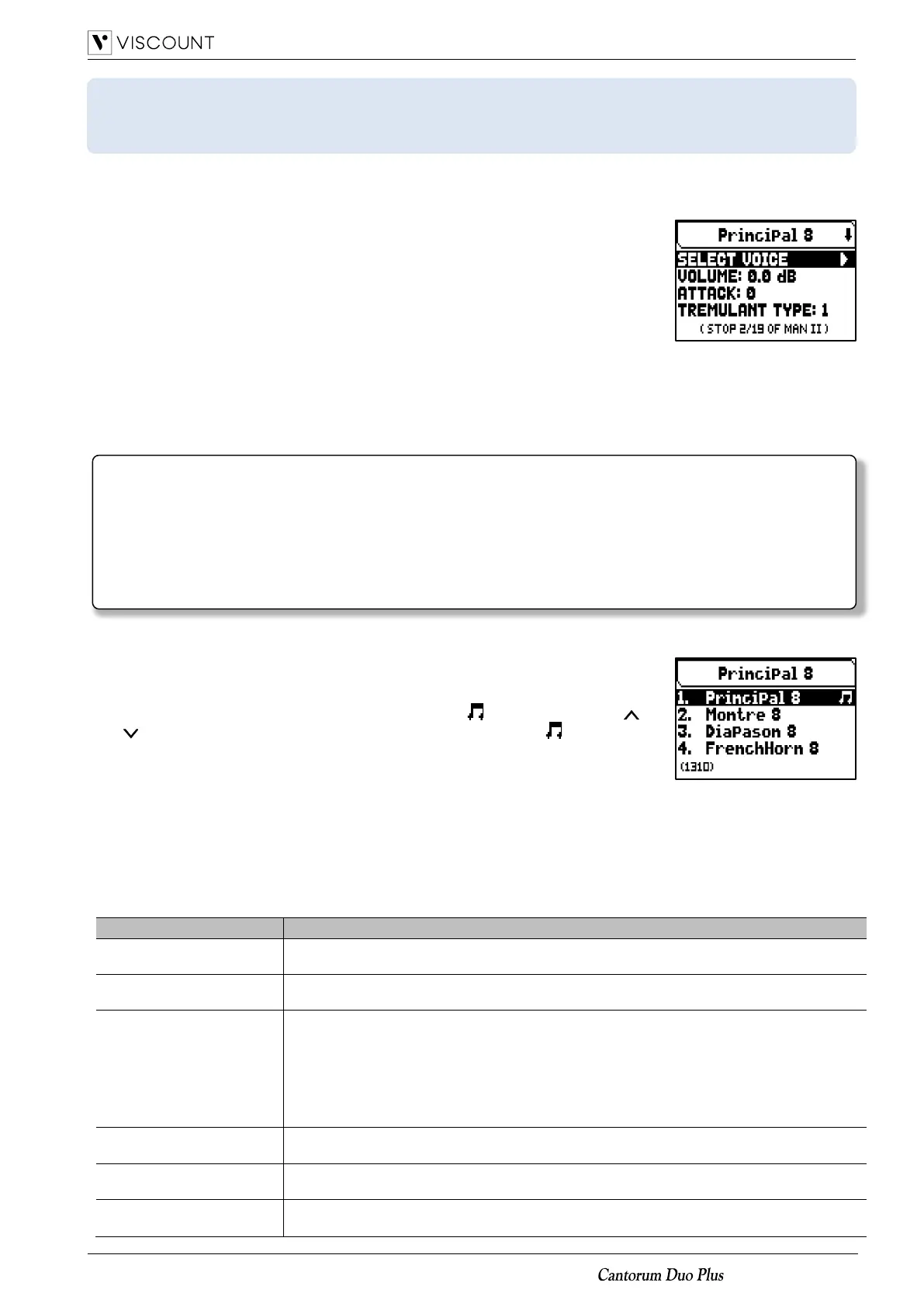
The screen-printed on the drawknob or tab being edited is shown at the top of the
VOICING video page.
The SELECT VOICE field allow you to access to the list of alternative voices. In
this list the currently selected voice is indicated by the symbol. When the [ ]
and [ ] buttons are used to move the cursor to other voices, the symbol will
be moved as soon as the new voice can be played to be evaluated immediately.
Other stops can also be switched on to assess the overall effect of the changes.
Press [MENU/ENTER] to confirm the new voice and make it usable, press [EXIT]
to avoid the change and reselect the previous voice.
In the VOICING video page, below the SELECT VOICE field, are displayed the main sound generation parameters
of the selected stop. The parameters displayed are not the same for every voice, since some families have specific
setting parameters not required for other types of voice.
The settings which can be made are:














 To Next Page